How to buy and activate an eSIM at Hong Kong airport in 2026
7/5/2026
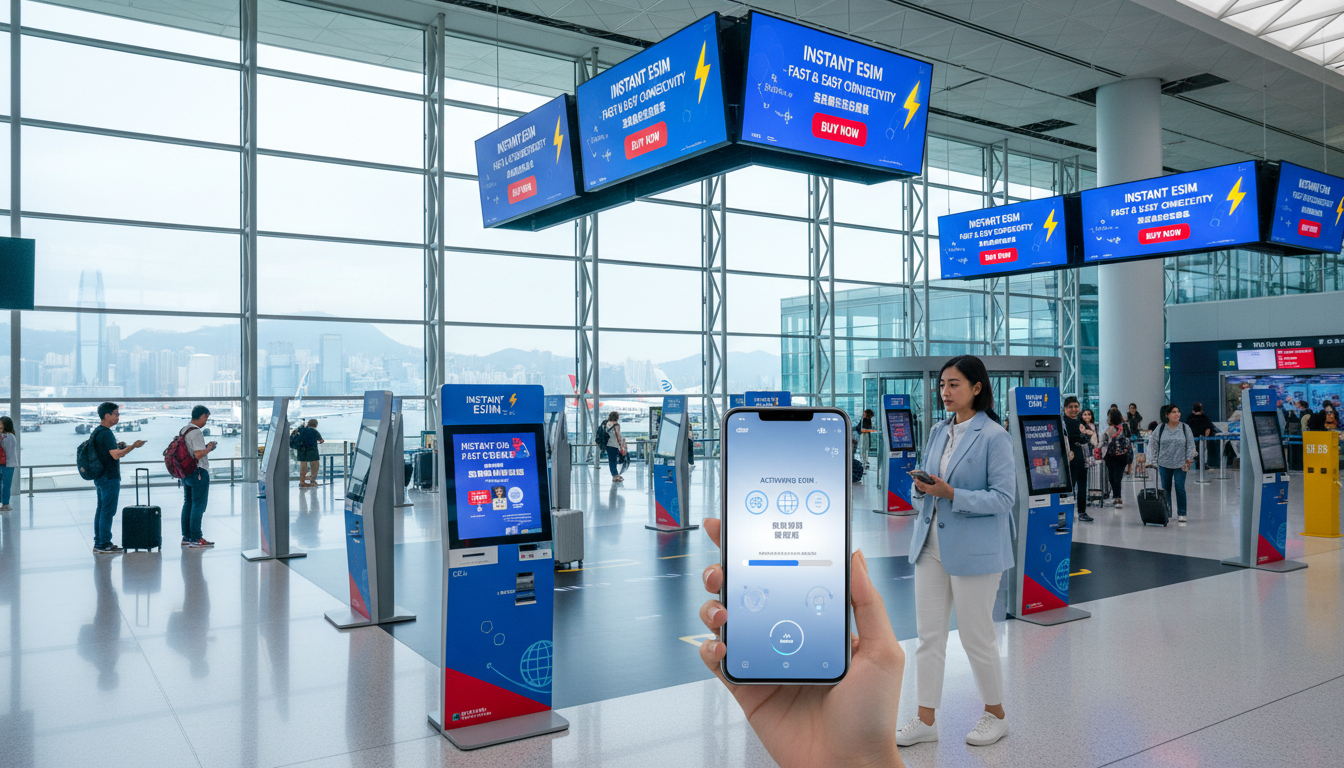
In short, what you'll discover in this article: How to quickly buy and activate an eSIM Hong Kong Airport for seamless internet access upon arrival. Learn where to find eSIM kiosks, compare plans, and get step-by-step activation tips for iPhone and Android devices.
1. Introduction: Why Choose an eSIM at Hong Kong Airport
Getting an eSIM Hong Kong Airport is a smart choice for travelers who want instant connectivity without the hassle of physical SIM cards. With an eSIM, you can avoid queues, save time, and enjoy flexible data plans tailored to your trip length.
Hong Kong International Airport offers convenient options to get online right after landing, ensuring you stay connected for maps, communication, and bookings.
2. Buying an eSIM at Hong Kong International Airport
2.1 Locations of Kiosks and Opening Hours (Terminal 1/2)
At Hong Kong International Airport, you can find Hong Kong Airport eSIM providers mainly in Terminal 1's Arrivals Hall. Telecommunication counters and automated kiosks offer both physical SIM cards and eSIM services.
Popular shops like 7-Eleven, RELAY, and Travelex also provide local SIM cards but may not always offer eSIMs on-site.
The kiosks generally operate from early morning until late evening, matching most flight arrival times. For the latest details on exact locations and hours, check the airport’s official SIM card & pocket Wi-Fi guide.
2.2 Online Purchase vs. Physical Counter: Pros and Cons
Buying an eSIM for Hong Kong Airport online before your trip offers several advantages:
- Instant delivery of QR codes via email
- Ability to compare prices and plans easily
- Avoiding airport queues or limited stock issues
However, purchasing at the airport counters or kiosks allows you to:
- Get assistance from staff for activation
- Pay in cash or local currency if preferred
- Purchase last-minute if you forgot to buy beforehand
For travelers prioritizing convenience and price, buying online is often recommended. But if you prefer face-to-face help or want to explore offers on arrival, the airport counters remain a reliable option.
3. Available Plans and Price Comparison
Hong Kong offers a variety of eSIM data packages for Hong Kong Airport travelers, ranging from short-term passes to longer validity options. Here’s a general overview:
- Short-term plans (1–7 days): Ideal for quick visits or layovers with small data needs.
- Long-term plans (30 days+): Suitable for extended stays or business trips.
- Data volumes: Packages typically range from 3GB up to unlimited data.
Popular providers include Roamic, Orange Travel, Yesim, LinkeSIM, and eSIM.dog. Prices vary based on duration and data allowance but expect competitive rates starting from just over $1 for a few days of service.
For detailed pricing and verified discount codes, consult the MyBestSim comparison tool which ranks providers by value and user ratings.
4. Step-by-Step Activation Guide
4.1 Prerequisites (Device Compatibility, Wi-Fi, ID)
Before activating your travel eSIM for Hong Kong Airport, ensure:
- Your device supports eSIM technology (most recent iPhones and many Android models do)
- You have access to Wi-Fi during activation (some activations require internet)
- You have identification ready if requested by the provider
4.2 iPhone Activation (QR Code & Settings) — Illustrated Guide
- Scan the QR code provided by your eSIM provider using your iPhone camera.
- Follow the prompt to add the cellular plan.
- Go to Settings > Cellular to confirm the new plan is active.
- Set your default line for data usage if you have multiple plans.
- Restart your phone if connectivity issues arise.
4.3 Android Activation (Generic Procedure & Brand Differences)
Activation steps vary slightly by manufacturer but generally include:
- Open Settings > Network & Internet > Mobile Network > Add Carrier.
- Scan the QR code or enter activation details manually.
- Confirm the new profile installation.
- Select the eSIM as your preferred data line.
- Restart if necessary.
Consult your device manual or provider support if unsure about specific steps.
5. Compatibility and Common Issues
5.1 Non-Compatible Devices and Workarounds
Some older smartphones do not support eSIMs; in these cases:
- Use a physical SIM card instead
- Consider renting a pocket Wi-Fi device available at the airport
- Upgrade your device before traveling if possible
5.2 Frequent Activation Errors and Solutions
Common problems include QR code scanning failures or network registration errors. To fix these:
- Ensure your device software is up-to-date
- Check Wi-Fi connection during activation
- Restart your phone after installing the eSIM profile
- Contact provider support if issues persist
6. eSIM vs Physical SIM Card: Which to Choose at the Airport?
Choosing between an eSIM vs SIM card Hong Kong depends on your preferences:
| Factor | eSIM | Physical SIM Card |
|---|---|---|
| Convenience | Instant download; no physical card | Requires physical purchase & insertion |
| Flexibility | Multiple profiles on one device | One SIM per slot |
| Cost | Often competitive with online deals | May be more expensive at airport |
| Activation | Self-service via QR code | Staff-assisted activation |
For most travelers seeking quick setup and flexibility, an eSIM is preferable especially when bought online ahead of time.
7. Practical Tips at Hong Kong Airport (Wi-Fi, Roaming, Backup, APN)
- Use free airport Wi-Fi during activation but switch off roaming afterward to avoid charges.
- Save backup copies of your QR codes or activation details in case of device issues.
- Configure APN settings automatically; providers usually supply these during activation.
- If uncertain about coverage or data limits, ask kiosk staff or check online reviews.
8. Useful Resources and Contacts
For maps of kiosk locations, assistance numbers, and official links:
- Visit Hong Kong International Airport’s official SIM card & pocket Wi-Fi page
- Check travel guides like Discover Hong Kong’s Get Online
- Use MyBestSim’s comparison platform for updated offers and promo codes
9. Conclusion and Call to Action
Choosing an eSIM Hong Kong Airport plan ensures hassle-free mobile internet from the moment you arrive in this vibrant city. Whether you buy online before departure or pick up a plan at the airport kiosks, staying connected has never been easier.
To find the best deals with verified discount codes like MYBESTSIM20 for Yesim or MYBESTSIM for Roamic and others, visit esim-hongkong.com/blog/hong-kong-travel-data-sim-2 now and prepare your seamless travel connectivity today!
FAQ
Where can I buy an eSIM at Hong Kong Airport?
You can purchase an eSIM mainly at Terminal 1's Arrivals Hall where telecom counters and automated kiosks operate. Some convenience stores like 7-Eleven may offer SIM cards but not always eSIMs. Check the airport’s official guide for exact locations and hours.
Is it better to buy an eSIM online or at the airport?
Buying online before your trip offers instant QR code delivery and price comparison, avoiding queues. Airport purchases provide staff assistance and cash payment options. For convenience and cost savings, online purchase is often recommended.
How do I activate an eSIM on my iPhone at the airport?
Scan the QR code with your iPhone camera, follow prompts to add the cellular plan, then confirm activation in Settings > Cellular. Set your default data line if needed and restart your phone if connectivity issues occur.
What should I do if my device doesn’t support eSIMs?
If your phone lacks eSIM support, consider buying a physical SIM card or renting a pocket Wi-Fi device at the airport. Upgrading your device before travel is another option to ensure seamless connectivity.
What are common activation problems and how to fix them?
Frequent issues include QR code scanning failures and network errors. To resolve, update your device software, ensure Wi-Fi is active during activation, restart your phone after installation, and contact provider support if problems persist.

Emily Wong
Emily is a Hong Kong-based travel writer. At Hong Kong eSIM she compares CSL, 3 and SmarTone plans so visitors stay connected from the airport to Victoria Harbour.