Better Roaming eSIM Test for Hong Kong Without Charges
11/25/2026
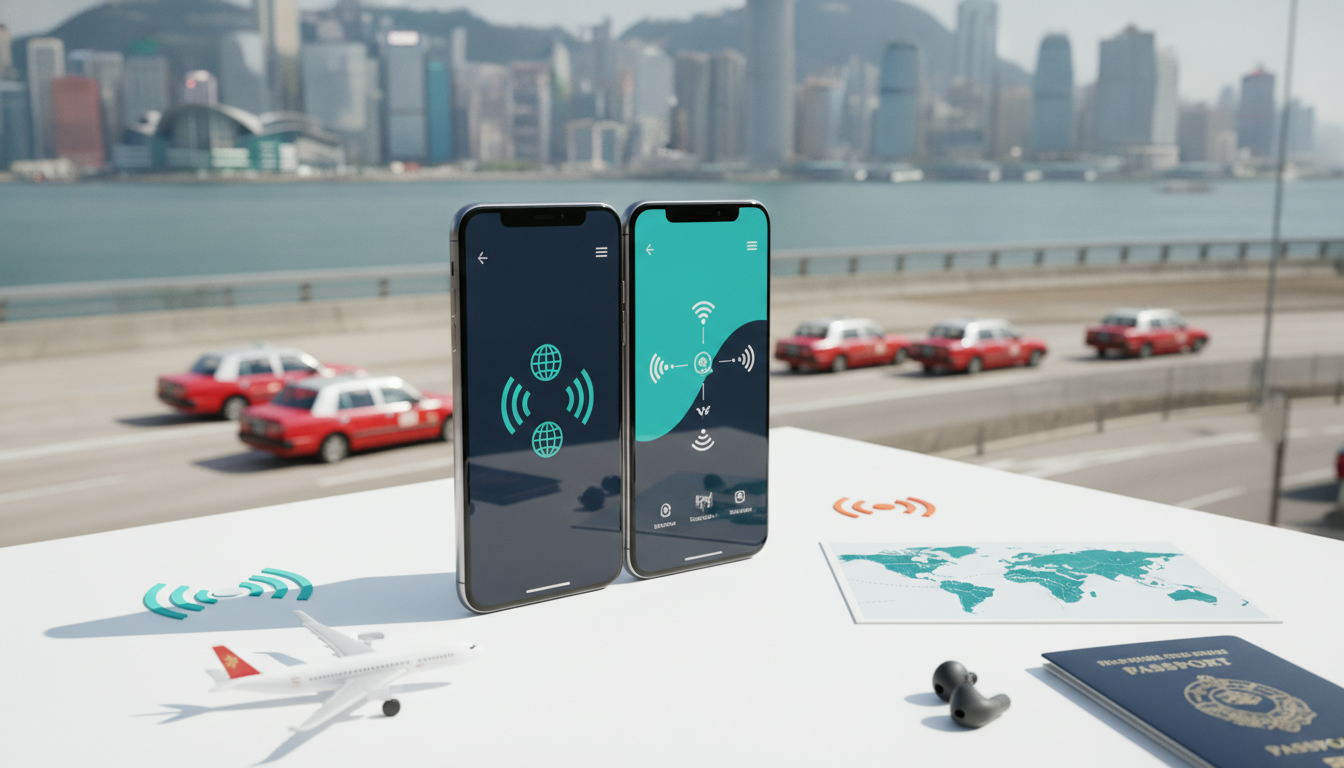
The Better Roaming eSIM is easy to install by QR code, but I would not treat it as a guaranteed Hong Kong solution without checking the network and data terms first. For a short trip, the current MyBestSim Hong Kong offers begin at $1.09 for 3 GB and 7 days, while Better Roaming’s public review record is mixed: Trustpilot displays 303 customer reviews, and an App Store review reports that Monaco sometimes had signal but no usable data connection.
| Provider | Data | Validity | Price |
|---|---|---|---|
| eSIM.dog | 3 GB | 7 days | $1.09 |
| Orange Travel | 3 GB | 7 days | $1.99 |
| MicroEsim | 3 GB | 3 days | $2.07 |
| Redtea | 3 GB | 30 days | $2.70 |
| 4S eSIM | 3 GB | 15 days | $2.70 |
| Yatelo | 3 GB | 30 days | $2.97 |
| LinkeSIM | 3 GB | 15 days | $3.20 |
| Ezy eSIM | 3 GB | 15 days | $3.50 |
These are live comparison figures from MyBestSim for Hong Kong, not Better Roaming prices. Better Roaming has no reviewed-provider entry here, so I would not assign it a rating, invent a Hong Kong price, or call its coverage equivalent to CSL, 3, or SmarTone.
What the Better Roaming test actually tells you
Better Roaming’s main convenience is the installation flow. A published August 10, 2026 description says the eSIM can be installed free by scanning a QR code from the website.
That is useful before departure, but installation and service are separate tests: the profile may install correctly while the phone still fails to register with a supported partner network.
The most useful warning comes from the App Store feedback about Monaco. The reviewer describes good reception without a working data connection; manually selecting a network sometimes helped, but not consistently.
That points to a roaming-registration problem rather than simply weak signal. Your phone can see a radio network while the eSIM’s data service has not completed authentication.
International SIM Cards published a 4.5/5 Better Roaming review on May 6, 2026, but that score should be read as a general service assessment, not as a Hong Kong speed measurement. Trustpilot’s 303 reviews also indicate that there is a sizeable public review trail, but reviews from other countries cannot prove that the Hong Kong partner network will behave the same way.
For Hong Kong, I always separate four checks:
- Does the eSIM install?
- Does it register on a local network?
- Does mobile data work with roaming enabled on the eSIM?
- Does it remain connected after moving between dense urban areas, the airport, and outlying districts?
That distinction matters because a phone showing bars is not proof that maps, messaging, or ride-hailing will work.
Compare the safer decision before you buy
MyBestSim lists several Hong Kong alternatives with clearly stated data allowances and validity periods. The cheapest offer is not automatically the best fit: a 3-day package is unsuitable if your trip lasts a week, even when its total price looks attractive.
| Provider | MyBestSim rank | Rating | Promo code | Discount |
|---|---|---|---|---|
| Yesim | 2 | 4.8/5 | MYBESTSIM24 | 24% |
| Airalo | 7 | 4.6/5 | AIRALO-BESTESIM25 | 25% |
| Maya | 17 | 4.2/5 | MYBESTSIM | 10% |
| Ubigi | 18 | 4.0/5 | MYBESTSIM10 | 10% |
The table gives you a practical benchmark for Better Roaming. If Better Roaming’s checkout price is higher than a comparable 3 GB, 7-day package, it needs to justify that difference with a clear coverage map, hotspot policy, top-up terms, or multi-country convenience.
I’d advise against choosing a plan only because it advertises broad international coverage. A regional plan can still depend on different local operators in each country.
The Monaco report demonstrates the risk: service may work in one destination and require manual intervention in another.
For a Hong Kong trip, choose according to the constraint:
- Three days: MicroEsim offers 3 GB for $2.07.
- Seven days: eSIM.dog lists 3 GB for $1.09, while Orange Travel lists 3 GB for $1.99.
- Fifteen days: 4S eSIM lists 3 GB for $2.70; LinkeSIM lists 3 GB for $3.20.
- Thirty days: Redtea lists 3 GB for $2.70, and Yatelo lists 3 GB for $2.97.
I would check the current comparison before payment because availability, taxes, activation rules, and promotional codes can change.
Activate Better Roaming without triggering roaming charges
Install the eSIM while connected to reliable Wi-Fi, not while standing at immigration with a weak airport connection.
- Confirm device compatibility. On an iPhone, check for an unlocked device under Settings > General > About. On Android, look for the EID in the phone information screen. A carrier-locked phone can accept the QR process but still prevent use of another operator.
- Install the profile. Scan the Better Roaming QR code from another screen, then label the line “Hong Kong data.” Do not delete the profile after installation; many eSIM QR codes are intended for one installation.
- Keep your home SIM for calls if needed. Set Better Roaming as the mobile-data line and disable data switching. On iPhone, “Allow Cellular Data Switching” can move data back to your home SIM when the travel line appears unavailable.
- Enable data roaming only on the travel line. Leave data roaming off on your primary SIM. This is the setting that prevents an accidental home-carrier session when the phone changes lines.
- Test before leaving Wi-Fi. Turn Wi-Fi off, open a website, send a message, and load a map. If the line shows bars but no data, toggle airplane mode once before changing advanced settings.
- Check the APN only when instructed. An incorrect APN can produce the exact symptom reported in Monaco: reception without internet. Copy the value from Better Roaming’s activation instructions rather than guessing.
The underlying technology is governed by the GSMA Specification SGP.22, which defines remote SIM provisioning for consumer devices. That standard explains how the profile is downloaded; it does not guarantee that every local roaming agreement will provide data in every district.
My Hong Kong activation walkthrough covers the same eSIM activation steps for Hong Kong, including the line-selection settings that are easiest to miss.
Coverage and speed checks that reveal a bad connection
Do the first test while you still have access to Wi-Fi or another working line. If Better Roaming fails immediately, you can contact support without being completely offline.
A useful field check is to test in three conditions:
- outdoors near the airport arrival area;
- inside a building, where concrete and metal can reduce signal quality;
- while moving through dense urban streets or transport corridors.
If data works outdoors but stops inside a building, the problem may be radio penetration. If the phone shows full bars in all three places but websites time out, registration or APN settings are more likely.
If service drops whenever the phone changes network, automatic operator selection may be choosing a partner that permits registration but not data.
I would not publish a speed number for Better Roaming in Hong Kong without a controlled test, because roaming speed depends on the local partner, congestion, device bands, and routing. Run the same test twice—once near your accommodation and once at Victoria Harbour—and record download, upload, and latency with the same test server.
A single fast result proves very little.
Also check whether the plan supports hotspot use. A phone may browse normally while tethering is blocked by the provider.
Downloading an offline Hong Kong map before departure reduces the consequence if the data session fails, but it does not fix a registration problem.
The mistakes that create unexpected charges
The most expensive error is leaving the home SIM active for mobile data. Set the travel eSIM as the data line, switch off automatic data switching, and disable data roaming on the home line before takeoff.
The second error is assuming that deleting the eSIM cancels billing. Installation, activation, validity, and renewal are separate account events.
Check Better Roaming’s account page for auto-renewal or recurring billing before activating a package.
The third is activating too early. Some travel eSIMs start validity at installation, while others start when they first connect to a supported network.
Read the activation condition displayed at checkout; if the wording is unclear, ask support before scanning the code.
For a longer stay, compare the Hong Kong data plans for tourists against Better Roaming’s total cost, validity, and network terms. The decisive detail is not the advertised gigabyte figure alone: it is whether the plan remains usable when the phone changes location and whether support can resolve a failed data session before your booking or ride depends on it.
If Better Roaming connects reliably during the pre-departure test and its terms suit your itinerary, it remains a reasonable convenience option. If it shows signal without data, do not keep forcing network selection indefinitely; switch to a clearly priced Hong Kong plan, because manual selection cannot repair an unsupported roaming agreement.
FAQ
Is Better Roaming reliable for Hong Kong travel?
Better Roaming may work, but the available evidence does not confirm consistent Hong Kong performance. Its public reviews are mixed, and no reviewed Hong Kong provider entry or verified local speed test is available. Before departure, confirm the supported network, data terms, hotspot policy, and activation conditions.
How much does Better Roaming cost in Hong Kong?
The provided comparison does not list a verified Better Roaming Hong Kong price. For reference, comparable 3 GB packages range from $1.09 for seven days to $2.70 for thirty days. Check Better Roaming’s checkout total, taxes, validity, renewal settings, and network terms before comparing value.
How do you activate Better Roaming without extra charges?
Install the eSIM over dependable Wi-Fi, select it as the mobile-data line, and disable automatic data switching. Enable roaming only on the travel eSIM while keeping it off on your home line. Test browsing, messaging, and maps before leaving Wi-Fi to catch setup problems early.
Why might Better Roaming show signal but no data?
Signal bars only show that the phone detects a radio network; they do not prove successful roaming authentication. Incorrect APN settings, unsupported partner agreements, or registration failures can block data. Toggle airplane mode, verify the APN instructions, and try manual network selection only when recommended.
How can travelers test Better Roaming coverage in Hong Kong?
Test the connection outdoors near the airport, inside a building, and while moving through dense urban areas or transport corridors. Check websites, messages, maps, and latency in each location. Repeat speed tests near your accommodation and Victoria Harbour, while recording whether service remains connected during network changes.

Emily Wong
Emily is a Hong Kong-based travel writer. At Hong Kong eSIM she compares CSL, 3 and SmarTone plans so visitors stay connected from the airport to Victoria Harbour.