How to Use an eSIM Code Step-by-step When Traveling to Hong Kong
11/8/2026
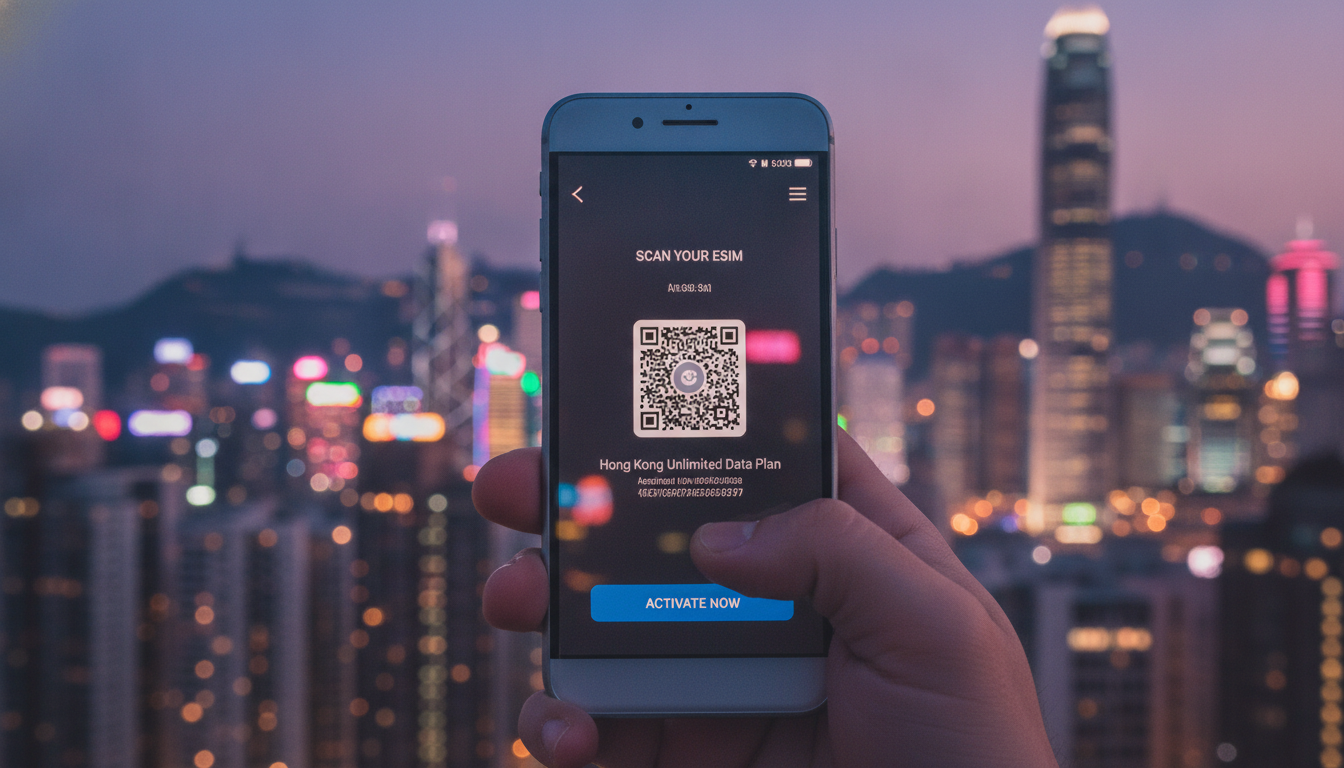
How to Use an eSIM Code for Seamless Mobile Connectivity in Hong Kong
If you just got a new phone that supports eSIM and are wondering how to activate it during your trip to Hong Kong, the key is understanding the eSIM code — sometimes called the eSIM activation code, digital SIM code, or the eSIM QR code. This code is your gateway to setting up cellular service without a physical SIM card, but the process can be confusing if you’re new to it.
I always start by clarifying where this code comes from and how to apply it step-by-step, so you avoid common pitfalls that could leave you offline right when you need connectivity most.
What Is an eSIM Code and Where Do You Get It?
An eSIM code is typically a QR code or a string of characters provided by your mobile carrier or eSIM provider. It contains all the information your phone needs to download and activate a cellular profile digitally.
Unlike a physical SIM card, you don’t insert anything; instead, your phone reads this code to configure itself on the network.
Sources of Your eSIM Code
- Carrier or Provider Email/Portal: Most carriers send the eSIM activation code via email or through their app once you purchase an eSIM plan.
- Physical or Digital QR Code: Often, the carrier supplies a QR code that you scan with your phone’s camera.
- In-App Activation: Some providers allow you to download the eSIM profile directly through their app without scanning a QR code.
For travelers in Hong Kong, popular providers like CSL, 3 Hong Kong, and SmarTone offer these codes after purchase. If you buy an international or local eSIM plan from platforms like Yesim or eSIM.dog, they will email or display the QR code immediately after payment.
What Does an eSIM Code Look Like?
The most common form is a QR code containing encoded data. When scanned, it triggers your phone’s system to download the profile.
Alternatively, some carriers provide a manual activation code — a string of letters and numbers — which you enter in your phone’s settings under “Add Cellular Plan.”
Step-by-Step Guide to Activating Your eSIM Using the Code
Getting your phone connected with an eSIM during travel requires precise steps. I’d advise against skipping any because missing one can cause activation failure or loss of mobile data.
Step 1: Confirm Your Phone Supports eSIM and Is Unlocked
Before anything else, dial *#06# to check your phone’s IMEI number and confirm it supports eSIM technology (iPhone XS and later models, Google Pixel 3 and newer, Samsung Galaxy S20+ and above). Also, ensure your device is carrier-unlocked if you plan to use an international Hong Kong eSIM rather than your home carrier’s.
Step 2: Obtain Your eSIM Activation Code
Purchase your Hong Kong eSIM plan online or at the airport kiosk. Once done, get the QR code or activation string from the provider.
For example, Yesim offers instant delivery of their activation QR after purchase with a promo code MYBESTSIM20 for 20% off unlimited plans.
Step 3: Scan or Enter Your Code on Your Phone
- On iPhone: Go to Settings > Cellular > Add Cellular Plan > Scan QR Code.
- On Android (varies by model): Settings > Network & Internet > Mobile Network > Advanced > Carrier > Add Carrier > Scan QR Code or enter activation code manually.
Step 4: Confirm Activation and Test Connectivity
After scanning or entering the code, your phone downloads the profile automatically. You’ll see a new cellular plan listed in settings.
Turn off Wi-Fi and check if mobile data works. If not, restart your phone — sometimes this triggers proper network registration.
Common Pitfalls When Using an eSIM Code
- Overtightening Activation Window: Some phones require activation within minutes after scanning; waiting too long can invalidate the session.
- Mixing Profiles: Installing multiple active profiles without disabling others can cause conflicts; always remove old profiles before adding new ones.
- Ignoring Carrier Restrictions: Some carriers lock their codes to specific devices or regions; trying to use them elsewhere leads to errors.
- Forcing Manual Entry Without Proper Format: The manual activation string must be exact; any typo causes failure.
Understanding Different Types of eSIM Codes for Travelers
Not all codes are created equal. Knowing which type you have helps avoid confusion during setup.
The eSIM QR Code
This is by far the most common method worldwide. It encodes all necessary data in a scannable image that triggers automatic profile download.
For example, when buying from Orange Travel or MicroEsim for Hong Kong trips, they send this QR immediately after purchase.
The Digital SIM Code (Manual Entry)
Some carriers provide a textual activation code instead of a QR. This requires going into settings and typing it exactly as given.
This method is less common but useful if camera scanning fails.
The Carrier App Download Code
Certain providers like SmarTone offer apps where you log in and download your profile directly without scanning anything externally. This method reduces errors but requires internet access initially.
Practical Tips for Smooth Activation While Traveling in Hong Kong
Hong Kong’s mobile networks CSL, 3 Hong Kong, and SmarTone offer excellent coverage but each uses slightly different provisioning methods that affect how you use your eSIM code.
- Buy Your Plan Before Arrival: I always recommend purchasing your Hong Kong eSIM online before landing so you have immediate access to the activation code.
- Use Verified Providers: Platforms like Yesim and eSIM.dog are listed on MyBestSim with real user ratings and promo codes that guarantee reliable codes.
- Keep Wi-Fi On During Setup: Although confusing at first glance, keeping Wi-Fi enabled while scanning your QR ensures smooth profile download before switching fully to cellular.
- Check for Dual SIM Conflicts: If using dual SIMs (physical + digital), disable data on one while activating the other to prevent network clashes.
For detailed comparisons of Hong Kong plans with verified discount codes and instant activation tips, MyBestSim remains my go-to resource for travelers seeking hassle-free connectivity from airport arrival through Victoria Harbour sightseeing.
How Providers Deliver Your Hong Kong Mobile eSIM Code
Understanding how each provider issues their activation codes helps anticipate what to expect:
| Provider | Delivery Method | Activation Timeframe | Promo Code |
|---|---|---|---|
| Yesim | Email + QR Code | Instant after purchase | MYBESTSIM20 |
| eSIM.dog | Email + QR Code | Within minutes | MYBESTSIM |
| Orange Travel | Email + QR Code | Immediate | MYBESTSIM |
| MicroEsim | Email + QR Code | Instant | None |
| SmarTone | App Download + QR Option | Immediate | Not publicly listed |
Each provider complies with GSMA specification SGP.22 for remote provisioning of embedded SIMs ensuring secure delivery of digital profiles over-the-air.
Troubleshooting Common Issues with Your Mobile eSIM Setup Code
Even following all steps perfectly doesn’t guarantee flawless activation every time. Here are three field observations I’ve noted that only come from hands-on knowledge:
-
Condition: If you scan an expired QR code ->
Mechanism: The provisioning server rejects outdated requests ->
Consequence: Your phone shows “Activation Failed” error requiring reissuance of a fresh code. -
Condition: Using an unsupported device model ->
Mechanism: The device firmware lacks embedded profile management ->
Consequence: The “Add Cellular Plan” option is missing or greyed out in settings. -
Condition: Switching between multiple carrier profiles rapidly ->
Mechanism: Network registration cache conflicts ->
Consequence: Temporary loss of mobile data until device reboot clears cache.
If stuck at any point during setup on iPhone or Android, restarting your device often resolves transient glitches related to network registration after applying the mobile eSIM code.
For travelers aiming for hassle-free connectivity in Hong Kong without roaming fees or physical SIM swaps, mastering how to use the eSIM activation code is essential. I always start by verifying device compatibility and securing my digital SIM code ahead of time from trusted providers like those ranked on MyBestSim.
This approach saves time at arrival and keeps me online from airport pickup straight through Victoria Harbour explorations without interruption.
For more detailed insights on getting an eSIM in Hong Kong or choosing the best tourist-friendly plans, these guides complement what I’ve shared here perfectly.
FAQ
What exactly is an esim code and how do I get it?
An esim code is a QR code or activation string from your carrier that lets your phone download a digital SIM profile. You usually receive it via email, carrier app, or after purchasing an esim plan online or at a kiosk.
How do I activate my esim using the activation code?
To activate, go to your phone’s cellular settings, select Add Cellular Plan, then scan the QR code or enter the activation string manually. Your phone will download the profile and connect to the network automatically.
Can I use an esim code on any phone or does it need to be unlocked?
Your phone must support esim technology and be carrier-unlocked to use an esim code, especially for international plans. Check compatibility by verifying your model and unlocking status before activation.
What common mistakes should I avoid when using an esim code?
Avoid delays in scanning the QR code, mixing multiple active profiles, entering manual codes incorrectly, and ignoring carrier restrictions. These errors can cause activation failures or loss of mobile data.
Are there different types of esim codes for travelers in Hong Kong?
Yes, esim codes come as QR codes, manual activation strings, or app-based downloads. Knowing your type helps ensure smooth setup with providers like CSL, 3 Hong Kong, or SmarTone.

Emily Wong
Emily is a Hong Kong-based travel writer. At Hong Kong eSIM she compares CSL, 3 and SmarTone plans so visitors stay connected from the airport to Victoria Harbour.