How to Buy and Activate an eSIM at Hong Kong Airport in 2026
7/10/2026
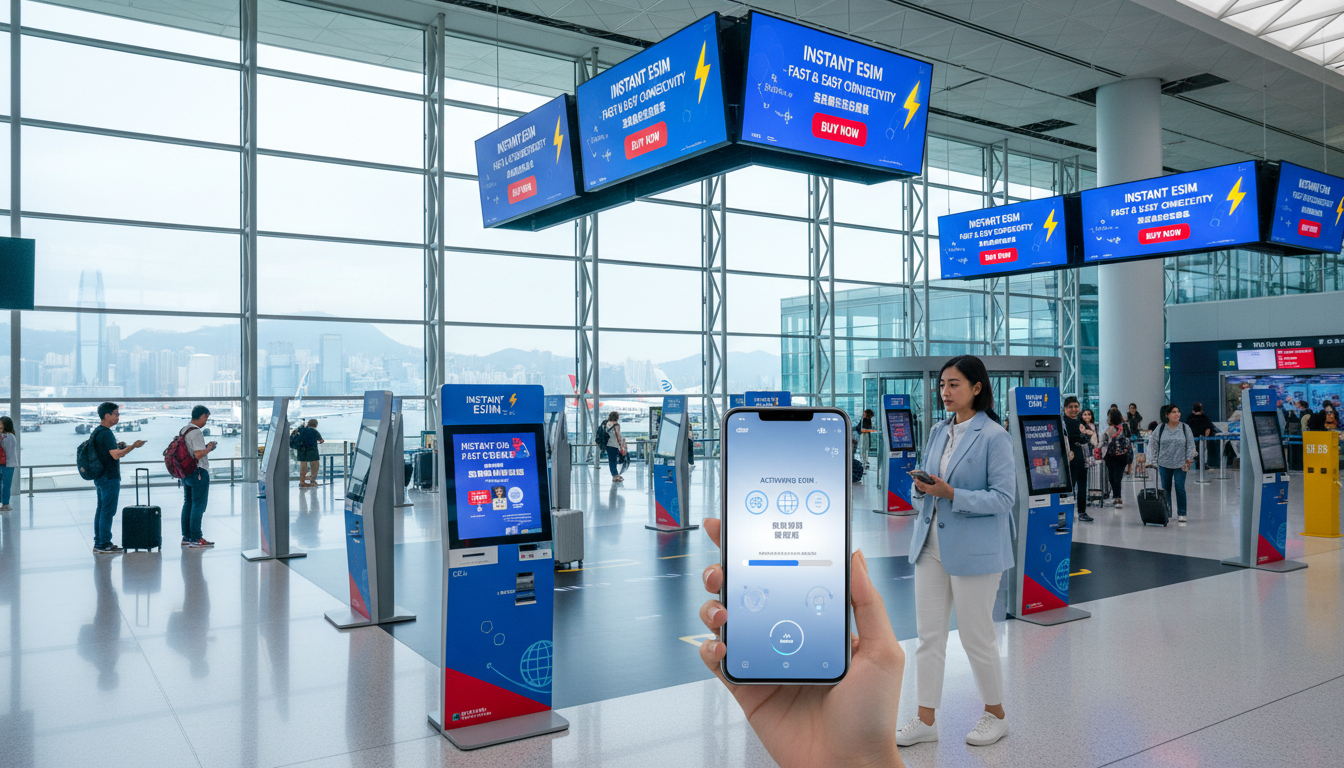
In short, what you'll discover in this article: How to quickly buy and activate an eSIM at Hong Kong Airport for seamless internet access upon arrival. We cover where to get eSIMs, compare plans, and provide step-by-step activation tips to keep you connected stress-free from touchdown.
1. Why Buy or Activate an eSIM at Hong Kong Airport?
Travelers arriving in Hong Kong want instant mobile internet without the hassle of swapping physical SIM cards. The eSIM Hong Kong Airport option offers a convenient, fast way to get connected right after landing.
With an eSIM, you avoid roaming fees and can use local data plans immediately. This is especially useful for tourists needing maps, ride-hailing apps, or business travelers requiring reliable communication from the start.
Hong Kong International Airport supports multiple options for purchasing and activating eSIMs, making it a smart choice for travelers who want to skip the usual SIM card hunt and setup delays.
2. What This Article Covers (Target Audience & Use Cases)
This guide is designed for:
- Tourists visiting Hong Kong who want quick internet access.
- Business travelers needing reliable connectivity from day one.
- Transit passengers with layovers who want to stay online.
- Anyone interested in understanding the best eSIM plans at Hong Kong Airport and how to activate them efficiently.
Whether you plan ahead or decide on arrival, this article helps you navigate your options and avoid common pitfalls.
3. Where to Buy an eSIM at Hong Kong Airport
3.1 Official Kiosks and Operator Shops (Locations & Hours)
At Hong Kong International Airport, official telecom operators like CSL, 3HK, and SmarTone have dedicated counters in the arrival halls of Terminals 1 and 2. These kiosks typically operate from early morning until late evening, matching most flight schedules.
You can purchase both physical SIM cards and eSIM data packages here. Staff can assist with activation on your device, ensuring immediate connectivity.
3.2 Third-Party Vendors and Vending Machines
Besides official counters, convenience stores such as 7-Eleven and Relay also sell prepaid SIM cards but usually do not offer eSIMs directly. Automated vending machines are available but primarily dispense physical SIMs.
For an eSIM for Hong Kong airport travelers, third-party vendors at the airport are limited; thus, official kiosks remain your best bet for on-site eSIM purchases.
3.3 Buying Online Before Arrival vs At The Airport: Pros and Cons
Buying Online Before Arrival:
- Advantages:
- Instant delivery of QR codes via email.
- Ability to compare multiple providers and plans.
- Avoid queues or limited stock at the airport.
- Disadvantages:
- Requires pre-planning.
- Some providers may need Wi-Fi activation upon arrival.
Buying At The Airport:
- Advantages:
- Immediate face-to-face assistance.
- No need for prior setup or downloads.
- Disadvantages:
- Limited eSIM availability; mostly physical SIMs.
- Potentially higher prices or fewer plan options.
For convenience and best prices, many travelers prefer ordering their eSIM online before landing but having the option to buy at the airport is a useful backup.
4. Quick Comparison of Available Offers at HKG
4.1 Prices, Data Volumes, and Durations (Summary)
Hong Kong offers various prepaid eSIM data packages suitable for short visits or longer stays. Providers like eSIM.dog, Orange Travel, MicroEsim, Redtea, and Yatelo offer plans ranging from a few days up to a month with data volumes around 3 GB being common.
While exact prices fluctuate, budget-friendly options start around $1–$3 USD for a week of data. For detailed comparisons including prices and discounts like promo codes from providers such as LinkeSIM or Airalo, consult trusted sources like MyBestSim.
4.2 Coverage and Limitations (Hong Kong vs Mainland China)
Most eSIM data packages purchased at Hong Kong Airport cover only Hong Kong's territory. If your trip includes mainland China, check whether your plan supports roaming there or consider separate arrangements.
Coverage quality within Hong Kong is excellent with widespread 5G availability from major operators ensuring fast internet speeds throughout the city.
5. How to Activate an eSIM at the Airport (Step-by-Step Guide)
5.1 Preparation Before Activation (Unlocking, Backup, Wi-Fi)
Before activating your eSIM at Hong Kong Airport, ensure:
- Your smartphone is unlocked and supports eSIM functionality.
- You have backed up important data in case of any issues.
- You connect to airport Wi-Fi if needed during setup.
5.2 iPhone Activation (Adding Plan, Naming, Default Settings)
To activate on an iPhone:
- Scan the QR code provided by the operator or enter details manually.
- Go to Settings > Cellular > Add Cellular Plan.
- Follow prompts to add the new plan.
- Name your plan (e.g., "Hong Kong eSIM").
- Set default line preferences if using multiple SIMs.
- Enable cellular data on the new plan for immediate use.
5.3 Android Activation (Samsung, Google Pixel, Others) and Common Differences
For Android devices:
- Open Settings > Network & Internet > Mobile Network > Advanced > Carrier (path may vary).
- Select Add Carrier or Add Mobile Plan.
- Scan QR code or enter activation info manually.
- Confirm activation and set data preferences.
- Restart device if necessary to finalize setup.
Note that some Android models have slightly different menus; consult your device manual if unsure.
5.4 Activation Without QR Code (Manual Codes, IMEI, In-Store Assistance)
If you cannot scan a QR code:
- Operators may provide manual activation codes or require your device IMEI number.
- Visit the operator’s counter for direct assistance with installation.
- Some apps allow manual input of activation details if supported by your phone.
6. Common Issues and Solutions (Troubleshooting)
6.1 eSIM Not Recognized / Installation Errors
If your phone doesn’t recognize the eSIM:
- Confirm device compatibility with eSIM technology.
- Restart your phone after scanning QR code.
- Check that your phone’s software is up-to-date.
- Contact vendor support if problems persist.
6.2 Mobile Data Problems, APN Settings & Operator Selection
If mobile data doesn’t work:
- Verify APN settings match those provided by your carrier.
- Manually select the network operator in settings if automatic selection fails.
- Toggle airplane mode on/off to reset connections.
7. Practical Tips and Tricks for Travelers
7.1 Choosing Duration and Data Volume Based on Your Stay
Estimate your daily data needs considering navigation apps, streaming, messaging:
- Short trips: smaller data packages (~3 GB) for about a week suffice.
- Longer stays: opt for monthly plans with larger volumes.
7.2 Switching Between eSIM and Physical SIM / SIM Priorities
If you carry both an eSIM and physical SIM:
- Set preferred line for data usage in phone settings.
- Disable one SIM temporarily if experiencing network conflicts.
7.3 What To Do During Transit or Travel to Mainland China
For transit passengers:
- Activate only what you need; some plans allow short-term use without long commitments.
For trips extending into mainland China:
- Confirm whether your Hong Kong eSIM supports roaming there or buy a separate China-specific plan.
8. Commercial Policies: Refunds, Reissues & Support
Most providers offer limited refund policies once activated due to prepaid nature but check terms before purchase.
Reissuing an eSIM may be possible through customer service if you lose access or change devices—keep your purchase confirmation handy.
Airport counters usually provide basic support; online providers often have chat or email help desks for troubleshooting after purchase.
9. Conclusion and Quick Recommendations
Buying an eSIM at Hong Kong Airport ensures you stay connected immediately upon arrival without swapping physical cards or paying roaming fees. For best convenience and pricing, consider ordering online before your trip but know that official airport kiosks offer reliable backup options with in-person help.
Use this guide alongside resources like esim-hongkong.com/blog/hong-kong-prepaid-esim for detailed prepaid plans or esim-hongkong.com/blog/buy-esim-hong-kong to find trusted sellers easily.
With proper preparation and quick activation steps outlined here, you’ll enjoy seamless mobile internet from touchdown through your entire stay in vibrant Hong Kong!
FAQ
Where can I buy an eSIM at Hong Kong Airport?
You can purchase eSIMs at official telecom kiosks from CSL, 3HK, and SmarTone located in the arrival halls of Terminals 1 and 2. These counters offer both physical SIMs and eSIM packages with staff assistance for activation.
Can I activate my eSIM immediately upon arrival?
Yes, official airport kiosks provide on-the-spot activation support. After purchasing, you can scan the QR code or enter details manually to activate your eSIM and start using mobile data right away.
Is it better to buy an eSIM online or at the airport?
Buying online before arrival offers more plan options, better prices, and instant QR code delivery. However, purchasing at the airport provides face-to-face help but may have limited eSIM availability and higher prices.
What should I do if my phone doesn’t recognize the eSIM?
Ensure your device supports eSIM and is unlocked. Restart your phone, update its software, and verify correct APN settings. If issues persist, contact the vendor or visit the operator’s counter for assistance.
Do Hong Kong airport eSIM plans cover mainland China?
Most eSIM plans bought at Hong Kong Airport only cover Hong Kong territory. If you plan to visit mainland China, check if your plan supports roaming there or consider purchasing a separate China-specific data plan.

Emily Wong
Emily is a Hong Kong-based travel writer. At Hong Kong eSIM she compares CSL, 3 and SmarTone plans so visitors stay connected from the airport to Victoria Harbour.