How to Choose a Free eSIM Plan for Hong Kong Travel
11/18/2026
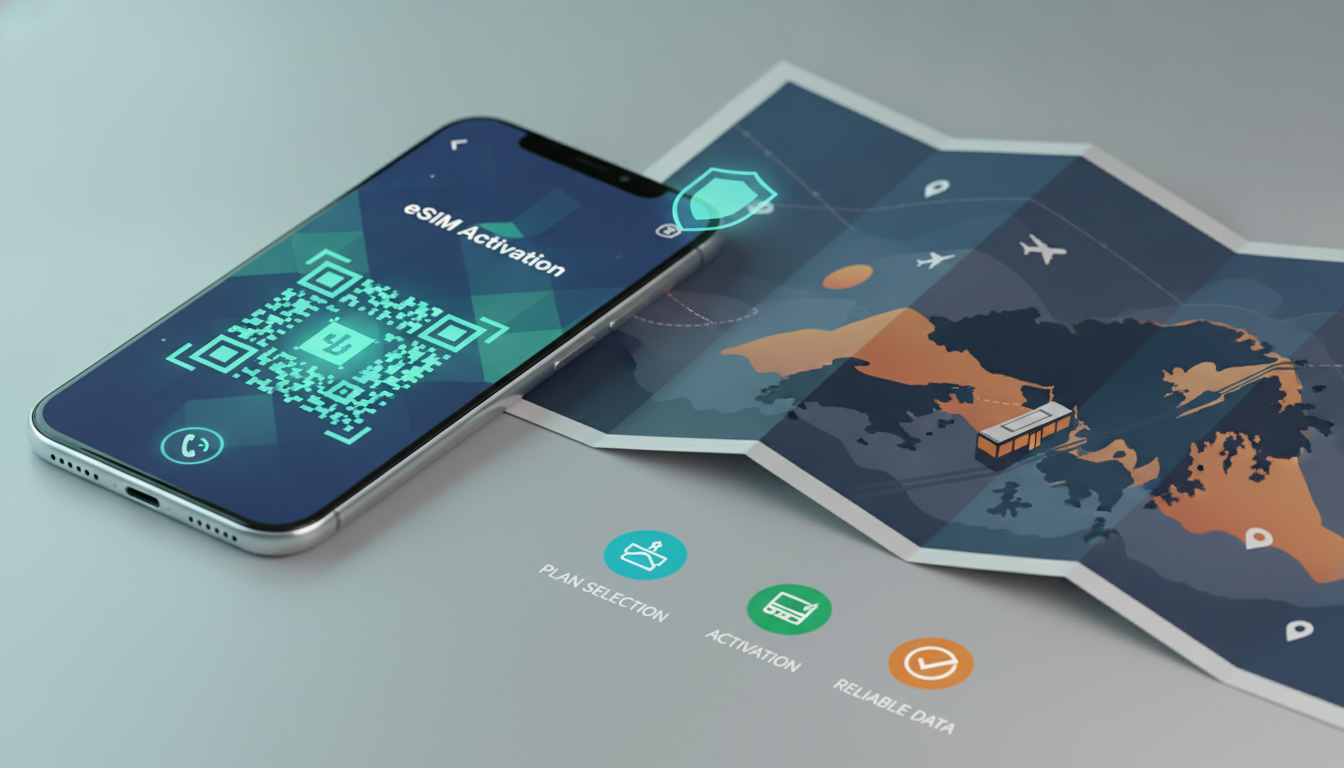
For a Hong Kong trip, a genuinely free eSIM data plan is not the option I would build my connection around. The practical low-cost choices currently start at $1.09 for 3 GB over 7 days, while the cheapest 30-day option listed is $2.70 for 3 GB.
Buy the eSIM before departure, install it on Wi-Fi, and keep your home SIM disabled for data to avoid roaming charges.
| Provider | Data | Validity | Price |
|---|---|---|---|
| eSIM.dog | 3 GB | 7 days | $1.09 |
| Orange Travel | 3 GB | 7 days | $1.99 |
| MicroEsim | 3 GB | 3 days | $2.07 |
| Redtea | 3 GB | 30 days | $2.70 |
| 4S eSIM | 3 GB | 15 days | $2.70 |
| Yatelo | 3 GB | 30 days | $2.97 |
| LinkeSIM | 3 GB | 15 days | $3.20 |
| Ezy eSIM | 3 GB | 15 days | $3.50 |
These are prepaid data offers shown for Hong Kong by the MyBestSim comparison service. They are not monthly contracts, and none should be described as free.
A free eSIM trial may exist in another market or as a promotional acquisition offer, but it can require payment details, automatic renewal, identity verification, or a very small data allowance. Read the activation and renewal conditions before treating “free” as zero-cost.
Choose the offer by trip length and risk
For a short stopover
For a trip of 3 days, the MicroEsim offer provides 3 GB for $2.07. For 7 days, eSIM.dog offers the same 3 GB allowance for $1.09, while Orange Travel lists 3 GB for $1.99.
On price alone, the 7-day eSIM.dog offer is the strongest value in this table.
I would not choose solely by the lowest price if the connection is needed for airport directions, hotel check-in, translation, and payment apps. A plan that expires before the return journey creates a second problem: you may need to buy another eSIM while offline.
If your stay crosses the validity boundary, select a longer-duration plan rather than assuming unused data extends automatically.
For a longer stay
For 30 days, Redtea lists 3 GB for $2.70, and Yatelo lists 3 GB for $2.97. The small price difference is less important than the activation rules, supported network, hotspot policy, and refund terms.
MyBestSim is useful at this point because the displayed offers let you compare duration and allowance instead of searching for a “free international eSIM” whose conditions may be unclear.
The allowance is also a real constraint. Three gigabytes can cover maps, messaging, web pages, and occasional ride-hailing, but video calls and high-definition streaming can consume it quickly.
I would advise against using a 3 GB travel plan for continuous hotspot use unless the provider explicitly permits tethering.
Check the phone before buying
An eSIM is a digital SIM profile, not a universal replacement for a carrier-locked or incompatible phone. Before payment, confirm all of the following:
- The phone supports eSIM.
- The phone is unlocked for another carrier.
- The model supports the Hong Kong frequency bands used by the plan’s partner network.
- The operating system is current enough to offer eSIM installation.
- You can connect to Wi-Fi during installation.
- You know whether the plan begins when installed or when it first connects to a network.
On an iPhone, the relevant setting is Settings > Cellular, where you can add an eSIM and label the line. Android menus vary by manufacturer, but the equivalent is usually under Network & internet or Connections.
The exact menu is less important than the activation trigger: some plans start validity at installation, while others start at first network use. That distinction can cost you days if you install too early.
The GSMA’s Subscriber Identity Module Embedded Secure Element Embedded Subscription Manager Data Preparation (SGP.22) specification governs remote consumer eSIM provisioning. In plain terms, the provider sends a digital profile to the phone instead of handing you a plastic SIM.
The profile still depends on the provider’s network agreement; eSIM technology itself does not guarantee coverage.
If your phone is locked to your home carrier, the download may complete but the Hong Kong plan may not register for service. The consequence is especially unpleasant at the airport: the eSIM appears installed, yet data remains unavailable.
Check the phone’s carrier-lock status before leaving home, not after landing.
Install it without starting roaming
The safe installation sequence
- Buy the plan while connected to trusted Wi-Fi. Save the order email, QR code, activation code, and customer-support details offline.
- Install the eSIM before departure if its terms say validity starts at first network connection. If validity starts at installation, wait until closer to the trip.
- Label the line clearly, such as “Hong Kong Data,” so you do not confuse it with your home SIM.
- Set the Hong Kong eSIM as the mobile-data line after landing.
- Turn off data roaming on your home SIM.
- Turn off automatic mobile-data switching.
- Enable data roaming only on the travel eSIM if the provider specifically requires it.
- Test one web page and one map request, then check that the phone identifies the travel line as the data source.
The most expensive mistake is leaving automatic data switching enabled. When the travel eSIM briefly loses signal in a lift, underground passage, or crowded terminal, the phone can move data back to the home line.
Your home carrier then bills roaming even though the travel eSIM is installed. Keeping the home line active for incoming SMS is possible, but its data roaming should remain off.
For a more detailed installation walkthrough, the Hong Kong eSIM activation steps belong alongside this part of the process because activation settings determine whether the plan actually works after arrival.
What to do when activation fails
If the eSIM shows “activating” for several minutes, do not delete it immediately. First check Wi-Fi, restart the phone, and confirm that the eSIM line is enabled.
Deleting a profile can prevent reinstallation if the QR code is single-use.
If the line is active but has no data, check these settings in order:
- The travel eSIM is selected for mobile data.
- Data roaming is enabled on that eSIM if required.
- The access point name matches the provider’s instructions.
- Airplane Mode has been toggled off and on.
- The phone has selected a supported network automatically.
A wrong access point name can produce full signal bars with no usable internet because registration and data routing are separate stages. Signal indicates that the phone sees a network; it does not prove that the provider has authorized data traffic.
Control coverage, usage, and unexpected charges
Coverage depends on the local network agreement behind the eSIM, not just the storefront name. Hong Kong’s dense urban environment can still produce short gaps inside underground stations, enclosed shopping centers, lifts, and concrete buildings.
When a map request fails in one location, move outdoors before changing configuration; repeated profile deletion will not improve radio coverage.
I always start by checking whether the offer identifies its destination network and whether hotspot use is allowed. If those details are missing, I treat the plan as unsuitable for work or emergency connectivity.
The cheaper 3 GB offers are sensible for light travel data, but they are not a substitute for an unlimited plan when several devices depend on one connection.
Track consumption from the phone’s cellular-data screen and set a warning below the purchased allowance. Automatic photo backup is a common hidden drain: when enabled on cellular data, the phone can upload videos while you are navigating, leaving little capacity for maps.
Disable cloud photo sync, app-store updates, and video autoplay until you are back on Wi-Fi.
If you want to compare current plans by destination, duration, and allowance, the Hong Kong eSIM plan comparison is more useful than searching for a vague “free eSIM plan,” because the price, validity, and provider conditions are visible together.
Before landing, download an offline map, store your accommodation address in a note, and save the eSIM support contact without relying on mobile data. For a Hong Kong trip, that preparation matters most when the activation QR code is in your email and the airport connection is the one thing you cannot access yet.
FAQ
Is a genuinely free eSIM plan available for Hong Kong?
A genuinely free option should not be assumed for Hong Kong travel. The listed practical plans begin at $1.09 for 3 GB over seven days, while promotional trials may require payment details, identity checks, automatic renewal, or offer very little data.
Which low-cost eSIM offers suit different Hong Kong trip lengths?
For three days, MicroEsim provides 3 GB for $2.07. For seven days, eSIM.dog offers 3 GB for $1.09, and for 30 days, Redtea lists 3 GB for $2.70. Choose based on validity, activation rules, network support, and expected usage.
How can travelers avoid accidental roaming charges after activation?
Set the travel eSIM as the mobile-data line and disable data roaming on your home SIM. Also turn off automatic data switching, because the phone may temporarily return to your regular line when the travel connection becomes weak underground or inside buildings.
What should you check before buying a Hong Kong eSIM?
Confirm that your phone supports eSIM, is unlocked, and works with the relevant Hong Kong network bands. Check the operating system, installation requirements, activation trigger, hotspot policy, and refund terms before paying, since compatibility problems may leave the profile installed but unusable.
How much data does a three-gigabyte travel eSIM cover?
Three gigabytes generally covers maps, messaging, web browsing, and occasional ride-hailing during a light trip. Video calls, high-definition streaming, continuous hotspot use, automatic photo backups, and app updates can consume the allowance quickly, so disable unnecessary cellular-data activity until Wi-Fi is available.

Emily Wong
Emily is a Hong Kong-based travel writer. At Hong Kong eSIM she compares CSL, 3 and SmarTone plans so visitors stay connected from the airport to Victoria Harbour.