How to Get an eSIM in Hong Kong for Seamless 2026 Travel
7/18/2026
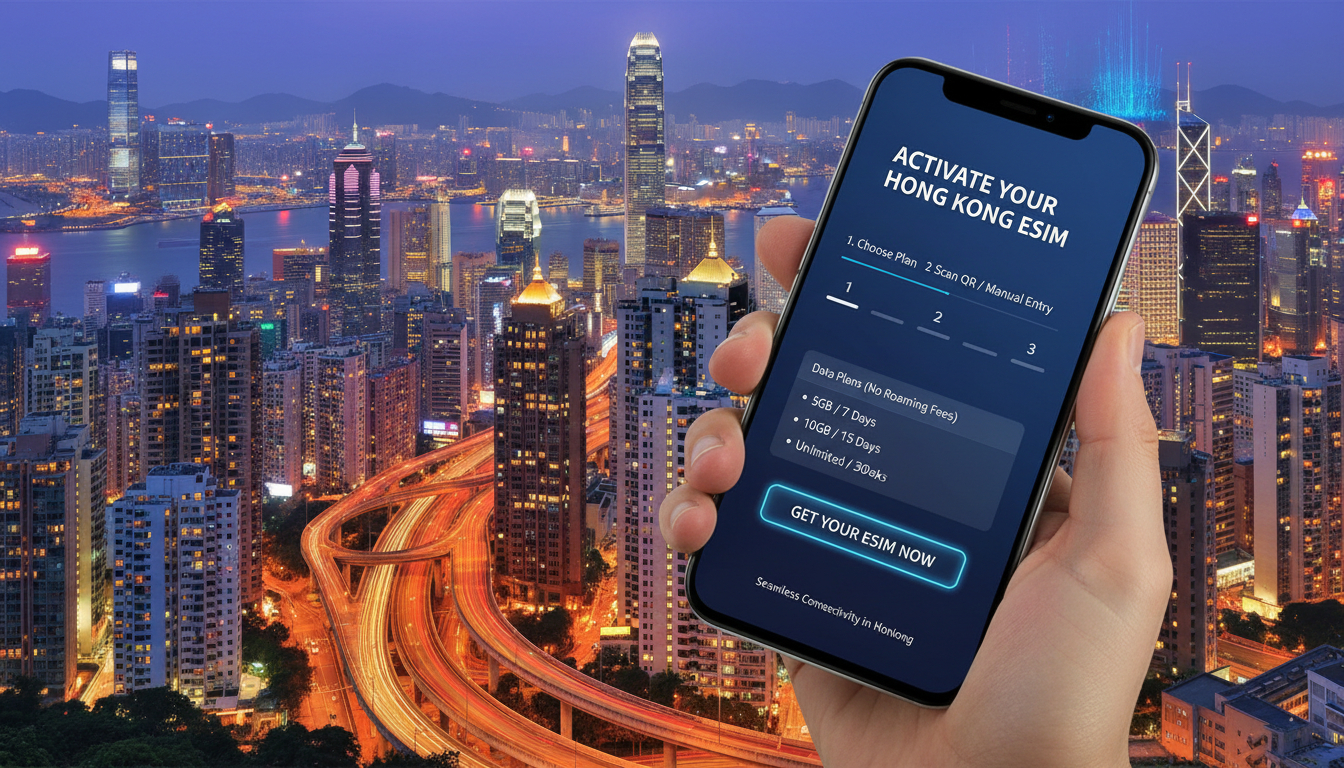
In short, what you'll discover in this article:
Learn how to get an eSIM in Hong Kong effortlessly, explore the best providers and plans, and follow step-by-step activation tips to stay connected without roaming fees during your trip.
1. Introduction to eSIMs and Their Benefits in Hong Kong
An eSIM (embedded SIM) is a digital SIM that allows you to activate a cellular plan without inserting a physical card. For travelers heading to Hong Kong, using an eSIM offers unmatched convenience: no need to swap SIM cards or worry about losing them.
With an eSIM, you can instantly connect to local networks, enjoy competitive data plans, and avoid expensive roaming fees.
Hong Kong’s advanced mobile infrastructure supports eSIM technology widely, making it a smart choice for tourists and business travelers alike. The flexibility of switching carriers or plans digitally means you can tailor your mobile experience exactly to your needs while exploring the city.
2. Who Offers eSIMs in Hong Kong?
2.1 Local Mobile Operators
Hong Kong’s major carriers such as China Mobile Hong Kong (CMHK), CSL, 3 Hong Kong, and SmarTone provide official eSIM services. These operators offer both prepaid and postpaid plans with reliable coverage across the city.
- China Mobile Hong Kong (CMHK) supports eSIM activation through their website and retail stores.
- CSL and 3 Hong Kong also provide eSIM options for tourists and residents.
- SmarTone offers competitive data packages with eSIM compatibility.
2.2 Online Resellers
Several reputable online platforms sell Hong Kong eSIMs with instant delivery via QR codes:
- TravelKon provides easy purchase and activation instructions.
- Holafly offers unlimited data plans tailored for travelers.
- Trip.com sells prepaid eSIMs with fast email delivery of QR codes.
2.3 Airport Kiosks and Retail Stores
At Hong Kong International Airport, you can find kiosks selling physical SIM cards and sometimes eSIM activation services. However, buying online before arrival is often faster and more convenient to avoid queues.
3. Compatibility and Requirements for Using an eSIM in Hong Kong
3.1 Compatible Devices
Most modern smartphones support eSIM technology:
- iPhones from iPhone XS and newer models fully support eSIM.
- Android devices like Google Pixel 3 and above, Samsung Galaxy S20+, and newer also support eSIM.
- Tablets such as the latest iPad Pro models and smartwatches like Apple Watch Series 3+ have eSIM capabilities.
3.2 Checking Carrier Lock Status
Ensure your phone is unlocked or compatible with Hong Kong carriers’ networks before purchasing an eSIM. Locked devices may not activate foreign carrier profiles.
3.3 Identification Requirements
When applying for local operator plans, you may need to present valid identification such as a passport or Hong Kong ID card. Online resellers usually require only email verification.
4. How to Buy an eSIM in Hong Kong: Step-by-Step Guide
4.1 Purchasing Online Before Arrival
- Choose a provider based on your data needs and trip duration.
- Select a suitable plan on their website.
- Complete payment securely online.
- Receive a QR code via email instantly or within minutes.
- Save the QR code for activation upon arrival.
4.2 Activating via QR Code or Manual Setup
- On iOS: Go to Settings > Cellular > Add Cellular Plan, then scan the QR code.
- On Android: Navigate to Settings > Network & Internet > Mobile Network > Advanced > Carrier > Add Carrier, then scan the QR code or enter details manually.
4.3 Buying In-Person in Hong Kong
Visit retail stores of local carriers or airport kiosks where staff can assist with eSIM setup immediately after purchase.
5. Types of Plans and Pricing Overview
5.1 Tourist Short-Term Plans
These typically range from 3 to 15 days with data-only or voice+data options designed for visitors needing temporary connectivity.
5.2 Local Long-Term Plans
For longer stays, monthly prepaid or postpaid plans offer larger data allowances at competitive prices.
5.3 Data-Only vs Voice+Data Plans
Most travelers prefer data-only plans for apps like WhatsApp or Skype, but voice+SMS options are available if needed.
For detailed comparisons of prices, data volumes, and validity periods, consult the comprehensive Hong Kong eSIM plan comparison on our site.
6. Activation and Configuration Details
6.1 Activating Your eSIM on iOS and Android
Follow device-specific prompts after scanning the QR code:
- Confirm cellular plan addition.
- Set default line for voice/data if dual SIM is used.
- Enable data roaming if required by your plan.
6.2 Switching Between Physical SIM and eSIM
You can toggle between your physical SIM card and the eSIM profile in your phone’s cellular settings without removing any cards physically.
6.3 Configuring Mobile Data Settings
Ensure mobile data is enabled for the active line, and check APN settings if connectivity issues arise.
7. Practical Tips and Important Checks
7.1 Verify Roaming Settings
Turn off international roaming on your physical SIM to avoid unexpected charges when using an eSIM locally.
7.2 Multi-eSIM Management
Modern phones allow multiple eSIM profiles but only one active at a time; prioritize your Hong Kong plan while traveling.
7.3 Backup Your Profiles
Save QR codes or carrier details securely in case you need to reinstall the profile later.
7.4 Confirm Multi-Operator Compatibility
Some phones may have restrictions on switching between different carriers’ eSIMs; verify compatibility beforehand.
8. Common Issues and Troubleshooting Tips
8.1 QR Code Scan Problems
Ensure good lighting and steady hands when scanning; alternatively, enter activation details manually if scanning fails.
8.2 Activation Failures
Restart your device after adding the plan; check network coverage; contact provider support if problems persist.
8.3 No Network Signal After Activation
Verify that mobile data is enabled for the new line; toggle airplane mode on/off; confirm APN settings match provider instructions.
8.4 Contacting Support
Reach out directly to your chosen provider’s customer service via phone or chat for prompt assistance.
9. Useful Resources and Links for Hong Kong eSIM Users
Explore official carrier pages like CMHK’s eSIM service for detailed instructions, or visit trusted reseller sites such as TravelKon or Holafly for instant purchase options.
For exclusive promo codes that can save you money on top-rated providers like Yesim or LinkeSIM, check our dedicated page on Hong Kong eSIM promo codes.
10. Conclusion: Best Choices Based on Your Profile
For tourists seeking hassle-free connectivity during short trips, purchasing an online prepaid tourist eSIM before arrival is ideal—offering instant activation without airport queues or physical SIM swaps.
If you plan a longer stay or require voice services, consider local carrier plans with flexible top-ups available at retail stores across Hong Kong.
Remember to compare offers using reliable sources like MyBestSim to find the best prices and current promotions tailored to your travel needs.
With this guide on how to get an eSIM in Hong Kong, you’ll stay connected seamlessly from airport arrival through every adventure around Victoria Harbour and beyond!
FAQ
Which Hong Kong carriers offer eSIM services?
Major Hong Kong carriers like China Mobile Hong Kong, CSL, 3 Hong Kong, and SmarTone provide official eSIM plans. These include both prepaid and postpaid options with reliable city-wide coverage suitable for tourists and residents.
Can I buy and activate a Hong Kong eSIM before arrival?
Yes, many online resellers such as TravelKon and Holafly allow you to purchase and receive a QR code instantly via email. This lets you activate your eSIM upon arrival without waiting in airport lines.
What devices are compatible with Hong Kong eSIMs?
Most modern smartphones support eSIMs, including iPhones from XS onward and Android devices like Google Pixel 3+ and Samsung Galaxy S20+. Tablets and smartwatches with eSIM capability also work seamlessly.
How do I activate an eSIM on my smartphone in Hong Kong?
To activate, scan the QR code via your phone’s cellular settings: on iOS, go to Settings > Cellular > Add Cellular Plan; on Android, navigate to Network & Internet > Mobile Network > Add Carrier. Follow prompts to complete setup.
What should I do if my eSIM activation fails in Hong Kong?
If activation fails, restart your device and check network coverage. Ensure mobile data is enabled and APN settings are correct. Contact your provider’s customer support for assistance if issues persist.

Emily Wong
Emily is a Hong Kong-based travel writer. At Hong Kong eSIM she compares CSL, 3 and SmarTone plans so visitors stay connected from the airport to Victoria Harbour.