How to Get an eSIM in Hong Kong for Easy 2026 Connectivity
7/20/2026
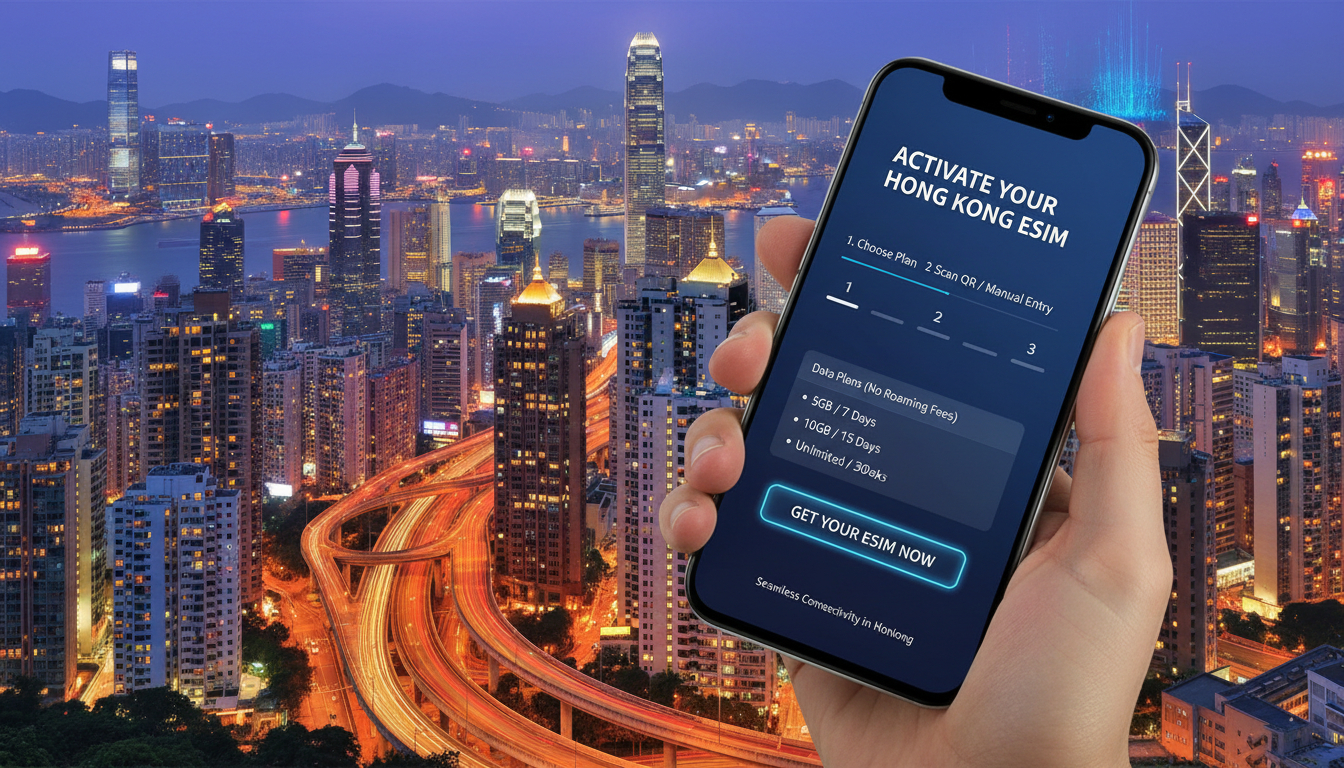
In short, what you'll discover in this article: Learn how to get an eSIM in Hong Kong effortlessly, explore the best providers and plans, and follow a clear step-by-step guide to activate your eSIM for seamless travel connectivity without roaming fees.
1. Introduction — Why Choose an eSIM in Hong Kong?
Travelers heading to Hong Kong often seek convenient ways to stay connected without the hassle of physical SIM cards. An eSIM offers a digital alternative that lets you activate mobile data instantly, avoid roaming charges, and switch carriers without swapping cards.
For visitors, this means immediate access to maps, ride-hailing apps, and communication tools as soon as you land. Choosing an eSIM in Hong Kong ensures you enjoy fast 5G coverage from top local carriers while saving time and money.
2. What Is an eSIM? Advantages vs. Physical SIM
An eSIM (embedded SIM) is a programmable SIM card built into your smartphone. Unlike traditional SIM cards, it doesn’t require physical insertion or removal.
The benefits include:
- Instant activation via QR code or app
- Multiple profiles stored on one device
- No need to visit a store or wait for delivery
- Easier switching between carriers or countries
- Reduced risk of losing or damaging a physical SIM
For travelers in Hong Kong, these advantages translate into flexibility and convenience, especially when managing short-term data plans.
3. Who Offers eSIMs in Hong Kong?
3.1 Local Mobile Carriers
Hong Kong’s leading mobile operators provide eSIM services with competitive plans and extensive coverage:
- SmarTone: Offers prepaid and postpaid eSIM options with 4G/5G coverage.
- CSL: Provides flexible eSIM plans suitable for tourists and locals.
- Three Hong Kong: Known for affordable data packages and easy activation.
- China Mobile HK (CMHK): Supports prepaid travel eSIM cards with simple online application processes.
These carriers ensure reliable connectivity across Hong Kong’s urban and suburban areas.
3.2 International Providers and Online Resellers
Several global eSIM providers offer prepaid Hong Kong data plans that travelers can purchase before arrival:
- Airalo: Download their app to buy and manage Hong Kong eSIMs instantly.
- Holafly: Specializes in travel eSIMs with straightforward activation.
- eSIM.dog, Yesim, LinkeSIM, and others provide competitive prepaid options with instant QR code delivery by email.
Buying from these resellers lets you activate your Hong Kong eSIM even before your flight, ensuring data access upon landing.
4. Plans and Pricing — How to Choose
4.1 Duration, Data Volumes, and Prices
Hong Kong eSIM plans vary by duration (from 1 day up to 30 days) and data allowance. Typical options include:
- Short trips: 1–7 days with 3GB data
- Medium stays: 15 days with 3GB or more
- Longer visits: 30-day plans with flexible data volumes
Prices start as low as around $1 per GB for basic plans from providers like eSIM.dog or Orange Travel.
4.2 Recommended Comparison Approach
Since prices and features vary widely, it’s best to consult a trusted comparison platform like MyBestSim to find the best plan tailored to your travel profile. This will help you balance cost, data needs, and plan duration effectively.
5. Compatibility and Requirements
5.1 Compatible Devices and OS Versions
Most modern smartphones support eSIM technology:
- iPhones: Models from iPhone XS/XR onwards support eSIM.
- Android Phones: Many recent Samsung, Google Pixel, Huawei models support eSIM; check your device specifications.
Ensure your phone’s operating system is updated to the minimum required version for eSIM functionality.
5.2 Check Carrier Lock Status / Unlock Your Phone
To use a local Hong Kong eSIM, your phone must be unlocked from any previous carrier restrictions. Confirm unlock status before traveling; otherwise, the eSIM may not activate properly.
6. How to Buy and Activate an eSIM in Hong Kong — Step-by-Step Guide
6.1 Buying Online
- Choose a provider offering Hong Kong eSIMs (e.g., Airalo or Yesim).
- Purchase the plan on their website or app.
- Receive a QR code via email instantly.
- Before traveling or upon arrival, scan the QR code in your phone’s settings under “Add Cellular Plan.”
- Follow on-screen instructions to complete activation.
6.2 Buying In-Store or at the Airport
If you prefer physical assistance:
- Visit mobile carrier stores like CSL or SmarTone.
- Request an eSIM plan suitable for tourists.
- Bring identification (passport) for verification.
- Pay the plan cost; staff will provide a QR code or install the profile directly.
Airport kiosks may also offer quick purchase options but expect slightly higher prices.
6.3 Installation and Configuration Instructions
For iPhone:
- Go to Settings > Cellular > Add Cellular Plan.
- Scan the provided QR code.
- Label your new plan (e.g., “Hong Kong Data”).
- Select it as your primary data line if desired.
For Android:
- Open Settings > Network & Internet > Mobile Network > Advanced > Carrier > Add Carrier.
- Scan the QR code sent by your provider.
- Confirm activation steps as prompted.
For detailed visuals and troubleshooting tips, see how to get esim in hong-kong.
7. Common Issues and Solutions
7.1 Activation Errors and Troubleshooting
Common problems include QR code scanning failures or network registration errors:
- Ensure stable internet connection during setup.
- Restart your phone after installation.
- Verify that your device is unlocked.
- Contact provider support if issues persist.
7.2 Switching Between eSIM and Physical SIM / Managing Multiple Profiles
Modern phones allow multiple eSIM profiles but only one active cellular data line at a time:
- Switch between profiles via cellular settings.
- Keep your home SIM active for calls if needed while using the Hong Kong data eSIM for internet.
7.3 Using eSIM for Roaming / Multi-Country Travel
Some providers offer multi-country travel plans compatible with Hong Kong; check plan details before purchase if visiting multiple destinations.
8. Practical Tips
8.1 Best Times/Places to Buy, Promotions, Saving on Data Costs
- Purchase online before arrival for instant connectivity.
- Use promo codes like MYBESTSIM20 on providers such as Yesim for discounts.
- Compare plans on MyBestSim for seasonal deals.
8.2 Security and Privacy Considerations
Manage your eSIM profiles carefully:
- Delete unused profiles after travel via phone settings.
- Avoid sharing QR codes publicly to protect your data plan.
9. Conclusion — Quick Recommendations and Useful Links
Getting an eSIM in Hong Kong is straightforward whether you buy online ahead of time or at local stores upon arrival. For travelers seeking convenience, top local carriers like CSL and SmarTone offer reliable coverage, while international resellers provide competitive prepaid options with instant activation via QR codes.
To find the best deals tailored to your trip length and data needs, consult MyBestSim’s comprehensive Hong Kong eSIM plan comparison. For detailed setup instructions tailored to tourists, visit our eSIM for tourists in Hong Kong guide.
Start your journey connected—purchase your Hong Kong eSIM today!
FAQ
How do I activate an eSIM in Hong Kong?
To activate an eSIM in Hong Kong, purchase a plan online or in-store, then scan the QR code via your phone’s cellular settings. Follow the prompts to complete activation, ensuring your device is unlocked and updated for eSIM compatibility.
Which Hong Kong carriers offer eSIM services?
Major Hong Kong carriers like SmarTone, CSL, Three Hong Kong, and China Mobile HK provide eSIM plans with 4G/5G coverage. They offer prepaid and postpaid options suitable for tourists and locals alike.
Can I buy a Hong Kong eSIM before arriving?
Yes, international providers such as Airalo and Holafly let you purchase and activate Hong Kong eSIMs before your trip. You receive a QR code instantly by email, allowing immediate data access upon landing.
What devices support eSIMs in Hong Kong?
Most modern smartphones support eSIMs, including iPhones from XS/XR onward and recent Android models like Samsung Galaxy and Google Pixel. Make sure your phone is unlocked and running the latest OS version for smooth activation.
How do I switch between eSIM and physical SIM on my phone?
You can manage multiple SIM profiles on your phone but only use one cellular data line at a time. Switch between eSIM and physical SIM via your device’s cellular settings to choose which plan is active for calls or data.

Emily Wong
Emily is a Hong Kong-based travel writer. At Hong Kong eSIM she compares CSL, 3 and SmarTone plans so visitors stay connected from the airport to Victoria Harbour.