How to Use and Manage iPhone Dual Sim in Hong Kong 2026
10/5/2026
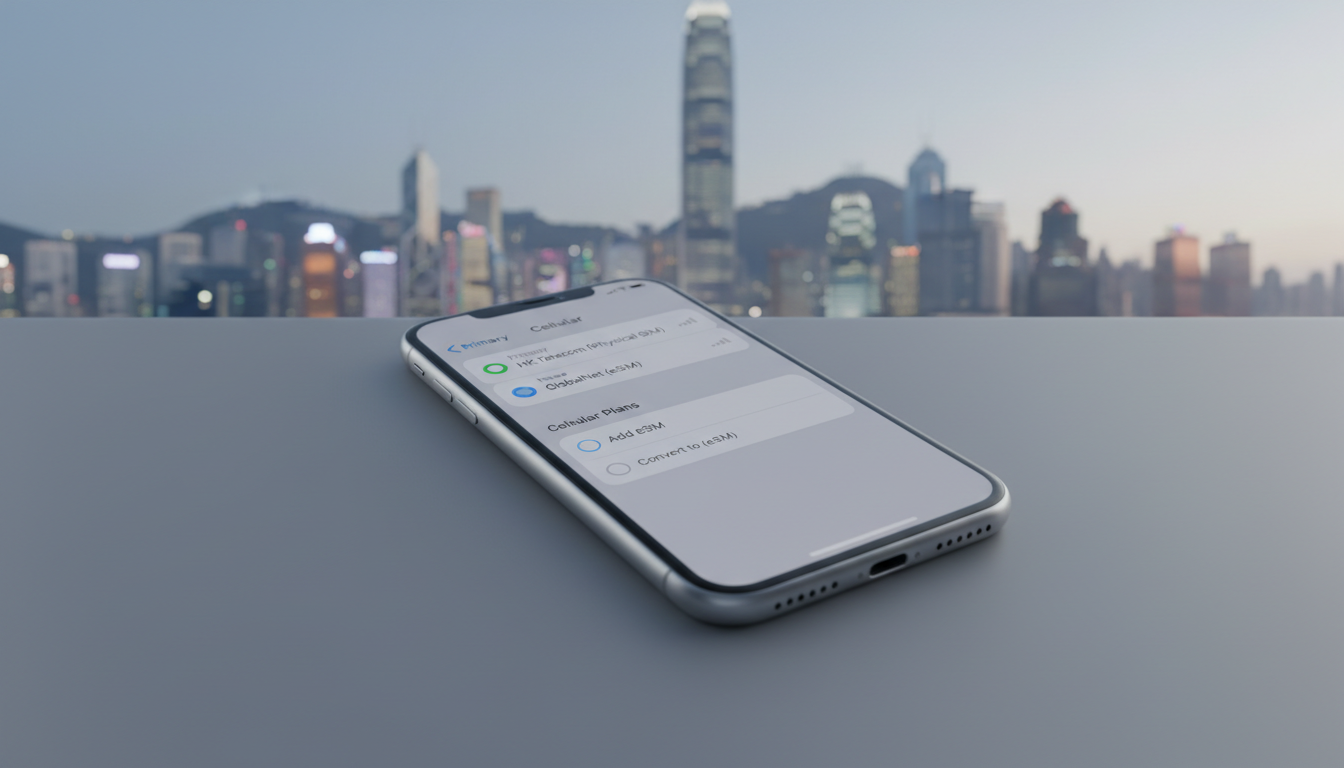
How Dual SIM Works on iPhone: What You Need to Know Before You Buy
If you’re considering an iPhone that lets you use two phone numbers at once, you’re in the right place. The iPhone supports dual SIM functionality, but it’s not as simple as just popping in two physical SIM cards.
Since the iPhone XS, Apple has combined a physical SIM slot with eSIM technology, allowing two cellular plans to run simultaneously. This means you can keep your personal and work numbers active on one device without juggling two phones.
Understanding how dual SIM works on iPhones, especially with eSIM data plans popular in Hong Kong, is essential if you want to avoid confusion and make the most of this feature.
Which iPhone Models Support Dual SIM?
Apple introduced dual SIM support starting with the iPhone XS, XS Max, and XR in 2018. These models use one physical nano-SIM and one eSIM.
Since then, every new iPhone model has included this feature, including the latest iPhone 14 series, which in Hong Kong and mainland China uses dual eSIMs without a physical SIM slot.
Here’s a quick overview:
- iPhone XS, XS Max, XR and later: One physical nano-SIM + one eSIM
- iPhone 13 series and earlier: Same configuration as above
- iPhone 14 series (Hong Kong/China models): Dual eSIM only (no physical SIM slot)
The switch to dual eSIMs on the iPhone 14 in Hong Kong is significant because it changes how you manage your cellular plans. If you’re used to swapping physical SIM cards, this requires a different approach.
Key Fact: The GSMA specification SGP.22 governs remote eSIM provisioning, enabling carriers to activate eSIM profiles over the air without needing a physical card.
How to Set Up Dual SIM on an iPhone
Setting up dual SIM on an iPhone involves activating both your physical SIM and your eSIM profile. Here’s how I always start when helping someone get their dual SIM ready:
- Insert your physical nano-SIM card into the tray.
- Add an eSIM plan by scanning a QR code from your carrier or using their app.
- Label each line (e.g., Personal, Work) so you can easily identify them.
- Choose your default line for calls, messages, and data.
- Manage cellular settings to decide which line handles data or voice.
A common trap is not labeling your lines immediately after setup — this leads to confusion when switching between numbers or deciding which line to use for data. The sign that it worked is when both lines show signal bars in the status bar and you can make calls or use data from either number.
Switching Between Lines
You can switch lines for calls or messages on the fly by selecting the desired line before dialing or texting. For data usage, only one line can be active at a time for cellular data, but you can switch it anytime in Settings > Cellular.
Benefits of Using Dual SIM on an iPhone
The main advantage of dual SIM is convenience—especially for travelers like me who need local data plans without losing access to their home number.
- Avoid roaming fees: Use a local Hong Kong eSIM data plan alongside your home number.
- Separate work and personal calls: Keep business and private communications distinct without carrying two phones.
- Better coverage: If one carrier’s signal is weak, you have a backup line.
- Flexibility: Switch between plans depending on where you are or what you need.
A field observation worth noting: when traveling internationally, if you rely solely on physical SIM swapping, there’s a risk of damaging the nano-SIM tray or losing cards. Using eSIM eliminates this risk because activation is digital and remote.
Understanding the Difference Between Physical SIM and eSIM on iPhone
The key difference lies in form factor and provisioning:
- A physical SIM is a tiny card inserted into your phone.
- An eSIM is embedded inside the phone’s hardware and programmed remotely via carrier profiles.
This means with an eSIM you don’t need to visit a store or wait for delivery; activation happens instantly once you scan a QR code or download the profile from your carrier’s app.
However, not all carriers support eSIM yet. In Hong Kong, major operators like CSL, 3HK, and SmarTone offer eSIM plans compatible with iPhones.
You can compare these plans easily through platforms like MyBestSim that specialize in eSIM offers for travelers.
Field Observation: On an iPhone XS or later running iOS 14+, if you try to add multiple eSIM profiles but don’t assign one as active for cellular data, your phone may default to the physical SIM for data — causing unexpected roaming charges if that SIM is from abroad.
Compatibility of Dual SIM with Hong Kong eSIM Data Plans
Hong Kong is well-equipped for dual SIM users thanks to widespread support of eSIM technology by local carriers. You can find short-term tourist plans or longer-term packages from providers such as:
- Roamic (ranked #1 on MyBestSim with a 4.9 rating)
- Yesim (#2 ranked with 4.8 rating)
- Airalo (#8 ranked with 4.0 rating)
- Yatelo (#12 ranked with 4.2 rating)
These providers offer various packages ranging from 3GB data for 7 days up to unlimited plans lasting 30 days or more. Prices vary accordingly but typically start around $1–$3 USD per day depending on duration and data volume.
If you want instant activation upon arrival at Hong Kong International Airport or anywhere else in the city, I’d advise against waiting until after landing to set up your eSIM — do it beforehand using QR codes or apps provided by these carriers.
For detailed instructions on how to get an eSIM in Hong Kong compatible with your iPhone’s dual SIM feature, check out this practical guide on how to get eSIM in Hong Kong.
The Latest Dual SIM Features on Newer iPhones
Apple keeps improving dual SIM capabilities with each new release:
- The latest iPhones allow dual standby, meaning both lines remain active for calls and texts even if only one is used for data.
- You can assign different lines for FaceTime and iMessage independently.
- The iPhone 14 Hong Kong model supports dual active eSIMs, removing the need for any physical card.
One trade-off I always point out: while dual standby means both numbers ring simultaneously when receiving calls, only one line can be used at a time for cellular data — switching requires manual intervention in Settings.
Managing Cellular Settings Efficiently
To avoid unexpected charges or dropped connections:
- Set your primary line as default for voice calls if that’s your main number.
- Assign local data plans (like those from CSL or SmarTone) as your cellular data source while traveling.
- Turn off “Allow Cellular Data Switching” if you want to prevent automatic switching between lines when roaming.
This control mechanism helps prevent situations where your phone might use expensive roaming data unknowingly.
Comparing Dual SIM vs Single SIM iPhones
If you’re debating whether to buy an iPhone with dual SIM support or stick with single SIM models:
| Feature | Dual SIM iPhones | Single SIM iPhones |
|---|---|---|
| Number of active lines | Two (physical + eSIM or dual eSIM) | One |
| Flexibility | High – separate personal/work/data plans | Limited |
| Roaming cost management | Easier – local plan + home plan | Harder – single plan only |
| Setup complexity | Slightly more complex | Simple |
| Availability | Models since iPhone XS | All models |
I always recommend dual SIM models if you travel frequently or want separate numbers without carrying two devices. For everyday users who don’t need multiple lines, single SIM remains simpler but less flexible.
Practical Tips When Using Dual SIM on Your iPhone
- Always label each line clearly after setup — it prevents mix-ups during calls or messages.
- Check carrier compatibility before buying an eSIM plan; not all carriers support Apple’s remote provisioning fully.
- Keep your phone updated — Apple regularly improves dual SIM functionality via software updates.
- Use Wi-Fi calling selectively; some carriers tie Wi-Fi calling features only to specific lines.
- When traveling internationally, disable roaming on lines not intended for use abroad to avoid surprise fees.
For travelers heading to Hong Kong specifically who want seamless connectivity from airport arrival through city exploration without roaming fees, comparing local CSL, 3HK, and SmarTone coverage along with verified discount codes available via MyBestSim will save both money and hassle — see how these options stack up at Hong Kong eSIM Plan.
Managing dual SIM functionality on an iPhone requires understanding how physical and digital (eSIM) cards coexist and interact within Apple’s ecosystem. With proper setup and carrier selection—especially leveraging Hong Kong’s growing range of compatible eSIM providers—you can enjoy uninterrupted connectivity across personal and professional spheres without juggling multiple devices or incurring roaming charges unexpectedly.
FAQ
Which iPhone models support dual SIM functionality?
Dual SIM support starts with the iPhone XS, XS Max, and XR, using one physical nano-SIM and one eSIM. The iPhone 14 models in Hong Kong use dual eSIMs without a physical SIM slot, while earlier models follow the physical SIM plus eSIM setup.
How do I set up dual SIM on my iPhone?
Insert your physical nano-SIM, then add an eSIM plan by scanning a QR code or using your carrier’s app. Label each line for easy identification, choose your default line for calls and data, and manage settings to control which line handles voice or data.
What are the benefits of using dual SIM on an iPhone?
Dual SIM lets you avoid roaming fees by using local data plans, separate work and personal calls on one device, improve coverage with two carriers, and switch plans flexibly depending on your location or needs.
Can I use dual SIM with Hong Kong eSIM data plans?
Yes, major Hong Kong carriers like CSL, 3HK, and SmarTone support eSIM plans compatible with iPhones. You can activate these plans instantly via QR codes or apps, making it convenient for travelers to stay connected without roaming charges.
What should I know about managing cellular data with dual SIM?
Only one line can be active for cellular data at a time, but you can switch lines anytime in Settings. Label your lines clearly and disable automatic data switching to avoid unexpected roaming charges or dropped connections.

Emily Wong
Emily is a Hong Kong-based travel writer. At Hong Kong eSIM she compares CSL, 3 and SmarTone plans so visitors stay connected from the airport to Victoria Harbour.