Set Up a Hong Kong eSIM on an iPhone Bought in France
11/28/2026
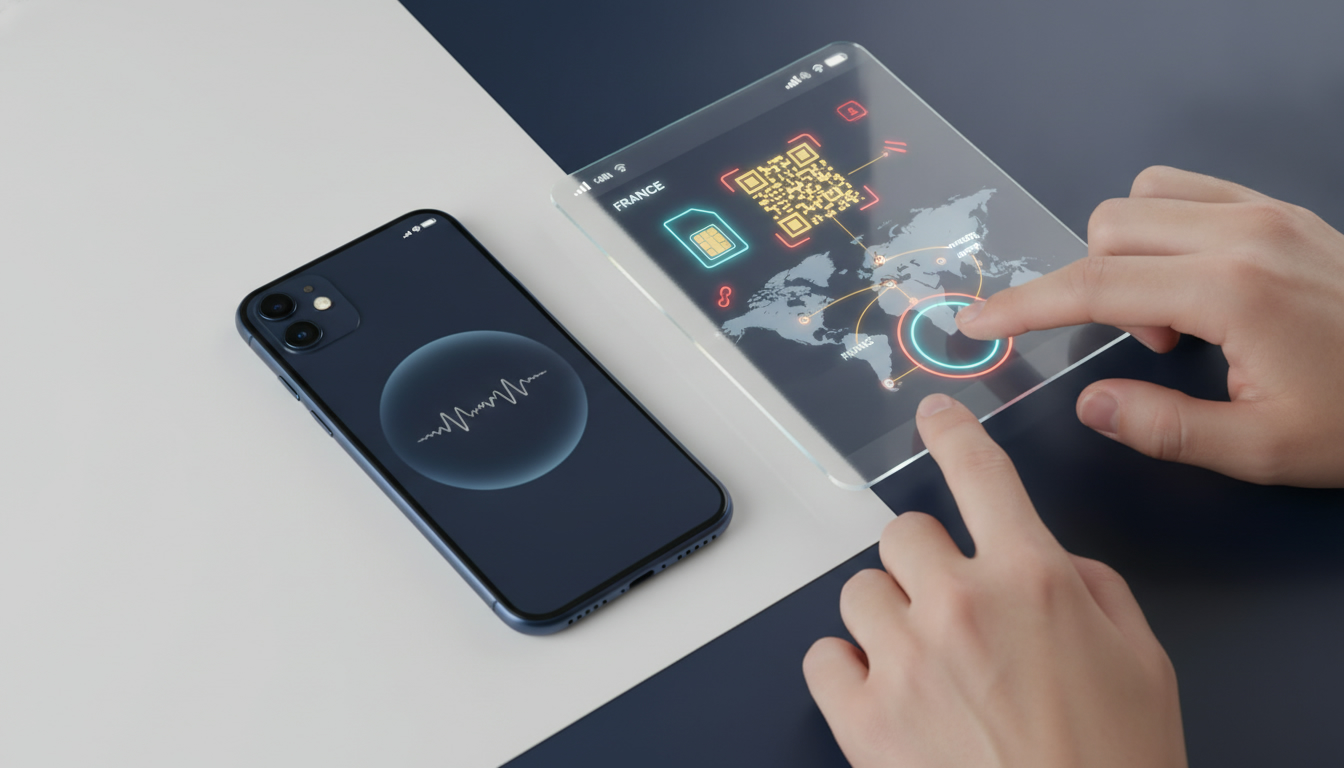
If you bought your iPhone in France and need mobile data in Hong Kong, check compatibility before buying an eSIM: Apple supports eSIM on iPhone XS, iPhone XS Max, iPhone XR, and later models, while Apple’s iPhone 14 series and newer models sold in the United States are eSIM-only. A French-market iPhone is normally equipped with a physical SIM tray, so you can keep your French line active while using a Hong Kong eSIM for data.
Check the iPhone Before You Buy the Hong Kong eSIM
The fastest check is in Settings > General > About. Look for EID, which identifies the embedded SIM, and check Carrier Lock.
Apple says the correct status for an unlocked phone is “No SIM restrictions.” If the phone is locked to a French carrier, the Hong Kong eSIM may download but fail to register on a local network.
| iPhone check | Where to find it | What the result means |
|---|---|---|
| EID | Settings > General > About | The iPhone has eSIM hardware |
| Carrier Lock | Settings > General > About | “No SIM restrictions” means it is unlocked |
| iOS version | Settings > General > Software Update | Install the latest available update before travel |
| IMEI | Settings > General > About | Keep it available if an eSIM provider requests device details |
Apple’s eSIM compatibility begins with the iPhone XS, XS Max, and XR, released in 2018. Apple’s support documentation also distinguishes regional models, so do not rely only on the name printed on the box.
If you have an older iPhone, the EID field is the practical test: if it is absent, an eSIM cannot be installed on that device.
I always start by checking Carrier Lock before comparing plans. When an iPhone is locked, the installation screen can look normal because the QR code is accepted; the failure happens later when the phone tries to connect to the Hong Kong network.
That wastes time at the airport and is not fixed by restarting the phone.
Confirm the plan type and network access
A Hong Kong travel eSIM may be data-only. That means it can provide internet access for Maps, WhatsApp, iMessage, email, and ride-hailing apps, but it may not include a Hong Kong telephone number or traditional voice calls.
Before purchase, check:
- The plan’s validity, such as 3, 7, 15, or 30 days.
- The included data allowance, such as 3 GB.
- Whether hotspot use is allowed.
- Which Hong Kong network partners provide coverage.
- Whether activation starts at installation or when the eSIM first connects.
For a short visit, the live offers listed by MyBestSim include 3 GB for 7 days at $1.99 from Orange Travel, 3 GB for 7 days at $1.09 from eSIM.dog, and 3 GB for 30 days at $2.97 from Yatelo. Prices and availability can change, so compare the current listing immediately before payment rather than relying on a saved screenshot.
If you need a longer validity period, MyBestSim also lists 3 GB for 15 days at $2.70 from 4S eSIM and 3 GB for 30 days at $2.70 from Redtea. Those are different products despite the similar data allowance: the validity clock is the important difference when your trip includes a long stopover or a return journey.
Install the eSIM Without Disabling Your French Number
Install the plan while you still have reliable Wi-Fi. The airport is a poor place to discover that a QR code is stored in an email account you cannot open offline.
- Open the provider’s email or app on another device, or display the QR code on a computer.
- On the iPhone, open Settings > Cellular > Add eSIM.
- Choose Use QR Code and scan the code.
- Wait for the line to appear under Cellular Plans.
- Label it Hong Kong so you do not confuse it with your French line.
- Keep your French line enabled if you need incoming SMS for banking or account verification.
- Set the Hong Kong line as Cellular Data.
- Disable Allow Cellular Data Switching unless you deliberately want the iPhone to fall back to your French plan.
Apple’s eSIM process uses the device’s EID and carrier provisioning rather than copying a physical SIM. The GSMA Remote SIM Provisioning Specification SGP.22 defines the consumer eSIM download process: the phone receives an activation profile, verifies it, and installs the operator credentials.
The common mistake is selecting the new Hong Kong line for voice and SMS instead of only for data. The phone may then attempt to route calls through a data-only plan, while iMessage activation may behave unexpectedly.
I would keep the French line for calls and SMS, set Hong Kong as the data line, and turn off data roaming on the French line.
For a more detailed installation sequence, the Hong Kong eSIM activation guide fits this exact stage: the useful detail is not the QR scan itself, but the line labels and data-line selection afterward.
When the QR code will not scan
If the camera refuses the code:
- Increase the brightness of the screen showing the QR code.
- Move the phone farther away so the full square is visible.
- Use Enter Details Manually if the provider supplies an SM-DP+ address and activation code.
- Do not scan the same one-time QR code repeatedly on different phones.
- Confirm that the eSIM was not already installed on another device.
If the plan appears under Cellular but shows No Service, installation succeeded; network registration did not. That points to coverage, roaming settings, activation timing, or a carrier-lock problem rather than a damaged QR code.
Get Data Working After You Land in Hong Kong
At the airport, open Settings > Cellular > Hong Kong and confirm that Turn On This Line is enabled. Then select the Hong Kong plan under Cellular Data.
If the provider requires data roaming, enable it on the Hong Kong line only. Leave roaming disabled on the French line.
The sequence matters:
- Turn on the Hong Kong line.
- Select it for cellular data.
- Enable data roaming only if the provider’s instructions require it.
- Turn Airplane Mode on for 30 seconds, then turn it off.
- Wait for the network name or signal bars.
- Open Safari and load a new page.
Airplane Mode helps because it forces the modem to perform a fresh network search. Merely toggling Wi-Fi does not refresh cellular registration.
When the phone connects but apps have no data, check Settings > Cellular and scroll down to confirm that the affected apps are allowed to use cellular data. A VPN can also interfere with the first connection; temporarily disable it during activation, then re-enable it once the eSIM works.
Coverage depends on the provider’s Hong Kong roaming agreements, not simply on the fact that the plan is advertised for Hong Kong. Dense indoor areas, underground stations, and elevators can interrupt service even when the plan is active.
If the phone shows a network but pages do not load, test with Wi-Fi disabled and verify that the Hong Kong line—not the French line—is selected for data.
Troubleshoot the Failures That Matter
“No SIM restrictions” is missing
If Carrier Lock does not show “No SIM restrictions,” contact the French carrier that sold the iPhone. Apple does not remove carrier locks for you.
Do not buy another Hong Kong eSIM until the lock is cleared.
The eSIM installed but has no signal
Check the following in order:
- Hong Kong line: enabled.
- Cellular Data: set to Hong Kong.
- Data roaming: enabled only where required.
- Airplane Mode: refreshed for 30 seconds.
- Network selection: automatic first, manual only if the provider names a specific partner.
- iOS: updated before trying a full reset.
A manual network selection can help when automatic selection repeatedly chooses an unusable partner, but it can also make the phone cling to a weak network. I use it only after automatic selection fails, then return to automatic once service is established.
Your French number stops receiving messages
Keep the French line enabled, but disable its data roaming. SMS may still arrive without using mobile data, although carrier charges can depend on your French plan.
For iMessage, verify Settings > Apps > Messages > Send & Receive and make sure the intended phone number or Apple Account is selected.
The Hong Kong SIM card options for tourists are useful when an iPhone lacks eSIM support or remains carrier-locked. A physical SIM changes the installation method, but it does not solve an unlocked-phone requirement: a locked iPhone can reject that SIM as well.
If you need to stretch a limited allowance, disable automatic photo backups over cellular data. Apple Photos can start a large upload after the eSIM connects, consuming data before navigation or messaging has had a chance to work.
Keep iCloud backups on Wi-Fi until you have confirmed the eSIM’s remaining balance.
FAQ
Can a French iPhone use a Hong Kong eSIM?
Yes, an iPhone purchased in France can use a Hong Kong eSIM if it is an iPhone XS, XS Max, XR, or newer and has no carrier restrictions. French-market models generally retain a physical SIM tray, allowing you to keep your French line active while assigning mobile data to the Hong Kong eSIM.
How do you check whether your iPhone is unlocked?
Open Settings, select General, then About, and find Carrier Lock. The correct status is “No SIM restrictions.” You should also look for an EID, which confirms eSIM hardware. If the phone remains locked to a French carrier, contact that carrier before purchasing another Hong Kong eSIM.
Which Hong Kong eSIM plan should travelers choose?
Compare validity, data volume, hotspot support, network partners, and the activation trigger rather than focusing only on price. A short trip may need 3 GB for seven days, while a longer stay benefits from 15- or 30-day validity. Confirm current prices immediately before payment because offers can change.
How can you keep your French number active?
Leave the French line enabled for calls, incoming SMS, banking codes, and account verification, but select the Hong Kong plan as Cellular Data. Disable data roaming on the French line and turn off Cellular Data Switching. This prevents accidental use of your French allowance while preserving access to important messages.
What should you do when the eSIM has no service?
Confirm that the Hong Kong line is turned on and selected for cellular data, then enable roaming if the provider requires it. Refresh the connection with Airplane Mode for 30 seconds, check automatic network selection, and verify the phone is unlocked. If needed, update iOS before trying manual network selection.

Emily Wong
Emily is a Hong Kong-based travel writer. At Hong Kong eSIM she compares CSL, 3 and SmarTone plans so visitors stay connected from the airport to Victoria Harbour.