Roamless in Hong Kong: Set Up Data Without Roaming Fees
11/23/2026
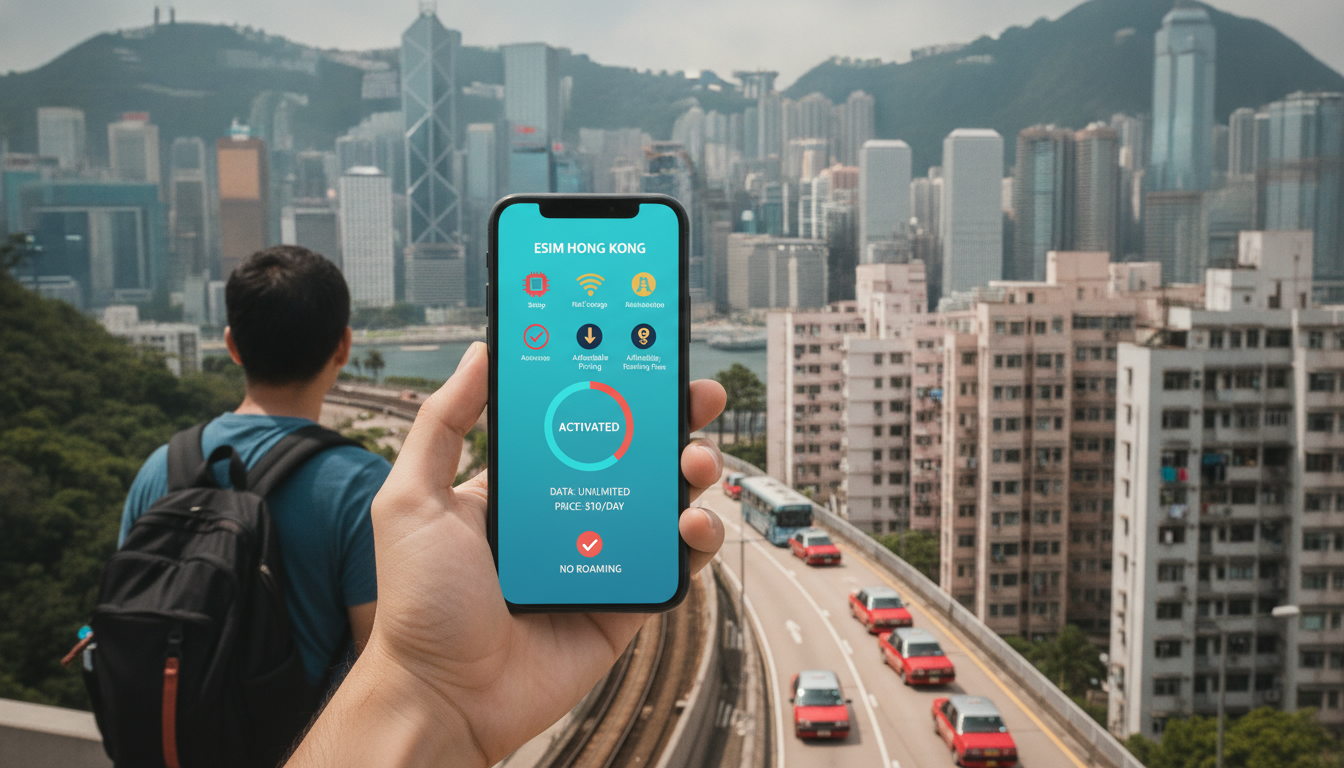
Roamless can work well in Hong Kong if your phone supports eSIM and you install the profile before departure. MyBestSim lists 20% off Roamless with code MYBESTSIM, while the service is presented as a global eSIM covering more than 200 countries.
The main attraction is pay-as-you-go data that does not expire, but you still need to configure your phone correctly to prevent your home SIM from generating roaming charges.
What Roamless Gives You in Hong Kong
Roamless uses one travel eSIM rather than asking you to install a separate profile for every destination. Its data model includes pay-as-you-go credit with no expiration, alongside fixed-volume packages.
That distinction matters: unused pay-as-you-go credit can remain available for a later trip, whereas a fixed package can be tied to a defined allowance or destination.
| Roamless detail | What is documented | What it means in Hong Kong |
|---|---|---|
| Service type | Global travel eSIM | One eSIM can be used across supported destinations |
| Coverage | More than 200 countries | Hong Kong is included in the international travel proposition, but check the current destination page before purchase |
| Pay-as-you-go data | Data has no expiration | Useful for occasional travel or irregular usage |
| Promotion | 20% off with code MYBESTSIM | Apply the code through the relevant Roamless purchase flow if it is accepted |
| Price display | Varies by destination and package | Confirm the Hong Kong amount in the app before paying |
| Calls and texts | Data, calling, and phone-number features are separate service questions | Do not assume ordinary cellular voice and SMS are included with data |
MyBestSim records Roamless at rank 165 in its provider data, without a published customer rating or sample Hong Kong offer. I would therefore treat the code as a price advantage, not as proof that Roamless is the cheapest option for your exact trip.
Open the Roamless mobile app, select Hong Kong, and verify the live price and allowance before checkout.
Roamless is an international data eSIM, not automatically a replacement for your existing telephone number. WhatsApp, iMessage, Signal, FaceTime, Google Maps, Uber, and similar apps can use the data connection, but ordinary calls and SMS depend on which line remains active and how your carrier bills roaming.
Check the Phone Before Buying
Confirm eSIM support and carrier unlocking
An eSIM is a digital SIM profile stored in the phone rather than a removable plastic card. On an iPhone, look under Settings > General > About for an EID and check Carrier Lock.
On Android, the wording varies by manufacturer; look for Add eSIM or SIM Manager.
A phone can support eSIM and still be locked to its home carrier. The mechanism is simple: the device refuses to activate a profile from another network, so the Roamless installation may stop even though the phone has an eSIM menu.
Check this before the airport, where troubleshooting is harder and public Wi-Fi may be congested.
I always start by checking the phone model and carrier lock, not by buying the package. A QR code cannot overcome a carrier lock.
Check the operating-system conditions
Install the current Roamless app from the official app store and sign in before travel. Keep the phone charged, and download your boarding pass or essential directions while you still have your home connection.
GSMA Specification SGP.22 governs remote SIM provisioning for consumer devices. In practical terms, the phone downloads an operator profile and stores it in the eSIM section; it does not receive a physical SIM card.
The profile installation therefore needs a functioning Wi-Fi or mobile-data connection at the time you add it.
If the app offers a direct installation method, use it. If it presents a QR code, display that code on another screen or use the phone’s camera workflow.
Photographing a QR code displayed on the same phone usually creates an avoidable loop.
Install Roamless Before Your Flight
- Create or open your Roamless account. Use the email address you can access while abroad, because account recovery may require it.
- Choose Hong Kong in the app. Review the allowance, pay-as-you-go option, validity wording, and final currency amount before confirming payment.
- Apply
MYBESTSIMif the purchase screen accepts it. The available MyBestSim data lists this code with a 20% Roamless promotion. Do not assume the discount applies to every product or remains available indefinitely. - Install the eSIM over Wi-Fi. Leave the physical SIM in place if you need your usual number for incoming messages.
- Label the lines clearly. Name the new profile “Roamless Hong Kong” and your home line “Home.” This prevents selecting the wrong line later.
- Do not delete the profile after installation. Some travel eSIMs cannot be reinstalled freely once removed; keep the profile until the trip is over and any support issue is resolved.
- Record the account and support details. Save the Roamless login email and order information offline.
The sign that installation worked is not merely that the profile appears in Settings. The eSIM should show as installed and available for mobile data, while your home SIM remains separately identifiable.
If the profile is present but cannot connect, activation and network selection are the next checks.
For a phone-specific walkthrough, the steps in this Hong Kong eSIM activation guide are useful when you reach the installation screen.
Activate Data Without Triggering Roaming
Set the data line deliberately
Before landing, open the phone’s SIM settings and select Roamless as the mobile-data line. Turn off Data Roaming on your home SIM.
On iPhone, also disable Allow Mobile Data Switching; otherwise the phone can move data back to the home line when the Roamless connection looks weak.
This is the costly trap: if the home line remains the default data SIM, the phone can silently use your carrier’s Hong Kong roaming service for background synchronization. Mail, photo backup, and app updates then consume roaming data before you open a map.
Keep your home line active only if you need calls or SMS, and confirm that your carrier does not charge for incoming service abroad. If you want zero roaming risk, turn the home line off completely and use app-based messaging over Roamless data.
Activate at the right moment
After landing in Hong Kong:
- Turn off airplane mode.
- Select Roamless for mobile data.
- Enable data roaming on the Roamless line if the app or phone requires it.
- Wait for the network indicator to appear.
- Open a simple website or send a messaging-app text.
- Check the Roamless app for usage and remaining balance.
The deliberate roaming setting can look contradictory, but it is normal for a travel eSIM: “data roaming” permits that eSIM to use a partner network outside its home country. The danger is leaving it enabled on your home SIM as well.
When the signal shows but data does not work, toggle airplane mode once and verify the APN instructions shown by Roamless. Repeatedly deleting and reinstalling the eSIM is the wrong first move because it can remove a correctly installed profile without fixing the network selection.
Coverage, Speed, and Hong Kong Practicalities
Roamless coverage depends on its local network partners, not simply on the fact that Hong Kong appears in a worldwide country list. Inside MTR stations, basements, lifts, and dense concrete buildings, the phone may lose service because radio signals are attenuated by the structure; changing eSIM providers will not restore a signal where no partner network reaches.
At street level, test data in the area where you actually need it: the airport, your hotel, and the route toward Victoria Harbour. If one location works and another does not, the issue may be local congestion or building penetration rather than an account failure.
I would advise against using a pay-as-you-go eSIM as the only connection for a long work trip without checking the live Hong Kong rate first. Pay-as-you-go is convenient for light use, but video calls, cloud photo uploads, and hotspot sharing can consume credit much faster than maps and messaging.
For heavier usage, compare the live Roamless offer with the Hong Kong data plans for tourists. Look at total data, duration, tethering rules, and the network used—not only the headline price. MyBestSim’s current Hong Kong data shows other verified offers beginning at $1.09 for 3 GB over 7 days, but that is a separate provider offer and not a Roamless price.
The Mistakes That Create Extra Charges
Avoid these four settings errors:
- Leaving automatic data switching enabled.
- Allowing iCloud, Google Photos, or app stores to use mobile data.
- Assuming Wi-Fi calling behaves like free roaming; carrier rules still apply.
- Removing the Roamless eSIM before the balance or support issue is settled.
If you need your home number for a one-time verification SMS, enable the home line briefly while keeping its data roaming disabled. The phone can receive the message through that line while Roamless remains the selected data connection.
Test the arrangement with a small, nonessential message before relying on it for banking or transport access.
FAQ
How do you install Roamless for a Hong Kong trip?
Create a Roamless account, select Hong Kong, review the current allowance and price, then apply the MYBESTSIM code if accepted. Install the eSIM over reliable Wi-Fi before departure, label it clearly, and keep the profile installed until your trip and any support issues are fully resolved.
Can Roamless use data without activating home-line roaming?
Yes. Select Roamless as the mobile-data line, disable data roaming on your home SIM, and turn off automatic data switching. You may keep the home line active for calls or verification texts, but check your carrier’s international charges. For maximum protection, disable the home line completely.
Does Roamless include Hong Kong calls and text messages?
Roamless primarily provides mobile data, so ordinary cellular calls and SMS are not automatically included. Messaging and calling apps such as WhatsApp, Signal, FaceTime, and iMessage can work through the eSIM’s connection. Your regular phone number remains governed by the active home line and its carrier billing rules.
How reliable is Roamless coverage throughout Hong Kong?
Roamless coverage depends on its local network partners and the location where you use it. Street-level service may work well, while MTR stations, basements, elevators, and dense buildings can weaken signals. Test the connection at the airport, hotel, and main destinations rather than relying only on the global coverage list.
Is Roamless pay-as-you-go suitable for heavy Hong Kong usage?
Pay-as-you-go data can suit occasional browsing, navigation, and messaging because unused credit does not expire. Heavy activities such as video calls, cloud backups, streaming, and hotspot sharing may consume credit quickly. Before purchasing, compare the live Hong Kong rate with fixed data plans based on your expected usage and trip length.

Emily Wong
Emily is a Hong Kong-based travel writer. At Hong Kong eSIM she compares CSL, 3 and SmarTone plans so visitors stay connected from the airport to Victoria Harbour.