How to Use a Trial eSIM in Hong Kong Without Roaming
11/27/2026
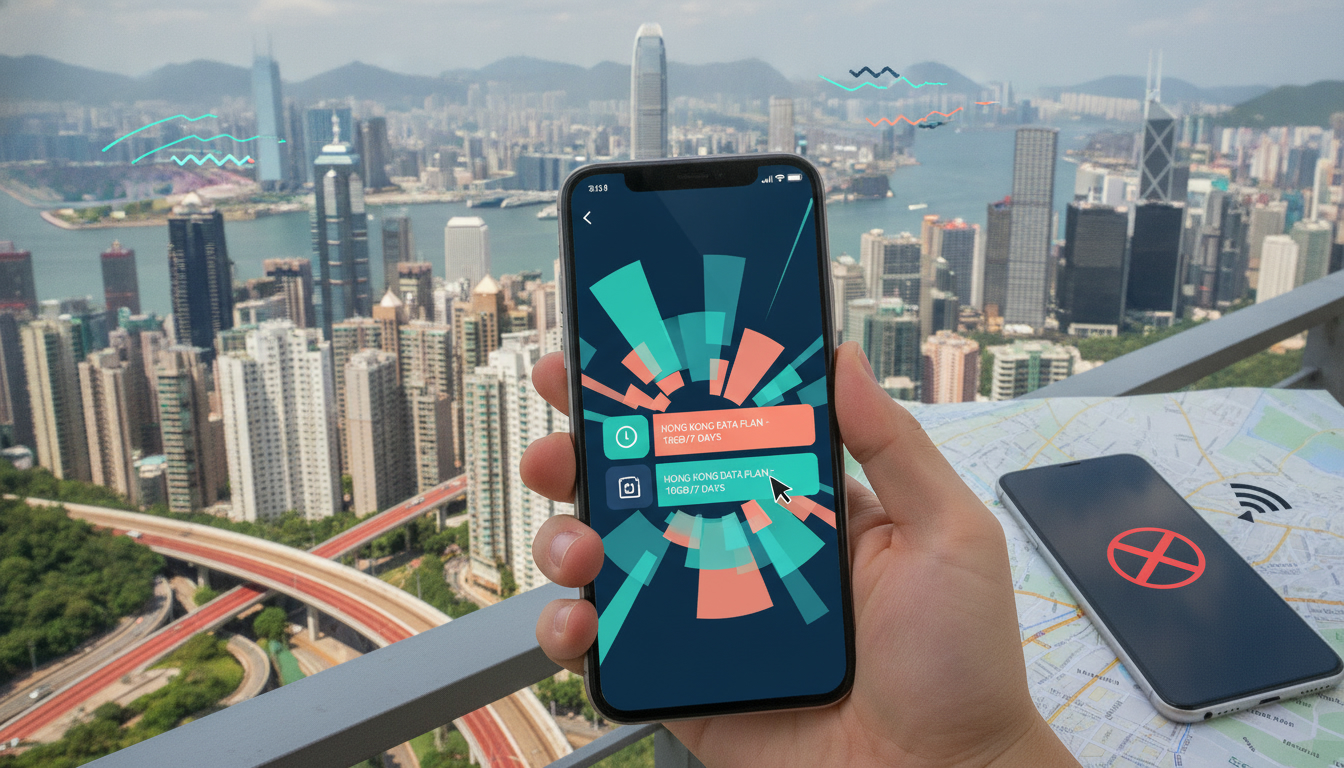
A Hong Kong trial eSIM can cost as little as $1.09 for 3 GB over 7 days, while a genuine free trial may offer no Hong Kong coverage at all. Before you buy, confirm that your phone is unlocked, eSIM-compatible, and configured to keep your home SIM from using roaming data.
Start With the Phone, Not the Offer
A travel eSIM is a temporary mobile-data profile, not a second physical SIM card. It can sit beside your normal SIM, but the phone still decides which line handles data, calls, and messages.
Check compatibility and carrier lock
Use this order before paying:
- Open your phone’s cellular settings and look for Add eSIM or Add Cellular Plan.
- Check whether the device is carrier-unlocked. On an iPhone, Apple displays this under Settings → General → About → Carrier Lock; “No SIM restrictions” means the phone is unlocked.
- Confirm that the model supports eSIM. Apple’s eSIM support begins with iPhone XS, iPhone XS Max, and iPhone XR, according to Apple’s device requirements.
- Check whether the phone can use two active lines at once. Apple calls this Dual SIM, while Android menus vary by manufacturer.
- Make sure the device is not regionally restricted. Some models sold in particular markets have different SIM hardware.
The practical trap is installing an eSIM on a locked phone: the QR code may scan successfully, but the profile cannot register on the local network. That leaves the eSIM apparently installed but unusable, and deleting it does not undo the purchase.
I always start by checking the phone’s lock status before comparing data allowances. A cheap plan is irrelevant if the device cannot accept the network profile.
What a small Hong Kong plan actually buys
MyBestSim lists the following Hong Kong offers. These are low-cost data plans rather than guaranteed free network trials, so compare the activation rules and validity start point before checkout.
| Provider | Data | Validity | Price |
|---|---|---|---|
| eSIM.dog | 3 GB | 7 days | $1.09 |
| Orange Travel | 3 GB | 7 days | $1.99 |
| MicroEsim | 3 GB | 3 days | $2.07 |
| Redtea | 3 GB | 30 days | $2.70 |
| 4S eSIM | 3 GB | 15 days | $2.70 |
| Yatelo | 3 GB | 30 days | $2.97 |
| LinkeSIM | 3 GB | 15 days | $3.20 |
| Ezy eSIM | 3 GB | 15 days | $3.50 |
The lowest price is not automatically the best trial. A 3 GB allowance can be enough for maps, messaging, ride-hailing, and light browsing, but video, cloud photo backup, and automatic app updates can consume it quickly.
If your trip is longer than a week, the 30-day validity of Redtea or Yatelo may matter more than the difference between $1.09 and $2.97.
Distinguish a Real Trial From a Cheap Plan
A free eSIM trial normally exists to test a mobile operator’s network before switching. The source material identifies T-Mobile Network Pass as a free 90-day trial with unlimited data and 5G, requiring an iPhone XS or later and the T-Life app.
That is a US carrier test, not evidence that the same trial applies in Hong Kong.
What to verify before checkout
A travel eSIM trial offer should state all of these points:
- Hong Kong is included in the coverage area.
- The data allowance and validity period are explicit.
- Activation timing is clear: purchase, installation, first network connection, or a fixed date.
- A payment card is or is not required.
- The offer is data-only or includes a phone number and SMS.
- Hotspot use is allowed or restricted.
- The network operator or roaming partner is identified.
- The eSIM can be installed before departure.
Eskimo’s published worldwide trial description states 4G/5G data in 111 destinations and says no credit card is required, but destination eligibility still needs checking at activation. A separate low-cost trial described by Soulful Travel Guy costs $0.60 and includes 500 MB of high-speed data; that amount is a test allowance, not a practical replacement for a full trip plan.
The hidden failure is confusing “free” with “no payment risk.” Some trials require an account, identity checks, or a payment method even when the initial charge is zero. Others automatically convert to a paid subscription.
Read the cancellation condition before installing, and capture the terms shown at checkout.
If the offer does not clearly name Hong Kong, I’d advise against treating it as a Hong Kong trial. A provider may advertise global coverage while excluding one destination, limiting data to a partner network, or allowing only emergency service there.
Coverage is a network question
Hong Kong coverage depends on the local operator used by the eSIM, not only on the brand selling it. The domain’s comparisons cover CSL, 3, and SmarTone, so check which network an offer uses and whether 5G access is included.
GSMA’s Remote SIM Provisioning specification SGP.22 governs consumer eSIM provisioning; it explains how the profile is downloaded, but it does not guarantee signal strength in every location.
In dense urban areas, a phone can show strong signal while data slows because the serving cell is congested. In underground stations, enclosed shopping centres, or buildings with reinforced concrete, the phone may remain registered while data requests stall.
That is a radio-environment issue, not proof that the eSIM installation failed.
Install Before You Fly, Activate After Landing
Installing the profile before departure is usually safer than trying to scan a QR code at the airport. It separates the internet connection needed for installation from the mobile data connection used after arrival.
Installation steps
- Buy the plan and read whether validity starts at installation or first connection.
- Use reliable Wi-Fi to scan the QR code or open the provider’s installation link.
- Label the new line “Hong Kong Data” so it cannot be confused with your home SIM.
- Leave the home SIM enabled for calls or SMS only if you need it.
- Set Mobile Data to the Hong Kong eSIM.
- Turn off Data Roaming on the home line.
- Turn on Data Roaming on the travel eSIM only when its instructions require it.
- Disable automatic switching between cellular plans.
- Test data after landing by opening a map and a normal webpage.
For a more detailed configuration sequence, the Hong Kong eSIM activation guide belongs at this stage, because the important setting is not the QR scan itself but the separation of data responsibility between the two lines.
The common mistake is leaving “Allow Cellular Data Switching” enabled. When the travel eSIM briefly loses signal, the phone can silently move data back to the home SIM; the consequence is roaming traffic billed by the home carrier.
A second mistake is enabling roaming on both lines, which removes the safeguard you thought you had.
Make the first connection deliberate
At the airport, keep airplane mode on until you are ready to test the travel line. Then disable airplane mode, select the Hong Kong eSIM for data, and wait for the network name to appear.
If it fails:
- restart the phone;
- confirm the eSIM line is turned on;
- check the access point name only if the provider supplied one;
- verify that the plan has not expired or been used in another destination;
- try manual network selection if automatic selection does not register.
Do not delete the eSIM during troubleshooting. Many providers treat the QR code as single-use, so deleting a profile can turn a correctable settings problem into a replacement request.
Control Data Use and Roaming Charges
A trial eSIM is useful when you control what consumes the allowance. Before leaving Wi-Fi, disable automatic downloads, cloud photo synchronization, and background refresh for high-use apps.
Download offline maps and transit information before the trip.
The technical reason is straightforward: background services can use data while the screen is off, so a 500 MB trial may disappear without any obvious browsing session. Streaming video is especially unsuitable for testing a connection because it measures the app’s bandwidth appetite as much as the network’s quality.
Check the phone’s cellular-data counter after the first day and compare it with the provider’s account dashboard. The counters may not match exactly because the phone and provider measure sessions differently, but a sudden jump identifies an application worth restricting.
For a longer stay, compare validity and allowance rather than searching only for the phrase “free trial.” MyBestSim’s Hong Kong listings include 3 GB options lasting from 3 days to 30 days, giving you a defined cost ceiling. The Hong Kong eSIM plan comparison is most useful when the question changes from “Can my phone connect?” to “How much data will my itinerary consume?”
Finally, keep the home line available for incoming SMS only when necessary, but ask your home carrier whether receiving messages abroad is chargeable. A data eSIM prevents mobile-data roaming; it does not automatically prevent every roaming fee attached to calls, voicemail, or carrier services.
FAQ
Can a Hong Kong eSIM trial be genuinely free?
Some genuine trials are free, but they may exclude Hong Kong or target a specific carrier’s network. Verify destination coverage, data limits, duration, payment requirements, and automatic renewal terms before installing. A low-cost plan, such as 3 GB for $1.09, may be more practical than an unavailable free offer.
How do you check whether your phone supports eSIM?
Open cellular settings and look for “Add eSIM” or “Add Cellular Plan,” then confirm the phone is unlocked. iPhones should show “No SIM restrictions” under Carrier Lock, while supported models generally include the iPhone XS, XS Max, and XR or newer devices.
When should you install and activate the travel eSIM?
Install the eSIM over reliable Wi-Fi before departure, but activate its data connection after landing unless the provider starts validity at installation. Label the line clearly, select it for mobile data, disable automatic data switching, and keep your home line from using roaming data.
Which Hong Kong eSIM plan is best for longer trips?
Compare validity alongside price and allowance rather than choosing the cheapest listing automatically. A 3 GB plan lasting seven days may suit a short visit, while 30-day options from providers such as Redtea or Yatelo can provide better flexibility for extended stays and cost only slightly more.
How can travelers prevent unexpected roaming charges?
Turn off data roaming on your home SIM and disable automatic cellular-data switching. Restrict background refresh, cloud backups, app updates, and video streaming, then monitor both phone and provider usage counters. Remember that a data eSIM does not automatically prevent charges for calls, voicemail, or carrier services.

Emily Wong
Emily is a Hong Kong-based travel writer. At Hong Kong eSIM she compares CSL, 3 and SmarTone plans so visitors stay connected from the airport to Victoria Harbour.