How to Use 2 Esims on iPhone for Seamless Dual Connectivity
9/20/2026
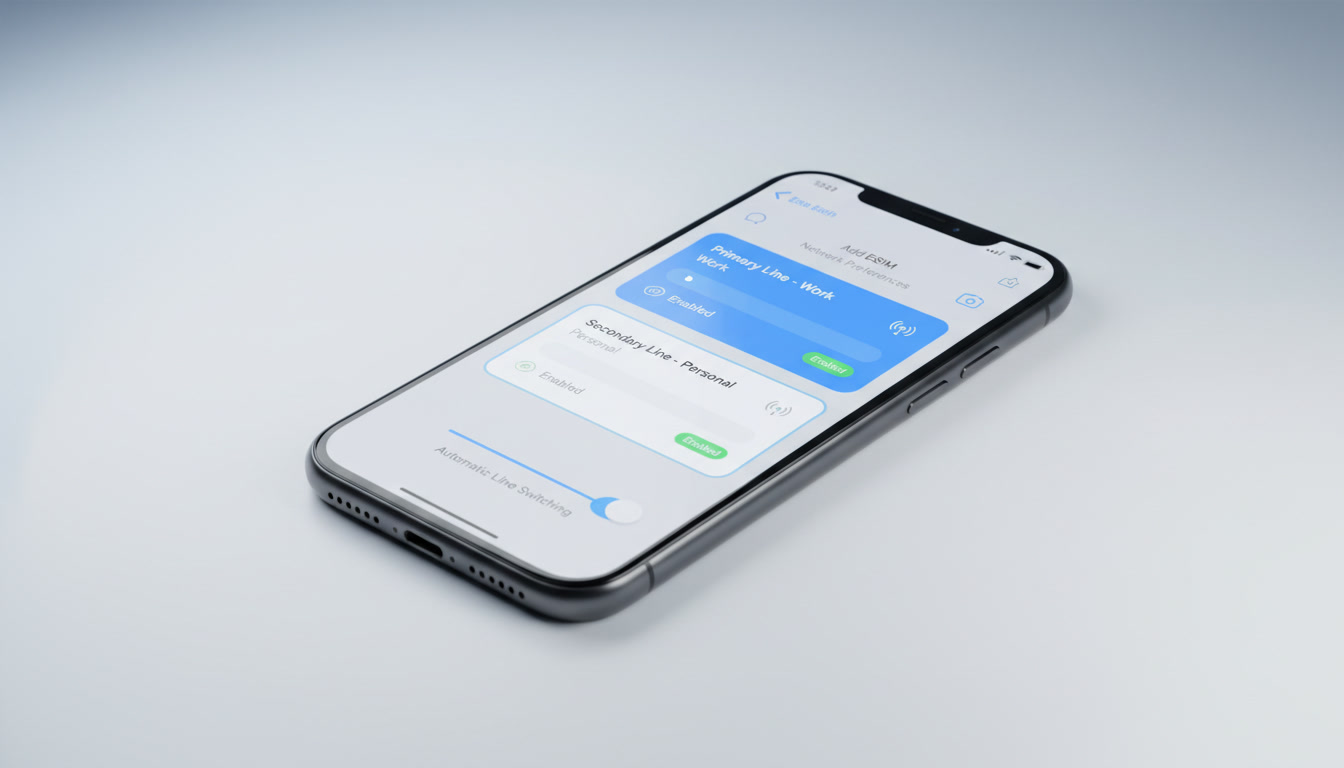
How to Use Two eSIMs on an iPhone: Setup, Compatibility, and Benefits
If you’re considering an iPhone that supports 2 eSIMs simultaneously, you’re tapping into one of Apple’s most flexible mobile connectivity features. Since the iPhone 13, Apple introduced the ability to activate two eSIMs at once, eliminating the need for a physical SIM card and simplifying how you manage multiple phone numbers.
This capability is especially useful if you want to separate work and personal lines or travel internationally without swapping SIM cards.
Which iPhones Support Dual eSIM?
Not every iPhone can handle two active eSIMs at the same time. Here’s what you need to know:
- iPhone SE (3rd generation) and later support dual eSIM functionality.
- Starting with the iPhone 13 series, Apple allows two active eSIMs without requiring a physical SIM.
- The iPhone 14 models sold in the US have removed the physical SIM slot entirely, relying exclusively on dual eSIMs.
- Other models like the iPhone 13 Pro Max also support dual eSIMs but retain a physical SIM slot for flexibility.
This means if you want to use two eSIMs simultaneously, your best bet is any iPhone from the 13 series onward or the latest SE model. Apple’s official support page confirms that two phone numbers can be active for calls, FaceTime, and messages at the same time on these models.
Setting Up Two eSIMs on Your iPhone
Setting up dual eSIMs involves a few precise steps. I always start by ensuring my iPhone is updated to the latest iOS version because Apple continuously improves eSIM management features.
Here’s how to get both lines running:
- Scan or enter your first eSIM QR code through Settings > Cellular > Add Cellular Plan.
- Label this plan (e.g., Personal).
- Repeat the process for your second eSIM QR code and label it (e.g., Work).
- Choose your default line for calls and messages.
- Enable “Allow Cellular Data Switching” if you want to use data from either line depending on coverage.
A key observation: when activating two eSIMs, if you don’t label them distinctly, it becomes confusing to switch between lines during calls or messages. The labels act as quick identifiers in your contacts and settings.
Another trade-off is that while both numbers can receive calls and texts, only one line can use cellular data at a time unless you enable data switching — a setting that automatically uses data from the line with better coverage when needed.
Managing Multiple eSIMs on an iPhone
You can actually store more than two eSIM profiles on your iPhone but only activate two simultaneously. This is handy if you travel frequently and want to keep various international plans ready without deleting them each time.
The mechanism behind this is based on Apple’s implementation of GSMA specification SGP.22, which governs remote provisioning of eSIM profiles. Your phone downloads profiles securely and switches between them without needing physical swaps.
However, a common mistake I’d advise against is trying to activate three lines at once by mixing physical SIM plus two eSIMs on models that don’t support it — this often leads to connectivity conflicts or dropped calls because only two lines can be active simultaneously.
Advantages of Having Two eSIMs on an iPhone
Using dual eSIMs offers several concrete benefits:
- Seamless switching between personal and work numbers without carrying two phones or swapping SIM cards.
- International travel made easier: You can keep your home number active while adding a local data plan via a second eSIM, avoiding roaming fees.
- No need for physical SIM cards, which reduces wear on your device’s SIM tray and allows faster plan activation.
- Better network coverage: If one carrier has poor signal, you can switch to another line instantly.
One field observation: when traveling abroad, activating a local data-only eSIM alongside your home number lets you maintain WhatsApp or FaceTime access on your original number while using cheaper local data rates — something impossible with just one physical SIM.
Switching Between Two eSIMs on an iPhone
Switching calls or messages between two active lines is straightforward but requires attention:
- When making a call, you can choose which number to use by tapping the current number displayed in the Phone app.
- Incoming calls ring both lines if enabled; however, if one line is busy or out of coverage, calls may go straight to voicemail.
- Messages sent from either number appear separately in Messages app threads labeled by their line name.
A trap I often see users fall into is assuming both lines have equal priority for incoming calls — this isn’t always true because cellular networks handle simultaneous calls differently depending on carrier support and signal strength.
The Difference Between Physical SIM and eSIM on iPhone
Physical SIM cards are traditional plastic chips inserted into your phone’s tray; they store carrier information physically. In contrast, an eSIM is a digital SIM embedded in your device that downloads carrier profiles over the air.
Here’s why this matters:
| Feature | Physical SIM | eSIM |
|---|---|---|
| Activation | Insert card manually | Download profile remotely |
| Number of lines | Usually one per slot | Multiple profiles stored |
| Switching lines | Requires swapping cards | Switch digitally in settings |
| Durability | Prone to damage/loss | Built-in chip; no wear |
| Device design impact | Requires SIM tray | Saves space; no tray needed |
From my experience comparing these options, managing multiple numbers via dual eSIMs is far more convenient for frequent travelers or professionals juggling personal/work lines.
Choosing the Best iPhone Models for Dual eSIM Use
If you’re upgrading specifically for dual eSIM support, here are some key model considerations:
- The iPhone 14 Pro Max supports two active eSIMs plus one physical SIM slot outside the US market.
- The iPhone 14 (US models) rely solely on dual eSIMs with no physical SIM slot.
- The iPhone SE (3rd gen) supports dual eSIM but lacks some advanced features like 5G mmWave found in Pro models.
- Older models like the iPhone 12 do not support dual active eSIM usage; they allow one physical SIM plus one eSIM only.
This means your choice depends partly on whether you want to keep a physical SIM as backup or go fully digital with two active eSIM plans.
Practical Tips When Using Two eSIMs
- Always update your iOS before activating new plans — Apple refines dual-SIM handling regularly.
- Label each plan clearly in Settings > Cellular so you avoid confusion during calls or texts.
- Test call forwarding settings if you want missed calls from one line redirected to another.
- Use apps like WhatsApp linked to specific numbers carefully; switching numbers may require re-verification.
- When traveling internationally, check compatibility with local carriers’ eSIM offerings beforehand.
For travelers heading to Hong Kong, I recommend checking out detailed guides about how to get an eSIM in Hong Kong and comparing plans there through reliable sources like MyBestSim for verified discount codes and instant activation options.
Summary Table of Dual eSIM Support by iPhone Model
| iPhone Model | Dual Active eSIM Support | Physical SIM Slot Present | Notes |
|---|---|---|---|
| iPhone SE (3rd gen) | Yes | Yes | Supports dual eSIM + physical |
| iPhone 13 / 13 Pro | Yes | Yes | Dual active eSIM + physical |
| iPhone 14 (US models) | Yes | No | Dual active eSIM only |
| iPhone 14 Pro Max | Yes | Depends on region | US: no physical SIM; others yes |
How Dual eSIM Capability Enhances Your Mobile Experience
The real advantage of having two active eSIMs lies in flexibility combined with simplicity. For example, I always start by setting my primary number as my default line for calls and SMS while enabling cellular data switching so my phone automatically uses whichever network offers better data coverage at any moment.
A critical detail: when both lines are active but only one uses cellular data at a time, apps relying heavily on background data may experience delays if they’re tied to the inactive line’s network — something users should anticipate when managing work versus personal accounts.
Moreover, managing multiple profiles remotely means carriers can push updates or switch plans without requiring user intervention or new hardware — a game-changer for frequent travelers who need quick access to local networks without visiting stores physically.
Finally, I’d advise against mixing too many profiles actively because switching between more than two requires disabling others manually — this can lead to missed calls or messages if not managed carefully.
Using dual eSIM technology transforms how we think about mobile connectivity: it’s no longer about juggling plastic cards but about seamless digital management tailored precisely to your lifestyle needs.
For anyone interested in exploring these options further within Hong Kong’s vibrant telecom market, resources like the best eSIM Hong Kong provide comprehensive comparisons of CSL, 3 HK, SmarTone plans alongside verified discount codes — ensuring you stay connected from arrival at Hong Kong airport all the way to Victoria Harbour without roaming fees.
FAQ
Which iPhone models support two active eSIMs?
iPhones from the iPhone 13 series onward, including the iPhone SE (3rd generation), support two active eSIMs simultaneously. US iPhone 14 models rely exclusively on dual eSIMs without a physical SIM slot.
How do I set up two eSIMs on my iPhone?
To set up two eSIMs, scan or enter each eSIM QR code in Settings > Cellular > Add Cellular Plan, label each plan, then select your default line for calls and messages. Enable data switching if you want to use cellular data from either line.
Can I use cellular data on both eSIMs at the same time?
No, only one eSIM can use cellular data at a time. However, enabling 'Allow Cellular Data Switching' lets your iPhone automatically switch data usage to the line with better coverage when needed.
What are the benefits of using two eSIMs on an iPhone?
Dual eSIMs allow seamless switching between personal and work numbers, simplify international travel by adding local plans without swapping SIM cards, and eliminate the need for physical SIMs, improving convenience and device durability.
Can I store more than two eSIM profiles on my iPhone?
Yes, you can store multiple eSIM profiles but only activate two simultaneously. This is useful for travelers who want to keep various plans ready without deleting them each time.

Emily Wong
Emily is a Hong Kong-based travel writer. At Hong Kong eSIM she compares CSL, 3 and SmarTone plans so visitors stay connected from the airport to Victoria Harbour.