How to Activate eSIM Nrj Mobile for Travelers in 2026
10/28/2026
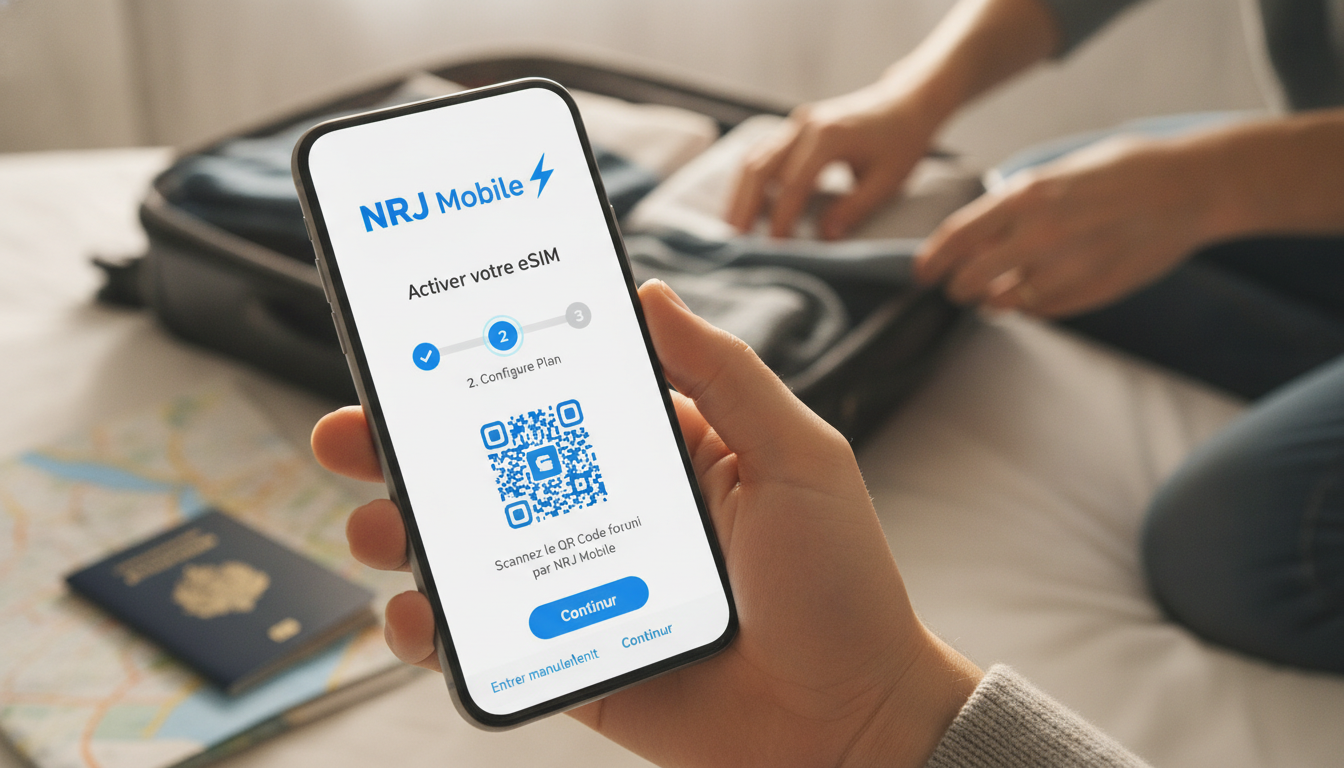
How to Use eSIM with NRJ Mobile for Travelers: Activation Steps and Pitfalls
If you’re planning a trip and considering switching to NRJ Mobile, you might wonder whether they support eSIM technology and how to activate it smoothly. The truth is, NRJ Mobile currently does not offer eSIM services.
This means if your new phone supports eSIM, you’ll still need a physical SIM card to use NRJ Mobile’s network. I always start by checking the carrier’s official resources before making any switch, because assuming eSIM availability can lead to frustrating delays during travel.
This practical guide walks you through what to expect with NRJ Mobile regarding eSIM, the activation process for their physical SIM cards, and tips to avoid common mistakes that can disrupt your mobile data connectivity while traveling.
NRJ Mobile’s eSIM Availability and Compatibility
Does NRJ Mobile Support eSIM?
As of now, NRJ Mobile does not provide an eSIM option. Their subscriptions require a physical SIM card for activation and use.
This is confirmed by multiple sources including Ariase’s detailed mobile plan listings and recent updates on NRJ Mobile’s official client area.
This lack of eSIM support means:
- You cannot download an NRJ Mobile profile directly onto your phone’s embedded SIM.
- Activation requires inserting a physical SIM card into your device.
- If your phone is eSIM-only or you prefer the convenience of an eSIM, NRJ Mobile will not meet this need.
What Devices Are Compatible with NRJ Mobile?
NRJ Mobile operates as a mobile virtual network operator (MVNO) using the SFR network in France, which supports 4G and 5G services. Their SIM cards work with most unlocked smartphones that accept physical nano-SIMs, including popular models from Apple, Samsung, and Google.
However, if your device relies solely on eSIM technology (like some newer iPhone models or Google Pixel phones configured for dual SIM with one eSIM), you’ll have to use the physical SIM slot for NRJ Mobile service.
How to Activate Your NRJ Mobile Service Without eSIM
Step-by-Step Activation Process
Since NRJ Mobile requires a physical SIM card, here’s the practical activation sequence I recommend travelers follow:
-
Order Your SIM Card
You can order an NRJ Mobile SIM card online or buy one at partner stores. The card costs around 1 euro, and plans start as low as 1.49 euros per month for unlimited calls and texts with limited data options. -
Insert the Physical SIM into Your Phone
Make sure your phone is unlocked and compatible with GSM networks. Insert the nano-SIM carefully; forcing it can damage the tray or SIM slot. -
Activate Online or via Customer Area
Visit NRJ Mobile’s client space to register your SIM number and complete activation. You’ll need personal identification details due to French telecom regulations. -
Configure APN Settings if Needed
Sometimes automatic configuration fails. If mobile data doesn’t work after activation, manually set the APN (Access Point Name) tosl2sfrfor internet access on SFR’s network. -
Test Your Connection Before Departure
Confirm calls, texts, and mobile data work properly at home before traveling abroad.
Common Pitfalls in Activation
- Ordering an eSIM by Mistake: Some users assume all carriers offer eSIMs now; ordering an eSIM profile from NRJ Mobile is impossible because they don’t provide it.
- Delaying Activation: Activation can take up to 24 hours after registration; starting late risks being offline on arrival.
- Ignoring APN Settings: Without correct APN configuration, mobile data won’t connect despite active service.
- Using Locked Phones: Phones locked to other carriers won’t accept NRJ Mobile’s SIM card; unlocking is mandatory beforehand.
I’d advise against waiting until the airport or destination to activate your SIM—this often leads to connectivity gaps that could spoil your trip.
Alternatives for Travelers Wanting eSIM Services
If having an eSIM is crucial for your travel convenience—especially to avoid swapping physical cards or juggling multiple numbers—you might consider other providers that support eSIM technology directly.
Using Third-Party eSIM Providers for Travel Data
Several global providers offer flexible eSIM plans tailored for travelers visiting places like Hong Kong or Europe. These services allow instant download of data plans without needing a physical card:
| Provider | Data Allowance | Validity | Price (USD) | Notes |
|---|---|---|---|---|
| Roamic | Unlimited | Varies | Promo code: MYBESTSIM | Highly rated on MyBestSim |
| Orange Travel | 3 GB | 7 days | $1.99 | Good short-term option |
| Airalo | Unlimited | Varies | Promo code: MYBESTSIM | Popular global coverage |
These providers let you activate an eSIM profile on compatible phones instantly via QR code scanning or app download—no physical card needed.
For example, when I prepare trips to Hong Kong, I always check how to get an eSIM in Hong Kong so I stay connected from arrival without roaming fees or delays.
Switching from Physical SIM to eSIM
If you decide later that you want to switch from a physical SIM like NRJ Mobile’s to an eSIM provider:
- Ensure your phone supports dual SIM functionality (one physical + one embedded).
- Back up contacts and data before swapping profiles.
- Follow the specific provider’s activation steps carefully; some require scanning a QR code within a limited time window.
- Remember that switching carriers usually means changing phone numbers unless you port your number officially.
Benefits of Using an eSIM Over Physical SIM Cards While Traveling
Even though NRJ Mobile doesn’t offer it yet, understanding why many travelers prefer eSIMs helps clarify what you might be missing:
- Instant Activation: No waiting for postal delivery of a physical card.
- Multiple Profiles: Store several plans on one device and switch between them without swapping cards.
- Less Risk of Losing Cards: Embedded in the device, so no risk of misplacing it during travel.
- Better for Dual-SIM Phones: Use local data plans alongside your home number seamlessly.
However, these benefits come with conditions: not all phones support all carriers’ eSIMs due to compatibility issues with standards like GSMA SGP.22 remote provisioning specification. Also, some carriers restrict number portability when switching from physical SIMs.
What You Should Know About NRJ Mobile Data Plans Without eSIM
NRJ Mobile offers competitive pricing on their plans but only with physical SIM cards:
- Plans start at around 1.99 euros per month for 1 GB of data.
- Unlimited call and text packages begin at approximately 1.49 euros monthly.
- They provide 4G LTE and 5G coverage via SFR’s network infrastructure.
- No commitment contracts mean you can cancel anytime without penalty.
If you want unlimited 5G data under 20 euros monthly without engagement, other MVNOs might offer better deals than NRJ Mobile but still require physical SIMs.
Final Advice for Travelers Considering NRJ Mobile and eSIM
Since NRJ Mobile does not support the eSIM format yet, I always recommend travelers who prioritize seamless digital management of their mobile plans consider specialized global or regional eSIM providers instead. For those committed to NRJ Mobile’s pricing or network benefits, ordering their physical SIM ahead of time and activating it before departure is essential.
If you want more insights about using travel-friendly eSIMs in destinations like Hong Kong or how they compare with traditional SIM cards, my detailed guides on the best Hong Kong eSIM plans provide practical tips tailored for travelers aiming to stay connected effortlessly worldwide.
FAQ
Does NRJ Mobile support eSIM technology?
No, NRJ Mobile currently does not offer eSIM services. Users must use a physical SIM card to access their network, as eSIM profiles cannot be downloaded or activated with NRJ Mobile.
How do I activate an NRJ Mobile physical SIM card?
To activate, order a physical SIM card, insert it into an unlocked phone, then register and activate it online via NRJ Mobile’s client area. You may need to configure APN settings manually if mobile data doesn’t work.
What common mistakes should travelers avoid with NRJ Mobile SIM activation?
Avoid ordering an eSIM by mistake, activating too late before travel, ignoring APN configuration, and using locked phones. These errors can cause delays or loss of mobile connectivity during your trip.
Can I use NRJ Mobile if my phone only supports eSIM?
No, if your device relies solely on eSIM without a physical SIM slot, NRJ Mobile’s service won’t work since they require a physical SIM card for activation and use.
What are good alternatives for travelers wanting eSIM plans?
Travelers seeking eSIM convenience can use third-party providers like Roamic, Orange Travel, or Airalo. These offer instant eSIM downloads and flexible data plans without needing physical SIM cards.

Emily Wong
Emily is a Hong Kong-based travel writer. At Hong Kong eSIM she compares CSL, 3 and SmarTone plans so visitors stay connected from the airport to Victoria Harbour.