How to Choose and Use an eSIM in Hong Kong Without Pitfalls
10/18/2026
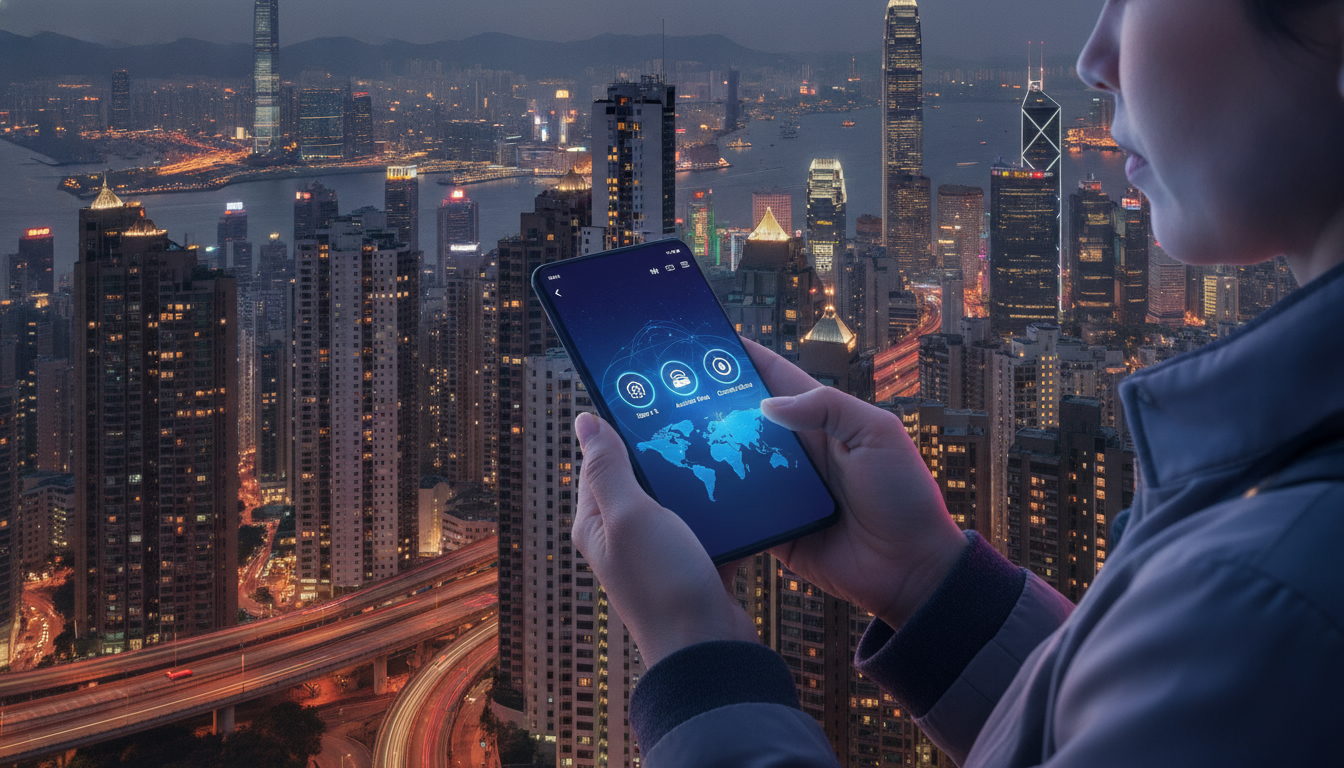
How to Choose, Activate, and Use an eSIM in Hong Kong Without Losing Connectivity
When you land in Hong Kong, staying connected is essential—from navigating the MTR to sharing your Victoria Harbour photos. Choosing and activating an eSIM can save you from roaming fees and the hassle of swapping physical SIM cards.
But the process isn’t always straightforward. I always start by understanding your travel profile and device compatibility because that shapes every step that follows.
Here’s a practical guide to help you pick the right eSIM, activate it smoothly, and avoid common pitfalls that can disrupt your connectivity.
Picking the Right eSIM for Your Hong Kong Trip
Not all eSIMs are created equal, especially for a destination like Hong Kong where coverage and data speed matter. The first step is to decide which provider fits your needs based on data volume, duration, and price.
Key Factors to Consider
- Data allowance: Depending on your usage—streaming, maps, social media—you’ll want anything from 3 GB to unlimited data.
- Validity period: Plans range from short 3-day passes to 30-day options.
- Provider reputation and coverage: CSL, 3, and SmarTone dominate Hong Kong’s network landscape; choose an eSIM that leverages one of these for reliable service.
- Price per day: Budget travelers might prefer lower daily rates even if total data is limited.
Here’s a quick overview of some popular eSIM providers for Hong Kong with their typical offerings (data volume, validity, price per day):
| Provider | Data Volume | Validity | Price per Day (USD) | Notes |
|---|---|---|---|---|
| eSIM.dog | 3.0 GB | 7 days | $1.09 | Affordable short-term |
| Orange Travel | 3 GB | 7 days | $1.99 | Slightly pricier but stable |
| MicroEsim | 3.0 GB | 3 days | $2.07 | Best for very short trips |
| Redtea | 3 GB | 30 days | $2.70 | Good for longer stays |
| Yatelo | 3 GB | 30 days | $2.97 | Slightly higher price |
Prices and plans vary; I recommend checking MyBestSim for the latest offers and promo codes that can reduce costs further.
Why Provider Choice Matters
Hong Kong’s dense urban environment means signal strength can vary indoors or in crowded areas. An eSIM tied to CSL or SmarTone often delivers better indoor coverage than smaller providers.
Also, some providers throttle speeds after certain data thresholds—knowing this upfront helps avoid surprises.
Activating Your eSIM: Step-by-Step With Common Pitfalls
Activation is where many travelers stumble. I always advise against rushing this step at the airport or after landing because poor internet or device incompatibility can cause delays.
Step 1: Confirm Device Compatibility
Before buying any eSIM, check if your phone supports eSIM technology with Hong Kong bands (LTE Band 3 and Band 8 are common). Apple’s iPhone XS and newer models generally support this; Android phones vary widely.
Step 2: Purchase Your eSIM Online Before Arrival
Buying online from a trusted store like EMOSIM or via platforms recommended on esim-hongkong.com ensures you get instant access to the QR code needed for activation.
Step 3: Scan the QR Code and Install Profile
- Open your phone’s settings under “Cellular” or “Mobile Data.”
- Select “Add Cellular Plan” then scan the QR code.
- Avoid scanning multiple QR codes without deleting old profiles first; this can cause conflicts preventing activation.
Step 4: Set Your New Plan as Default for Data
Many travelers forget to switch their default data plan to the new eSIM profile. This results in continued roaming charges on their physical SIM card.
Step 5: Test Connectivity Before Leaving Wi-Fi
Once installed, turn off Wi-Fi and test browsing or map apps immediately. If no connection appears within a minute, toggle airplane mode off/on or restart your phone.
Common Pitfalls and Their Consequences
- Overlapping SIM profiles: Installing multiple active eSIMs without disabling others causes network confusion; your phone may fail to connect.
- Forcing activation during device setup: Some phones lock activation windows during initial setup; waiting until full setup avoids errors.
- Ignoring carrier restrictions: Some providers require manual APN settings; missing this step means no internet despite successful installation.
Understanding these mechanisms saves time and frustration when you’re on the move in Hong Kong.
Using Your eSIM Efficiently During Your Stay
Once activated, managing your eSIM usage is key to avoiding unexpected costs or connectivity drops.
Monitoring Data Usage and Settings
Hong Kong’s networks are fast but can consume data quickly through background app refreshes or video streaming at high resolution.
- Use built-in phone tools (iOS Settings > Cellular > Data Usage) to monitor consumption.
- Disable automatic app updates over cellular networks.
- Some providers offer apps or dashboards showing real-time usage—check if your chosen provider supports this feature.
Switching Between Physical SIM and eSIM Profiles
If you keep your home SIM active for calls but want data on the eSIM, set cellular data only on the eSIM profile while keeping voice calls on your physical SIM. This dual-SIM management requires careful settings adjustment:
- On iPhone: Settings > Cellular > Default Voice Line
- On Android: Settings > Network & Internet > SIM cards
Failing to configure this properly leads to roaming charges or missed calls.
Handling Network Issues
Hong Kong’s underground MTR tunnels sometimes cause brief signal loss even with good coverage providers. If you notice persistent disconnections:
- Toggle airplane mode briefly to reset network connection.
- Restart apps requiring internet after reconnection.
- Avoid switching networks manually unless necessary; automatic selection usually picks the strongest signal.
What Is EmoSim? Clarifying Confusion Around This Term
While researching “emosim,” you might encounter two very different meanings that cause confusion:
-
EmoSIM as a Travel eSIM Brand:
EmoSIM is Nigeria’s first outbound travel eSIM launched in partnership with Tata Communications, designed for affordable global mobile access including destinations like Hong Kong. It offers seamless activation without physical SIM swaps—a practical solution for travelers wanting cost-effective connectivity abroad. -
EmoSim as Emotional Simulation Software:
Separately, EmoSim refers to an AI-powered emotional simulator app that helps users explore and track emotions through personalized simulations. This software is used in gaming, virtual reality, psychology research, and creative projects involving emotion analysis.
If your interest lies in technology mimicking human emotions rather than travel connectivity, then “the Emosim software” or “an Emosim simulation tool” is what you want to explore further. It features a user interface designed for tracking up to 28 different emotions with AI integration options documented in its API documentation.
However, if you’re here planning a trip to Hong Kong and want hassle-free mobile access, then focusing on travel-related EmoSIM services makes more sense. For detailed steps on how to get an eSIM specifically in Hong Kong—including activation tips—I always recommend visiting this practical guide which covers local plans from CSL, 3, SmarTone, and others tailored for tourists.
Integrating EmoSim Travel eSIM Into Your Trip Planning
When booking flights or accommodations in Hong Kong, factor in your connectivity needs early by choosing an appropriate EmoSIM travel plan or another trusted provider from MyBestSim’s comparison list.
Using digital SIMs means no waiting at airport counters or fumbling with tiny SIM cards—activation happens instantly once you scan a QR code delivered by email or app download link.
I’d advise against buying an unknown provider’s plan last minute at arrival points because poor internet quality can block QR code downloads or profile installations at critical moments.
Instead:
- Purchase your plan at least two days before departure.
- Test activation while still connected to stable Wi-Fi.
- Keep backup options ready by downloading multiple QR codes if available from different providers (but activate only one).
This approach minimizes downtime during transit through busy hubs like Hong Kong International Airport.
FAQ
What is EmoSIM in the context of travel connectivity?
EmoSIM is a travel eSIM brand offering affordable global mobile access, including Hong Kong. It allows travelers to activate mobile plans digitally without swapping physical SIM cards, providing seamless connectivity and avoiding roaming fees.
How does EmoSim differ from emotional simulation software?
EmoSim as software is an AI-powered tool for simulating and tracking human emotions, used in gaming and psychology. This is distinct from EmoSIM travel eSIMs, which focus on mobile connectivity for travelers.
Which devices support EmoSIM eSIM activation in Hong Kong?
Most Apple iPhones XS and newer support EmoSIM eSIM activation with Hong Kong LTE bands. Android device compatibility varies, so checking your phone’s eSIM support and band compatibility before purchase is essential.
Why should I buy an EmoSIM eSIM before arriving in Hong Kong?
Purchasing an EmoSIM eSIM before arrival ensures instant access to the QR code for activation, avoiding poor airport internet or device setup delays. Early purchase helps test activation on stable Wi-Fi and prevents connectivity issues.
How can I avoid common pitfalls when activating an EmoSIM eSIM?
Avoid scanning multiple QR codes without deleting old profiles, switch your default data plan to the new eSIM, and confirm APN settings if required. Testing connectivity before leaving Wi-Fi helps ensure smooth activation.

Emily Wong
Emily is a Hong Kong-based travel writer. At Hong Kong eSIM she compares CSL, 3 and SmarTone plans so visitors stay connected from the airport to Victoria Harbour.