How to Choose and Use an eSIM for Africa Travel in 2026
10/11/2026
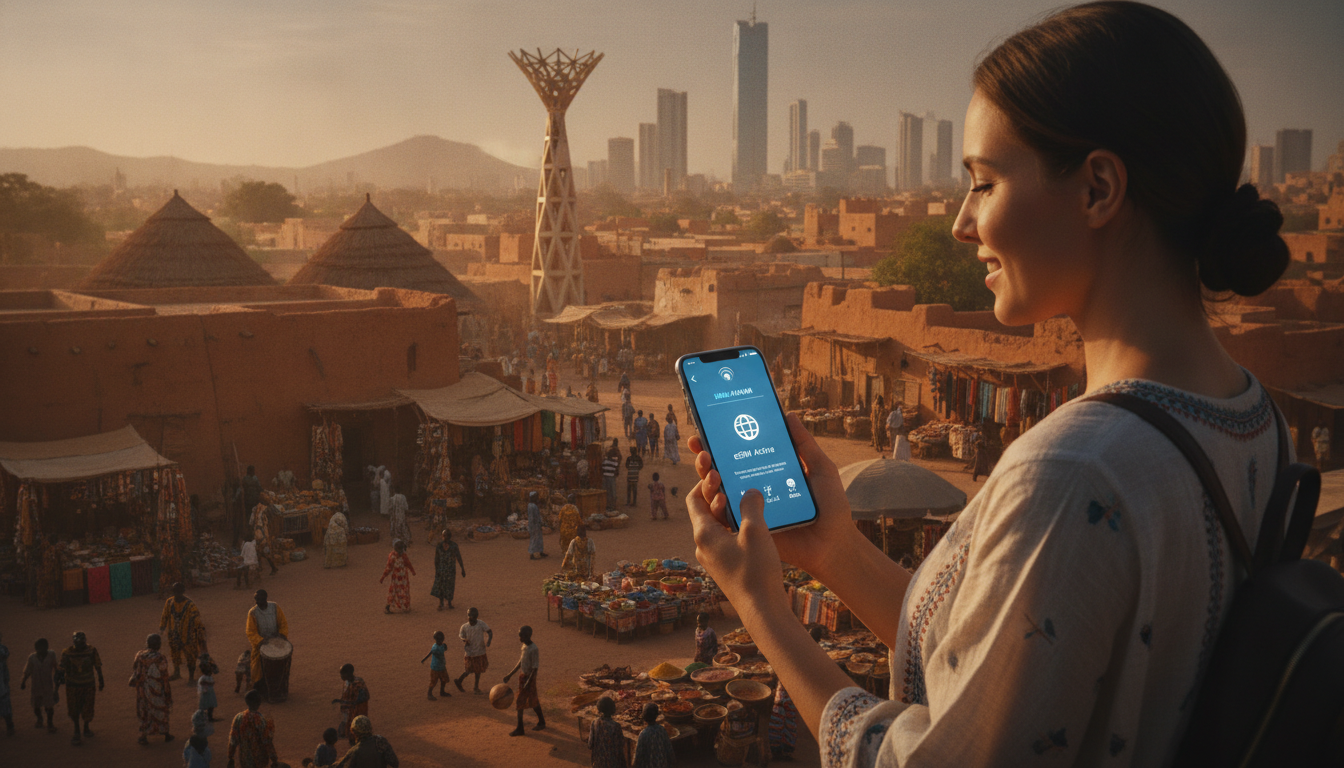
How to Choose, Activate, and Use eSIM Data Plans in Africa for Your Trip
Traveling across Africa without juggling physical SIM cards is a real game-changer. The convenience of eSIM technology means you can switch between networks and countries without swapping cards or paying roaming fees.
But the process isn’t always straightforward. I always start by understanding the specific countries I’ll visit and the coverage options available before purchasing an eSIM.
Here’s a practical, step-by-step guide to help you pick the right eSIM data plan for Africa, activate it smoothly, and avoid common pitfalls during your trip.
Selecting the Best eSIM Provider for Africa: What You Need to Know
Choosing an eSIM provider for Africa is more complex than just picking the cheapest plan. Coverage varies widely across countries, and not all providers support multi-country travel seamlessly.
The key is to find a provider that offers reliable 4G or 5G coverage in your destinations with transparent pricing and easy activation.
Understanding Coverage and Network Compatibility
Africa’s mobile networks are fragmented by country and operator. For example, South Africa’s main operators are Vodacom, MTN South Africa, and Telkom Mobile, each with different coverage strengths in urban versus rural areas.
An eSIM that connects only to one operator might leave you without service when traveling outside their range.
A precise condition to note: if your eSIM plan relies on a single operator’s network in South Africa (e.g., Vodacom), then when you move into rural areas where Vodacom’s signal weakens, your connection will drop. This happens because roaming agreements within the country or between operators are often limited or non-existent on eSIM plans, unlike physical SIM cards that sometimes allow local roaming.
To avoid this trap, look for multi-operator or multi-country eSIM plans that explicitly state 4G/5G coverage across multiple African countries without roaming fees. For instance, some prepaid eSIM packages marketed as “Africa Safari” offer multi-country coverage with instant activation and no identity verification required.
Comparing Prices and Data Packages
Prices for African eSIM data plans vary depending on data volume and validity duration. While I won’t list exact prices here (they fluctuate), typical options include:
- Short-term plans (3 to 7 days) with around 3 GB of data.
- Medium-term plans (15 days) with similar or slightly larger data allowances.
- Monthly plans (30 days) offering up to 3 GB or more.
The cost depends on the provider and plan length. For example, providers like Orange Travel and Redtea offer 3 GB plans valid from 7 to 30 days at competitive prices.
MyBestSim is a reliable source to compare these offers in real time.
Devices Compatible with eSIM in Africa
Not all phones support eSIM technology yet. The top eSIM-compatible devices include recent iPhone models (iPhone XS and later), Google Pixel phones (Pixel 3 and later), Samsung Galaxy S20 and newer, plus some newer Huawei models.
A common mistake travelers make is assuming their phone supports eSIM without checking. Activating an eSIM on an unsupported device will fail outright, leaving you scrambling for alternatives upon arrival.
Step-by-Step Guide: How to Activate an eSIM in Africa
Activating an eSIM before or during your trip requires careful attention to detail. I always recommend activating your eSIM before departure to avoid connectivity gaps on arrival.
Step 1: Purchase Your eSIM Plan
Choose your provider based on coverage needs and price. Many providers allow instant purchase online with immediate delivery of a QR code via email or app.
Step 2: Scan the QR Code on Your Phone
On iPhone:
- Go to Settings > Cellular > Add Cellular Plan.
- Scan the QR code provided by your eSIM vendor.
- Label your plan clearly (e.g., “Africa Trip”).
On Android:
- Go to Settings > Network & Internet > Mobile Network > Advanced > Carrier > Add Carrier.
- Scan the QR code.
Step 3: Configure Your Cellular Settings
After scanning, set your new plan as primary or secondary depending on whether you want to keep your home SIM active simultaneously.
A critical trap here is over-enabling data roaming without checking if your plan supports it. Some African networks require data roaming enabled even for local use on an eSIM; others do not.
Misconfiguring this can lead to no data access or unexpected charges.
Step 4: Test Your Connection Before You Travel
Once activated, test browsing or messaging apps while still connected to Wi-Fi to confirm the cellular data works as expected.
If you encounter issues, check APN settings provided by your vendor or consult their support immediately.
Common Pitfalls When Using an eSIM in Africa and How to Avoid Them
Travelers often underestimate the nuances of using an eSIM across multiple African countries. Here are three field observations that illustrate common traps:
-
Country-Specific Activation Restrictions
Some African countries require local identity verification before activating mobile services due to regulatory policies. If your chosen provider does not support remote verification compliant with these rules, your eSIM may be blocked upon arrival. This means buying an “instant activation” plan online might not guarantee immediate connectivity once landed. -
Data Throttling After Exceeding Limits
Many prepaid African data plans throttle speeds significantly after reaching the data cap rather than cutting off service entirely. This can cause frustratingly slow internet during critical moments like navigation or communication apps usage. -
Device Lock-In Issues
Certain carriers lock their network profiles tightly to specific device models or IMEI numbers when provisioning an eSIM remotely. If you switch phones mid-trip without reactivating the eSIM properly, you risk losing service until reconfiguration is done through customer support.
Avoid these pitfalls by choosing providers known for transparent policies and multi-device support—MyBestSim offers detailed reviews highlighting these factors.
The Benefits of Using an eSIM in Africa Compared to Physical SIM Cards
The difference between an eSIM and a physical SIM card in Africa lies mainly in convenience and flexibility:
- No Physical Card Swapping: You don’t need to buy multiple SIM cards for each country; one multi-country eSIM can cover several destinations.
- Instant Activation: Many providers enable activation within minutes via QR code without waiting at local shops.
- Lower Roaming Fees: Properly chosen plans avoid expensive roaming charges common with physical SIMs used outside their home country.
- Multiple Profiles: You can store several carrier profiles on one device and switch between them without removing hardware.
However, I’d advise against relying solely on an eSIM if you expect to travel extensively into remote areas where network compatibility might be limited. Carrying a backup physical SIM card from a major local operator like MTN South Africa can save you from unexpected outages.
How Switching Between Networks Works With an African eSIM
Switching networks on an African eSIM involves selecting which profile is active in your phone’s cellular settings. Unlike physical SIMs where switching requires physically replacing cards, here it’s done digitally.
A practical detail: when switching profiles mid-trip, some phones temporarily lose cellular signal during reconfiguration—expect a brief offline period of up to one minute before reconnecting.
Also note that some providers limit how often you can switch profiles within a given timeframe due to anti-fraud measures embedded in GSMA specifications like SGP.22 governing remote provisioning of embedded SIMs.
The Future of eSIM Technology in Africa: What Travelers Should Expect
eSIM adoption in Africa is accelerating but still uneven due to infrastructure challenges and regulatory environments differing by country.
The GSMA standard SGP.22 ensures secure remote provisioning globally but local telecom policies may delay full rollout of multi-operator seamless switching features until mid-decade.
For travelers like me planning multi-country trips across Africa, this means:
- Expect better coverage options year-on-year.
- Prepare for more providers offering instant online activation without identity checks.
- Watch for new devices supporting dual SIM dual standby (DSDS) with two active profiles simultaneously—ideal for managing home and travel lines concurrently.
Internal Resources for Further Reading
If you want insights into how I handle similar connectivity setups elsewhere, my article on how to get an eSIM in Hong Kong explains activation steps that apply similarly across regions with minor variations due to local rules.
Also check my review of Hong Kong’s best eSIM plans for examples of comparing offers based on coverage quality and price — principles that hold true when evaluating African providers too.
FAQ
How do I activate an eSIM for Africa travel?
To activate an eSIM for Africa, purchase a plan online, then scan the QR code on your phone under cellular settings. Configure your data and roaming options carefully before testing the connection to ensure it works before your trip.
Which devices support eSIM technology in Africa?
Recent iPhones (XS and later), Google Pixel 3 and newer, Samsung Galaxy S20 and above, and some Huawei models support eSIM. Verify your phone’s compatibility before purchasing to avoid activation failures.
What should I consider when choosing an African eSIM provider?
Look for providers offering multi-country 4G/5G coverage, transparent pricing, and easy activation. Avoid single-operator plans that may lose signal in rural areas and check if identity verification is required for activation.
Can I switch networks easily with an African eSIM?
Yes, switching networks is done digitally by selecting different profiles in your phone’s settings. Expect a brief signal loss during switching, and note some providers limit how often you can change profiles.
What common pitfalls should I avoid using eSIMs in Africa?
Avoid plans requiring local ID verification you can’t provide remotely, beware of data throttling after limits, and ensure your device isn’t locked to a specific carrier profile to prevent service interruptions.

Emily Wong
Emily is a Hong Kong-based travel writer. At Hong Kong eSIM she compares CSL, 3 and SmarTone plans so visitors stay connected from the airport to Victoria Harbour.