How to Choose and Use a Firsty eSIM in Hong Kong for Travelers
10/16/2026
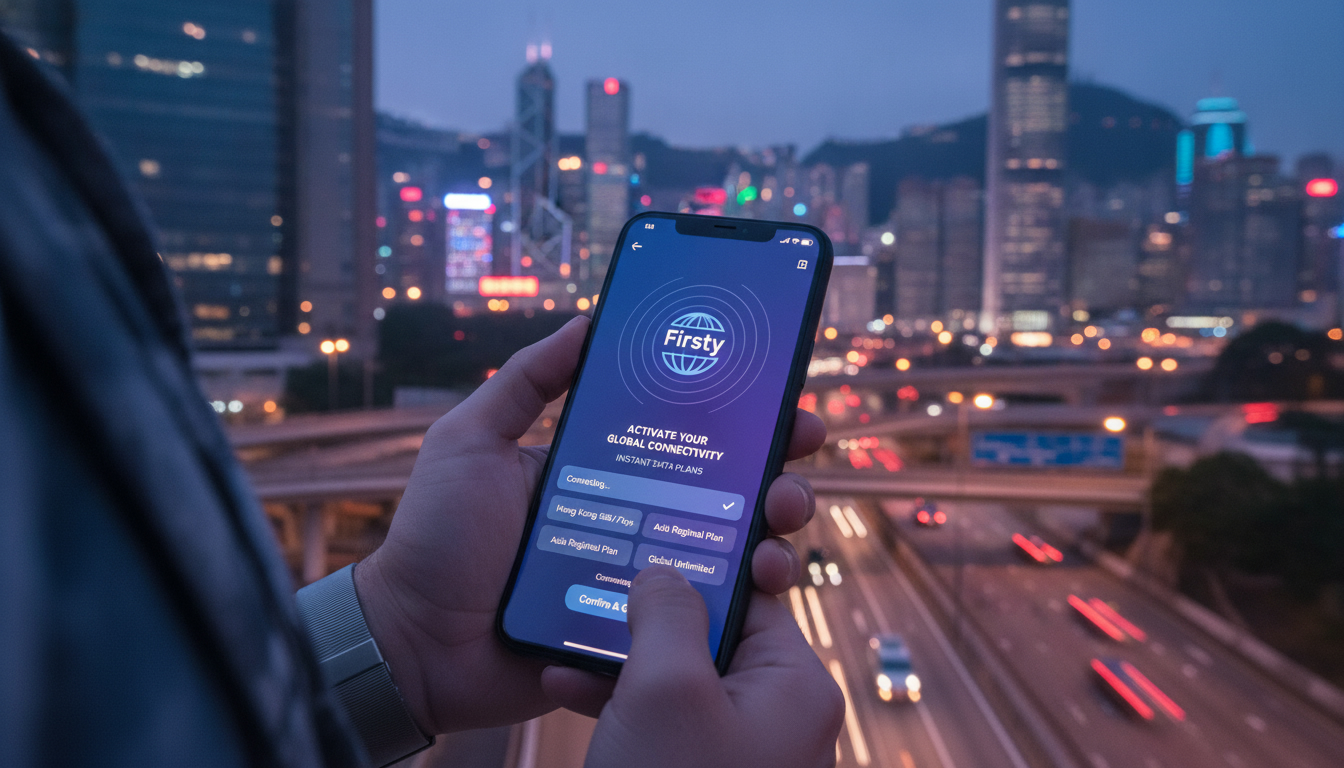
How to Choose, Activate, and Use a Firsty eSIM for Seamless Travel in Hong Kong
Travelers often face the hassle of swapping physical SIM cards or paying steep roaming fees when visiting Hong Kong. The Firsty eSIM offers a flexible alternative with global coverage and instant activation, making it an attractive option for those who want to stay connected without complications.
However, navigating the Firsty eSIM ecosystem requires understanding its activation process, compatible devices, and common pitfalls that can disrupt your connectivity. Here’s a practical, step-by-step guide to help you get started with Firsty eSIM and avoid costly mistakes during your trip.
What Makes Firsty eSIM a Smart Choice for Travelers
Firsty eSIM provides data plans usable in 176 countries, including Hong Kong, with no roaming fees and instant activation via its mobile app. You can start with free data or purchase additional gigabytes starting at 0.98 EUR per GB, which is competitive compared to traditional roaming charges.
This flexibility means you only pay for what you need without long-term contracts.
The service is approved by over 1.3 million users, indicating a growing trust in its reliability. Unlike physical SIM cards, Firsty eSIM installs digitally on your phone, eliminating the risk of losing or damaging a tiny card while traveling.
Coverage Area and Device Compatibility
Firsty’s coverage extends across major cities and rural areas in Hong Kong thanks to partnerships with local carriers. However, coverage quality depends on the local network infrastructure and your device’s compatibility.
To use Firsty eSIM, you need a device that supports eSIM technology—this includes recent models of iPhones (XS and later), Google Pixel phones (Pixel 3 and later), Samsung Galaxy S20 and newer, among others. Using an incompatible device will prevent activation or cause connectivity issues.
I always start by verifying my phone’s compatibility before purchasing any eSIM plan. This avoids the trap of buying a plan that won’t work on your device.
Step-by-Step Guide to Activating Your Firsty eSIM
Activating a Firsty eSIM involves three main steps: downloading the app, activating the eSIM profile, and starting data usage. Each step has its own nuances that can affect your experience.
Step 1: Download the Firsty App
Begin by downloading the official Firsty app from the Apple App Store or Google Play Store. The app size is lightweight, ensuring quick installation even on slower connections.
Downloading from official stores guarantees you get the latest version compliant with GSMA specifications like SGP.22, which governs remote eSIM provisioning securely.
Step 2: Activate Your Free or Paid Firsty eSIM
Once installed, open the app and follow prompts to activate your free starter plan or purchase data bundles. Activation involves scanning a QR code or downloading the profile directly within the app.
A common pitfall here is attempting activation without stable internet access; since activation requires communication with Firsty’s servers, poor connectivity can cause failure or delays.
The app also tracks your data usage in real-time—a feature I find invaluable to avoid unexpected overages.
Step 3: Start Using Your Data Plan
After activation, switch your phone’s cellular settings to use the Firsty eSIM profile as your primary data source. This step varies slightly between Android and iOS but generally involves selecting the new profile under cellular plans.
Be aware that some phones default back to physical SIMs after rebooting unless you lock the preferred line in settings—neglecting this can cause loss of data connection unexpectedly.
Common Pitfalls When Using Firsty eSIM and How to Avoid Them
Using an eSIM like Firsty’s offers convenience but also introduces new challenges compared to traditional SIM cards. Here are three field observations from practitioners that travelers should keep in mind:
-
Condition: If you activate your Firsty eSIM while connected to unstable Wi-Fi
Mechanism: The profile download may corrupt or timeout
Consequence: Your phone won’t connect properly until you reinstall or reset network settings -
Condition: Switching between multiple eSIM profiles without disabling one first
Mechanism: Conflicting profiles can confuse your device’s network selection
Consequence: You might lose mobile data temporarily or incur unexpected roaming charges -
Condition: Using a non-GSMA-compliant device or outdated OS version
Mechanism: The device fails to recognize or maintain the eSIM profile
Consequence: Frequent disconnections or inability to activate the plan
I’d advise against skipping OS updates before installing an eSIM; many connectivity bugs are fixed in recent firmware releases.
Understanding the Cost Structure of Firsty eSIM Plans
Firsty offers a free starter plan with limited data so travelers can test connectivity before committing financially. Paid plans start at approximately 0.98 EUR per GB, which is significantly cheaper than typical international roaming rates charged by traditional carriers.
Unlike many providers that require upfront payment for large bundles, Firsty lets you buy smaller increments as needed through its app interface—ideal for short trips or variable usage patterns.
The pricing model contrasts with traditional SIM cards that often bundle voice minutes and texts you may not use abroad, making Firsty more cost-efficient for data-centric travelers.
How to Switch from Your Current SIM Plan to Firsty eSIM Without Losing Connectivity
Switching plans mid-trip can be risky if not done properly. Here’s how I handle it:
- Confirm your phone supports dual SIM functionality (physical + eSIM) so you can keep your original number active while testing Firsty.
- Download and activate Firsty’s profile as described above.
- Set Firsty as your preferred data line but keep calls/texts on your original SIM until fully confident.
- Monitor signal strength and data speed using tools like network diagnostics apps.
- Only remove your physical SIM once you verify stable connectivity on Firsty.
This staged approach avoids losing contact during critical moments such as airport transfers or hotel check-ins.
Security Features That Protect Your Data on Firsty eSIM
Firsty adheres to GSMA security standards for remote provisioning (SGP.22), ensuring encrypted transmission of profiles during activation. This reduces risks of interception compared to physical SIM swaps which can be vulnerable if lost or stolen.
Additionally, managing your plan through an authenticated app adds a layer of control over usage and prevents unauthorized access—a benefit not available with traditional SIM cards where physical possession equals control.
Comparing Firsty eSIM With Traditional SIM Cards for Hong Kong Travelers
While traditional SIM cards require physical insertion and often involve visiting local shops or kiosks, Firsty offers instant digital provisioning without leaving your accommodation or airport lounge.
However, some travelers prefer physical SIMs due to:
- Potentially better network priority on local carriers
- Easier troubleshooting by swapping cards if issues arise
- Compatibility with older devices lacking eSIM support
Still, for those prioritizing convenience and cost savings—especially frequent travelers—the benefits of using an app-based solution like Firsty outweigh these drawbacks.
For detailed comparisons of Hong Kong-specific plans including CSL, 3 Hong Kong, and SmarTone alongside international options like Firsty, I recommend checking out this comprehensive guide on getting an eSIM in Hong Kong.
Practical Tips for Installing Your Firsty eSIM Without Hiccups
- Always activate your eSIM profile while connected to reliable Wi-Fi.
- Keep your phone’s software updated to ensure compatibility.
- Disable automatic switching between cellular plans during initial setup.
- Use the official Firsty app exclusively; third-party QR codes may be outdated.
- Track usage regularly within the app to avoid unexpected charges.
Following these steps helps maintain seamless connectivity throughout your stay in Hong Kong or any other destination covered by Firsty.
Where to Find Reliable User Reviews and Comparisons for Firsty eSIM
The Apple App Store shows a rating of 4.3 out of 5 based on user feedback highlighting ease of use and detailed usage tracking features within the app interface. Some users mention occasional glitches during activation but overall positive experiences with customer support responsiveness.
For side-by-side comparisons including pricing and coverage against other providers such as Yesim, LinkeSIM, and Yatelo—which offer discounts via promo codes like MYBESTSIM15 for Firsty—you can consult MyBestSim’s up-to-date rankings tailored for Hong Kong travelers.
This helps ensure you pick an option aligned with both budget and technical needs before switching from your current provider.
If you want more insights about staying connected during your trip, this article about eSIM options specifically designed for tourists visiting Hong Kong provides practical advice tailored to short-term visitors navigating local networks efficiently.
FAQ
How do I activate a Firsty eSIM on my phone?
To activate a Firsty eSIM, download the official Firsty app, then follow the prompts to scan a QR code or download the profile directly. Ensure you have stable internet during activation to avoid errors or delays.
Which devices are compatible with Firsty eSIM?
Firsty eSIM works with devices supporting eSIM technology, including iPhone XS and later, Google Pixel 3 and newer, and Samsung Galaxy S20 and above. Using incompatible devices may prevent activation or cause connectivity issues.
What are common mistakes to avoid when using Firsty eSIM?
Avoid activating your eSIM on unstable Wi-Fi, switching between multiple eSIM profiles without disabling one first, and using outdated device software. These mistakes can cause connection failures or unexpected roaming charges.
How does Firsty eSIM pricing compare to traditional roaming?
Firsty offers data plans starting at about 0.98 EUR per GB with no roaming fees, which is often cheaper than traditional roaming. You can buy data in small increments, making it cost-efficient for short trips or variable usage.
Can I switch to Firsty eSIM without losing my current phone number?
Yes, if your phone supports dual SIM, you can keep your physical SIM active for calls and texts while testing Firsty as your data line. Only remove your physical SIM after confirming stable connectivity on the eSIM.

Emily Wong
Emily is a Hong Kong-based travel writer. At Hong Kong eSIM she compares CSL, 3 and SmarTone plans so visitors stay connected from the airport to Victoria Harbour.