Iroamly Review 2026: a Traveler’s Step-by-step Guide in Hong Kong
10/30/2026
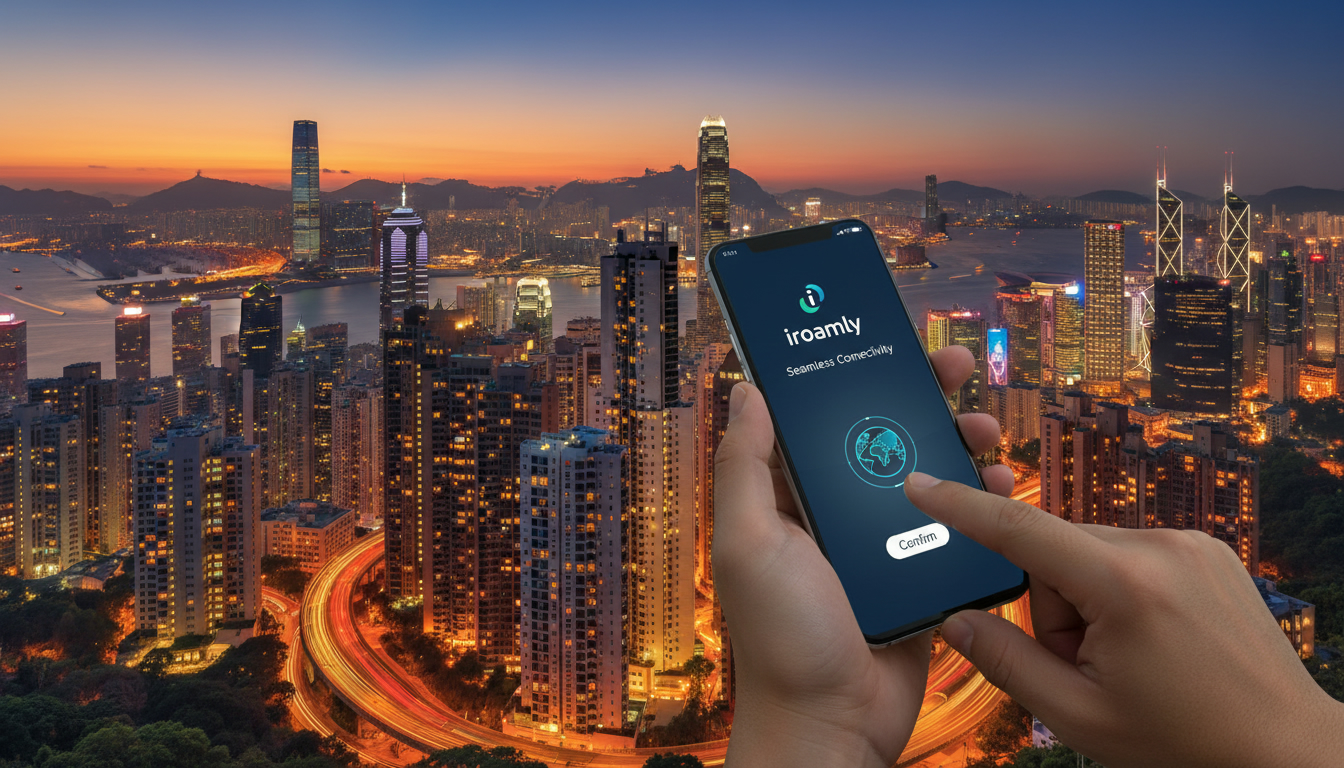
iRoamly Review: A Traveler’s Step-by-Step Guide to Seamless Connectivity Abroad
When I prepare for an international trip, staying connected without breaking the bank is a top priority. iRoamly promises to deliver reliable eSIM service with global coverage and no roaming fees, but how does it perform in real travel conditions?
In this review, I’ll walk you through the activation process, coverage experience, potential pitfalls, and tips for using iRoamly effectively—especially if your journey includes Hong Kong or other major destinations.
How to Activate iRoamly eSIM: Step-by-Step
Setting up iRoamly’s eSIM is straightforward but requires attention to detail to avoid common mistakes that can disrupt connectivity.
Step 1: Purchase and Download the eSIM Profile
After selecting a data package on iRoamly’s website or app, you receive a QR code for activation. The key here is to download and scan this QR code before leaving your home country.
Activating the eSIM while connected to Wi-Fi ensures the profile installs correctly without interruptions.
Step 2: Install the eSIM on Your Device
iRoamly supports most eSIM-compatible phones, including recent iPhone and Android models. I always start by going into my phone’s cellular settings and adding a new cellular plan via the QR code.
A common trap is trying to install multiple eSIMs simultaneously without disabling the previous one; this can cause conflicts and slow down your connection.
Step 3: Select the Active Data Plan
Once installed, you must manually select the iRoamly plan as your active data source. If you forget this step, your phone may default back to your original SIM or roaming plan, leading to unexpected charges.
The sign that it worked is seeing your carrier name change to “iRoamly” or a related network indicator.
Step 4: Test Connectivity Before Departure
Before heading out, test your internet connection with the new eSIM enabled. This step confirms that the profile is active and ready for use abroad.
I’d advise against skipping this because troubleshooting abroad is more complicated and time-consuming.
Coverage Experience and Network Quality with iRoamly
iRoamly partners with major operators like T-Mobile and AT&T in the US, providing access to their networks in over 180 countries worldwide. This broad international coverage means you’re unlikely to lose connectivity in popular travel destinations.
Real-World Connectivity in Hong Kong and Beyond
Hong Kong’s dense urban environment can challenge mobile connections due to building interference and network congestion. From my knowledge of local networks like CSL and SmarTone, I know that coverage quality depends heavily on operator partnerships.
iRoamly’s use of multiple operators helps maintain stable connections even in crowded areas like Victoria Harbour or airport terminals.
One field observation: when switching between operators mid-trip, some devices take up to 30 seconds to reconnect fully. This delay happens because the phone must authenticate with a new network tower, causing brief offline periods.
Travelers should anticipate this mechanism and avoid switching networks frequently during critical tasks like video calls or navigation.
Data Speed and Stability
iRoamly offers 4G LTE speeds where available but does not guarantee 5G access yet. The speed depends on local infrastructure and network load.
For example, in less urbanized regions or during peak hours, speeds may drop below 10 Mbps. This variability is typical for roaming services relying on host networks rather than dedicated infrastructure.
Potential Pitfalls When Using iRoamly Abroad
While iRoamly simplifies international data usage, there are pitfalls that travelers should watch out for.
Pitfall 1: Overlapping Plans Causing Billing Conflicts
If you forget to disable your physical SIM’s data roaming before activating iRoamly, your phone might use both plans simultaneously. This overlap can lead to unexpected charges from your home carrier despite having an active eSIM plan.
Pitfall 2: Activation Timing Issues
Activating an eSIM too late—such as after landing—can cause delays in network registration or require Wi-Fi access for setup. Since some airports restrict Wi-Fi usage or have unstable connections, activating beforehand is safer.
Pitfall 3: Limited Customer Support Availability
iRoamly’s customer support operates primarily through email and chat but may not offer immediate assistance during off-hours or weekends. For travelers needing quick problem resolution, this delay can be frustrating.
Knowing this upfront helps set expectations.
Tips for Seamless Connectivity with iRoamly in Hong Kong
To get the most out of iRoamly during your trip, especially in Hong Kong where I often guide travelers on connectivity options, consider these practical tips:
- Download Offline Maps Before Arrival: Even with reliable data plans, signal drops can happen indoors or underground transit stations.
- Use Wi-Fi Calling When Possible: If your device supports it, Wi-Fi calling can bypass cellular network issues.
- Monitor Data Usage Closely: Some iRoamly plans have daily caps or throttling after certain thresholds; keep an eye on usage via the app.
- Keep Your Physical SIM Disabled for Data: To avoid accidental roaming charges from your original carrier.
- Check Compatibility with Your Device: Not all phones support dual SIM standby with eSIMs; confirm yours does before purchase.
For travelers specifically interested in Hong Kong connectivity options beyond iRoamly, I recommend checking detailed guides on how to get an eSIM in Hong Kong or comparing local providers like CSL and SmarTone at esim-hongkong.com.
Pricing Plans and Value Compared to Other Roaming Services
While exact prices vary by region and package size on iRoamly’s platform, MyBestSim ranks iRoamly at #58 among global providers with a promotional code offering 10% off unlimited plans (promo code: MYBESTSIM). This discount can make a significant difference for longer trips requiring heavy data use.
Compared to other popular providers available for Hong Kong travelers:
| Provider | MyBestSim Rank | Rating | Promo Code | Discount |
|---|---|---|---|---|
| Orange Travel | 3 | 4.7 | MYBESTSIM | -5% unlimited |
| Airalo | 8 | 4 | MYBESTSIM | -10% unlimited |
| Maya | 15 | 4.2 | MYBESTSIM | -10% unlimited |
| iRoamly | 58 | N/A | MYBESTSIM | -10% unlimited |
This table shows that while iRoamly offers competitive discounts similar to larger players like Airalo and Maya, it ranks lower overall due to factors such as customer support responsiveness and network speed consistency reported by users.
User Experience Insights: What Travelers Say About iRoamly
The general sentiment among users highlights ease of activation as a strong point but notes occasional hiccups with customer support response times. The service features include instant global connectivity without swapping physical SIM cards—a major convenience for frequent travelers.
One trade-off is that some users report slower speeds compared to local SIM cards purchased on arrival. This happens because roaming agreements prioritize coverage over bandwidth allocation for roaming customers.
A practical observation from my field knowledge: when traveling through multiple countries quickly (e.g., Southeast Asia tour), switching between different regional data packages within iRoamly can cause short offline gaps due to profile reactivation delays lasting up to one minute per switch.
Why Choose iRoamly? Benefits Beyond Cost Savings
Beyond avoiding expensive roaming fees, using iRoamly means:
- No physical SIM card juggling during travel
- Access to over 180 countries’ networks via one app
- Flexible data packages tailored for short trips or extended stays
- Instant activation without waiting at airport kiosks or shops
These benefits align well with travelers who prioritize convenience and multi-destination trips over absolute top-tier speeds or premium customer support.
For those planning longer stays or needing guaranteed high-speed access in Hong Kong specifically, exploring local options compared at esim-hongkong.com might offer better alternatives depending on usage patterns.
By focusing on these practical steps and insights drawn from real-world mechanisms—like network handoff delays during operator switches and activation timing constraints—you can decide if iRoamly fits your travel needs without risking connectivity blackouts abroad.
FAQ
How do I activate iRoamly eSIM before traveling?
To activate iRoamly eSIM, purchase a data package and download the QR code while still connected to Wi-Fi at home. Scan the QR code in your phone’s cellular settings to install the eSIM profile before departure, ensuring smooth activation abroad.
What network coverage does iRoamly provide internationally?
iRoamly partners with major carriers like T-Mobile and AT&T, offering coverage in over 180 countries. This extensive network access helps maintain stable connections even in busy urban areas such as Hong Kong.
What common issues should I avoid when using iRoamly abroad?
Avoid overlapping data plans by disabling your physical SIM’s roaming before activating iRoamly. Also, activate the eSIM before arrival to prevent setup delays, and be aware that customer support may not be immediately available during off-hours.
How reliable is iRoamly’s internet speed and stability?
iRoamly offers 4G LTE speeds depending on local infrastructure and network load. While speeds are generally stable, they may drop during peak times or in less urban areas, and 5G access is not guaranteed yet.
What tips improve iRoamly use specifically in Hong Kong?
In Hong Kong, download offline maps before arrival, use Wi-Fi calling when possible, monitor your data usage closely, keep your physical SIM disabled for data, and confirm your device supports eSIM to ensure seamless connectivity.

Emily Wong
Emily is a Hong Kong-based travel writer. At Hong Kong eSIM she compares CSL, 3 and SmarTone plans so visitors stay connected from the airport to Victoria Harbour.