MobiMatter eSIM Device Compatibility and Technical Limits in 2026
10/23/2026
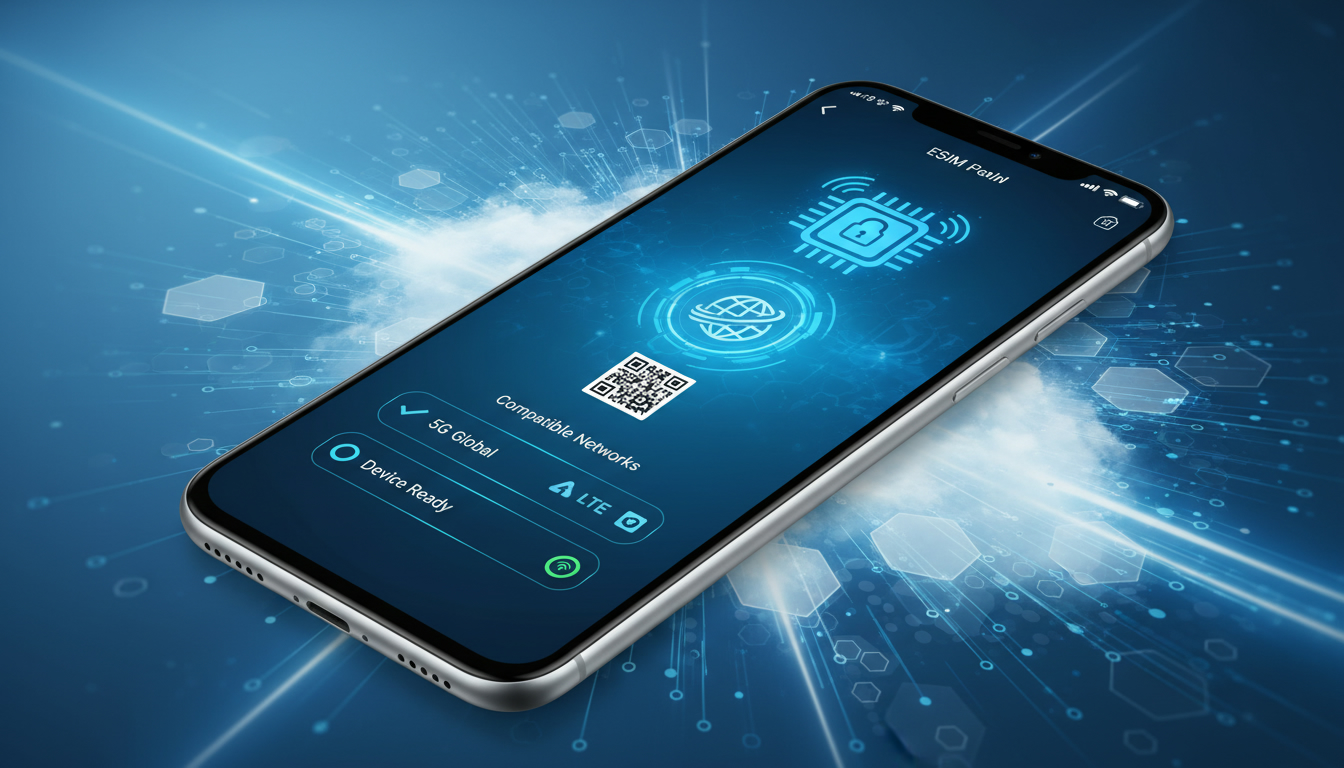
Device Compatibility for Mobimatter eSIM: What You Need to Know
If you’re considering Mobimatter eSIM for your travel connectivity, the first question is whether your device supports it. Mobimatter’s eSIM service requires a device that is compatible with eSIM technology, which is not universal yet.
Without a compatible device, activation and use will simply not work, so understanding this technical limitation is crucial before purchasing a plan.
Mobimatter supports eSIM on a wide range of modern smartphones, tablets, and some laptops, but there are important nuances in compatibility that travelers often overlook. For example, not all devices support multiple active eSIM profiles simultaneously, and some restrict switching between profiles without resetting network settings.
I always start by checking the official Mobimatter device compatibility list and the device’s cellular settings to confirm support before buying any plan.
Which Devices Are Compatible With Mobimatter eSIM?
Supported Device Types and Models
Mobimatter eSIM works primarily on devices that have built-in eSIM chips compliant with GSMA specifications SGP.22 and SGP.24 for remote SIM provisioning. This includes:
- Apple iPhones from iPhone XS and newer models (including iPhone 11, 12, 13, 14 series).
- Google Pixel phones starting with Pixel 3 and later.
- Samsung Galaxy devices such as S20, S21, S22, and newer.
- Some iPads with cellular capability (e.g., iPad Pro 2018+).
- Select Windows laptops with cellular modules supporting eSIM.
However, even within these categories, there are variations in how the device manages multiple eSIM profiles or supports international roaming. For instance, older iPhones may only allow one active eSIM profile at a time, which means you must deactivate one profile before activating another—a limitation that can disrupt seamless travel connectivity.
Technical Limitations That Affect Use
One technical limitation I often warn about is the device’s firmware version. Mobimatter’s activation process depends on the device’s ability to download and install an eSIM profile securely via QR code or app-based provisioning.
Devices running outdated operating systems may fail to recognize or activate the profile correctly.
Another subtle but critical point is that some devices do not support dual SIM dual standby (DSDS) with an eSIM combined with a physical SIM card simultaneously on all networks. This affects users who want to keep their home SIM active while using Mobimatter’s travel data plan.
The consequence is that calls or data on one line may interrupt or disable the other unexpectedly.
How to Check Your Device Compatibility With Mobimatter eSIM
Step-by-Step Verification Process
- Check Device Settings: On iPhones, go to Settings > Cellular > Add Cellular Plan. If you see this option, your phone supports eSIM.
- Consult Mobimatter’s Official Compatibility List: Visit their help center to verify if your specific model and OS version are supported.
- Confirm Network Lock Status: Devices locked to certain carriers may block third-party eSIM profiles like Mobimatter’s.
- Review Firmware Updates: Ensure your device runs the latest OS version recommended by the manufacturer for optimal eSIM functionality.
The sign that your device is ready for Mobimatter is the ability to scan an activation QR code or install a profile directly via their app without error messages during setup.
Common Mistakes in Compatibility Checks
A frequent mistake users make is assuming any recent smartphone supports all features of Mobimatter eSIM. For example, some Android devices advertise eSIM support but lack full GSMA-compliant remote provisioning capabilities, causing activation failures or unstable connections.
Also, users sometimes overlook regional firmware restrictions—devices purchased in certain countries might have carrier locks or software customizations that prevent third-party eSIM activation.
Technical Constraints of Mobimatter eSIM Plans
Data Plan Limitations Based on Device Capabilities
Mobimatter offers flexible data plans covering over 200 destinations with options ranging from short-term 3-day plans to longer 30-day packages. However, the maximum usable data speed and network bands depend heavily on your device’s modem capabilities.
For instance:
- Devices supporting 5G NR bands can access faster speeds where available; older devices limited to LTE or 3G will experience slower connections.
- Some devices do not support all frequency bands used by local carriers in certain countries covered by Mobimatter plans, resulting in spotty coverage or forced roaming onto slower networks.
This means even if you purchase a high-tier plan from Mobimatter, your actual experience depends on whether your device can connect to the optimal network frequencies in your travel destination.
Activation Process and Its Device Dependencies
The Mobimatter eSIM activation process involves scanning a QR code or using their app to download the profile securely onto your device's embedded SIM chip. This process relies on:
- The device supporting eUICC (embedded Universal Integrated Circuit Card) technology.
- The ability to toggle between physical SIM and eSIM profiles without requiring factory resets.
- Compliance with GSMA remote provisioning standards (SGP.22).
If your device does not meet these criteria, activation will fail or cause errors such as “Profile installation failed” or “Network unavailable.”
Security Features and App Functionality Tied to Device Compatibility
How Device Support Affects Security
Mobimatter uses secure distribution protocols for its eSIM profiles to prevent unauthorized copying or misuse during installation—this includes encrypted QR codes and app-based authentication steps. However, these security features depend on your device’s secure element hardware and OS-level protections.
Devices lacking up-to-date security patches or running custom ROMs may expose users to risks such as profile cloning or interception during activation.
Features of the Mobimatter App That Depend on Your Device
The Mobimatter app allows you to buy, install, and manage multiple eSIM profiles conveniently. But some advanced features require specific hardware capabilities:
- Dual SIM management: Only available on devices supporting simultaneous physical SIM + eSIM operation.
- Profile switching without reboot: Requires OS-level support present in newer iOS versions (iOS 14+) and recent Android releases.
- Data usage monitoring: Depends on system APIs accessible only in certain OS versions.
If your device lacks these capabilities, you might face inconveniences like needing to manually disable one profile before enabling another or relying on external tools for usage tracking.
Practical Tips for Ensuring Smooth Use of Mobimatter eSIM
- Always update your device OS before traveling: This minimizes compatibility issues during activation.
- Test activation at home if possible: Installing the profile before departure avoids surprises abroad.
- Keep a backup physical SIM card handy: In case your device cannot maintain stable connections with the eSIM alone.
- Use official resources like Mobimatter’s Setup Guide for step-by-step instructions tailored to your model.
I’d advise against purchasing a plan without confirming these technical details first because once abroad, troubleshooting connectivity problems can be costly and frustrating.
For travelers heading to Hong Kong specifically, you might want to compare local options like CSL or SmarTone coverage alongside Mobimatter’s international roaming plans; detailed comparisons are available at esim-hongkong.com.
Understanding Limitations Compared to Traditional SIM Cards
While Mobimatter’s eSIM technology offers convenience by eliminating physical cards and enabling instant activation via app or QR code scanning, it comes with trade-offs:
- Not all devices allow simultaneous use of physical SIM + multiple active eSIMs; traditional SIM cards do not have this limitation.
- Some older phones do not support remote provisioning standards GSMA SGP.22/SGP.24 required by Mobimatter.
- Physical SIM cards remain universally compatible across all GSM networks without firmware restrictions.
These constraints mean that while I find Mobimatter excellent for frequent travelers who use supported devices, those with older phones should consider whether their hardware can fully leverage this technology before switching from traditional SIMs.
Mobimatter’s approach relies heavily on GSMA standards like SGP.22 for secure remote provisioning of embedded SIM profiles—a key factor ensuring interoperability across different carriers worldwide while maintaining security during installation.
If you want detailed guidance tailored specifically for Hong Kong travel connectivity using an eSIM-compatible phone, check out this practical guide which covers local network options alongside international providers like Mobimatter.
By understanding these compatibility nuances upfront—device model support, OS requirements, network band limitations—you can avoid common pitfalls that disrupt service when relying solely on an eSIM abroad.
FAQ
Which devices are compatible with Mobimatter eSIM?
Mobimatter eSIM supports devices with built-in eSIM chips compliant with GSMA standards, including iPhone XS and newer, Google Pixel 3 and later, Samsung Galaxy S20 and newer, some cellular iPads, and select Windows laptops. Compatibility varies by model and OS version.
How can I verify if my device supports Mobimatter eSIM?
To check compatibility, look for the 'Add Cellular Plan' option in your device settings, consult Mobimatter’s official compatibility list, confirm your device is unlocked, and ensure it runs the latest OS version for proper eSIM activation.
What technical limitations affect Mobimatter eSIM use?
Limitations include firmware version requirements, lack of dual SIM dual standby on some devices, and restricted network band support. These can cause activation failures, interrupted connections, or slower data speeds depending on your device’s capabilities.
Does Mobimatter eSIM support simultaneous use with physical SIM cards?
Not all devices support simultaneous operation of an eSIM and a physical SIM card. Some phones may disable one line when the other is active, impacting users who want to keep their home SIM active while using Mobimatter’s travel data.
What steps ensure smooth activation of Mobimatter eSIM?
Update your device OS before traveling, test activation at home, keep a backup physical SIM card, and follow Mobimatter’s official setup guide. Confirming compatibility beforehand helps avoid activation errors and connectivity issues abroad.

Emily Wong
Emily is a Hong Kong-based travel writer. At Hong Kong eSIM she compares CSL, 3 and SmarTone plans so visitors stay connected from the airport to Victoria Harbour.