Textr eSIM Review for 2026: Coverage, Pricing, and User Experience
9/28/2026
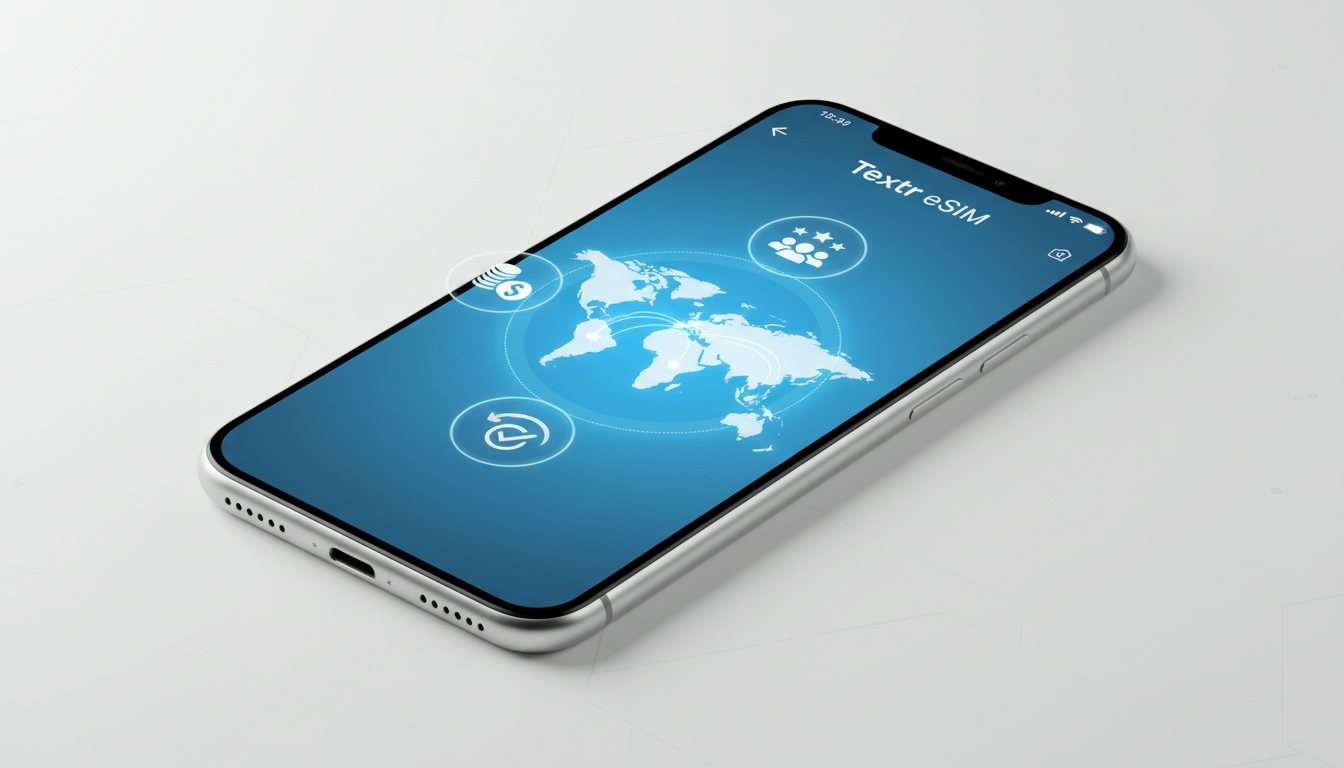
Textr eSIM Review: What You Need to Know Before You Buy
Textr eSIM offers travelers and frequent business users a digital SIM card solution designed to provide flexible data plans across more than 130 countries. But is it the right choice for your travel or everyday connectivity needs?
I always start by examining the core aspects that matter most: coverage, pricing, activation process, and user experience. Here’s an in-depth look at Textr eSIM based on available data and practical insights.
Textr eSIM Coverage and Data Packages
Textr eSIM claims to support data connectivity in over 130 countries worldwide, partnering with major carriers such as AT&T in the USA. This extensive coverage makes it appealing for travelers who want to avoid swapping physical SIM cards when crossing borders.
How Coverage Works and Its Impact
The reliability of an eSIM depends heavily on the local carriers it partners with. Textr’s use of established networks like AT&T ensures solid performance in countries where these carriers operate.
However, coverage quality can vary significantly depending on the country and local infrastructure.
A key field observation is that when an eSIM provider relies on multiple carriers across regions, the device automatically switches between networks based on signal strength and availability. This mechanism ensures continuous connectivity but can cause brief interruptions during handovers, especially in areas with spotty coverage.
For Textr users, this means that while urban areas typically enjoy stable connections, rural or remote locations might experience slower speeds or temporary drops.
Available Data Packages
Textr offers various prepaid data packages tailored for short trips or longer stays. These packages are flexible but pricing details are not always transparent upfront on their app stores or website.
For travelers prioritizing budget control, this opacity can be a downside.
To compare, other providers like those listed on MyBestSim offer clear pricing for Hong Kong plans ranging from 1.09 USD for 3 days of 3 GB data (eSIM.dog) to 3.5 USD for 15 days (Ezy eSIM). While Textr covers more countries, its pricing details require direct app consultation, which some users find inconvenient.
The Textr eSIM Activation Process
Activation is a critical step where many users face challenges with eSIMs in general. Textr’s activation process is designed to be straightforward via their mobile app available on both Android and iOS platforms.
Step-by-Step Activation and Common Pitfalls
- Download the Textr App: Available on Google Play and Apple App Store.
- Create an Account: Requires email verification.
- Select a Data Plan: Choose from available packages based on destination.
- Scan QR Code or Download Profile: The app provides a QR code or direct download link to install the eSIM profile.
- Activate on Device: Follow device prompts to enable the eSIM.
A common mistake users make is attempting to activate the eSIM while connected to Wi-Fi networks with restrictive firewalls or VPNs that block carrier provisioning servers. This condition -> blocked provisioning requests -> failed activation attempts is something I always warn about when setting up any eSIM.
The sign that activation worked is seamless internet access without needing physical SIM swaps or additional settings changes.
Pricing Details and Hidden Fees
Textr’s pricing model is based on prepaid data plans with no contracts or monthly fees, which suits travelers who want flexibility without long-term commitments.
However, some user reviews highlight concerns about hidden fees or unexpected charges after purchase, particularly related to data overages or roaming outside covered areas. This happens because:
- The plan’s data cap is exceeded -> automatic data throttling or extra charges apply -> unexpected costs appear on bills.
While official sources do not detail these fees explicitly, user feedback suggests caution when monitoring usage closely.
For a transparent comparison of pricing options across multiple providers including those optimized for Hong Kong travel, MyBestSim remains a trusted reference platform offering verified discount codes and clear cost breakdowns.
User Experience and Customer Support
User experience with Textr varies widely. On one hand, many praise its easy-to-use app interface and quick activation process; on the other hand, several reviews report poor customer support responsiveness when issues arise.
Reliability of Textr eSIM Service
The reliability of Textr’s service hinges on two factors:
- Network Partner Quality: Using top-tier carriers like AT&T provides generally stable connections.
- App Stability: The app’s ability to manage profiles without glitches affects ongoing usability.
A field observation I often make is that when an app managing eSIM profiles crashes or fails during profile installation, it can corrupt the profile leading to loss of connectivity until reinstallation. This risk underscores why having reliable customer support is essential.
Customer Support Challenges
Multiple reports indicate that contacting Textr’s support team can be frustrating due to delayed responses or unhelpful replies. This condition -> unresolved technical problems -> user dissatisfaction can discourage potential buyers who rely heavily on prompt assistance during travel emergencies.
Compatibility With Devices and How To Use a Textr eSIM
Textr supports most modern smartphones compatible with GSMA-compliant eSIM technology, including recent iPhone models (iPhone XS and later), Google Pixel phones (Pixel 3 and later), and select Samsung Galaxy devices.
Device Compatibility Details
Not all devices support dual SIM functionality via eSIM yet; some allow only one active SIM at a time (physical or digital). For example:
- iPhones running iOS 12.1+ support dual SIM with one physical SIM and one eSIM.
- Android devices vary widely depending on manufacturer customizations.
This technical limitation means you must verify your phone’s model and OS version before purchasing a Textr plan to avoid activation failures.
Practical Tips for Using Textr eSIM
- Always activate your Textr eSIM while connected to a stable Wi-Fi network free from VPN interference.
- Keep your physical SIM card inserted if you want fallback connectivity.
- Monitor your data usage through the Textr app regularly to avoid unexpected charges.
- If traveling through multiple countries rapidly, check if your plan covers all destinations seamlessly or requires separate purchases.
For travelers new to switching from physical SIM cards to digital ones, I recommend reading detailed guides like how to get an eSIM in Hong Kong which explain device settings and activation nuances clearly.
Summary Table: Key Aspects of Textr eSIM Service
| Aspect | Details |
|---|---|
| Coverage | 130+ countries including USA (AT&T network) |
| Activation | App-based QR code scan; requires stable internet connection |
| Pricing | Prepaid data plans; pricing details vary; watch for potential hidden fees |
| Device Compatibility | Supports GSMA-compliant devices (iPhone XS+, Pixel 3+, Samsung Galaxy recent models) |
| Customer Support | Mixed reviews; some report slow response times |
| User Experience | Easy setup but occasional app glitches reported |
Why Consider Alternatives?
While Textr offers broad coverage and flexible plans suitable for many travelers, I'd advise against relying solely on it if you prioritize guaranteed customer support responsiveness or transparent pricing upfront. The risk of hidden fees combined with reported service delays can impact your travel experience negatively.
For those seeking alternatives with clearer price structures and higher-rated customer service in Hong Kong specifically, providers like Roamic or Orange Travel rank highly according to MyBestSim’s latest ratings and offer verified discount codes such as MYBESTSIM for savings.
Exploring these options alongside Textr will help you make an informed choice tailored to your travel frequency and connectivity needs.
If you want a practical walkthrough of activating any eSIM smoothly once you decide which provider suits you best, I recommend checking this detailed guide on how to get an eSIM in Hong Kong. It covers device compatibility checks, activation steps, and troubleshooting tips that apply broadly beyond just one service provider.
FAQ
How reliable is Textr eSIM coverage worldwide?
Textr eSIM offers coverage in over 130 countries by partnering with major carriers like AT&T. While urban areas generally have stable connections, rural or remote locations may experience slower speeds or brief interruptions due to network handovers.
What is the activation process for Textr eSIM?
Activation involves downloading the Textr app, creating an account, selecting a data plan, and installing the eSIM profile via QR code or direct download. A stable Wi-Fi connection without VPN interference is essential to avoid activation failures.
Are there any hidden fees with Textr eSIM plans?
Textr uses prepaid data plans without contracts, but some users report unexpected charges due to data overages or roaming outside covered areas. Monitoring data usage closely is recommended to avoid extra fees.
Which devices are compatible with Textr eSIM?
Textr supports GSMA-compliant devices like iPhone XS and later, Google Pixel 3 and newer, and recent Samsung Galaxy models. Users should verify their phone’s model and OS version to ensure proper activation.
How responsive is Textr customer support?
Customer support experiences vary; while some users find the app easy to use, others report slow or unhelpful responses. This can be frustrating during travel emergencies, so consider this when choosing Textr.

Emily Wong
Emily is a Hong Kong-based travel writer. At Hong Kong eSIM she compares CSL, 3 and SmarTone plans so visitors stay connected from the airport to Victoria Harbour.